• Shop

Mark Lindsay CNC

A hobby CNC enthusiast's blog

  • Main Page
  • Beginners Series
    • The CNC Process for the Absolute Beginner
    • Vectric for the Absolute Beginner Video Series
    • V-Carving for the Absolute Beginner
  • Links
  • Posts
  • Shop
  • About Us
  • Main Page
  • Beginners Series
    • The CNC Process for the Absolute Beginner
    • Vectric for the Absolute Beginner Video Series
    • V-Carving for the Absolute Beginner
  • Links
  • Posts
  • Shop
  • About Us

No Widgets found in the Sidebar Alt!

CNC Router, Gatton CNC, Rotary Axis, Tools and Supplies

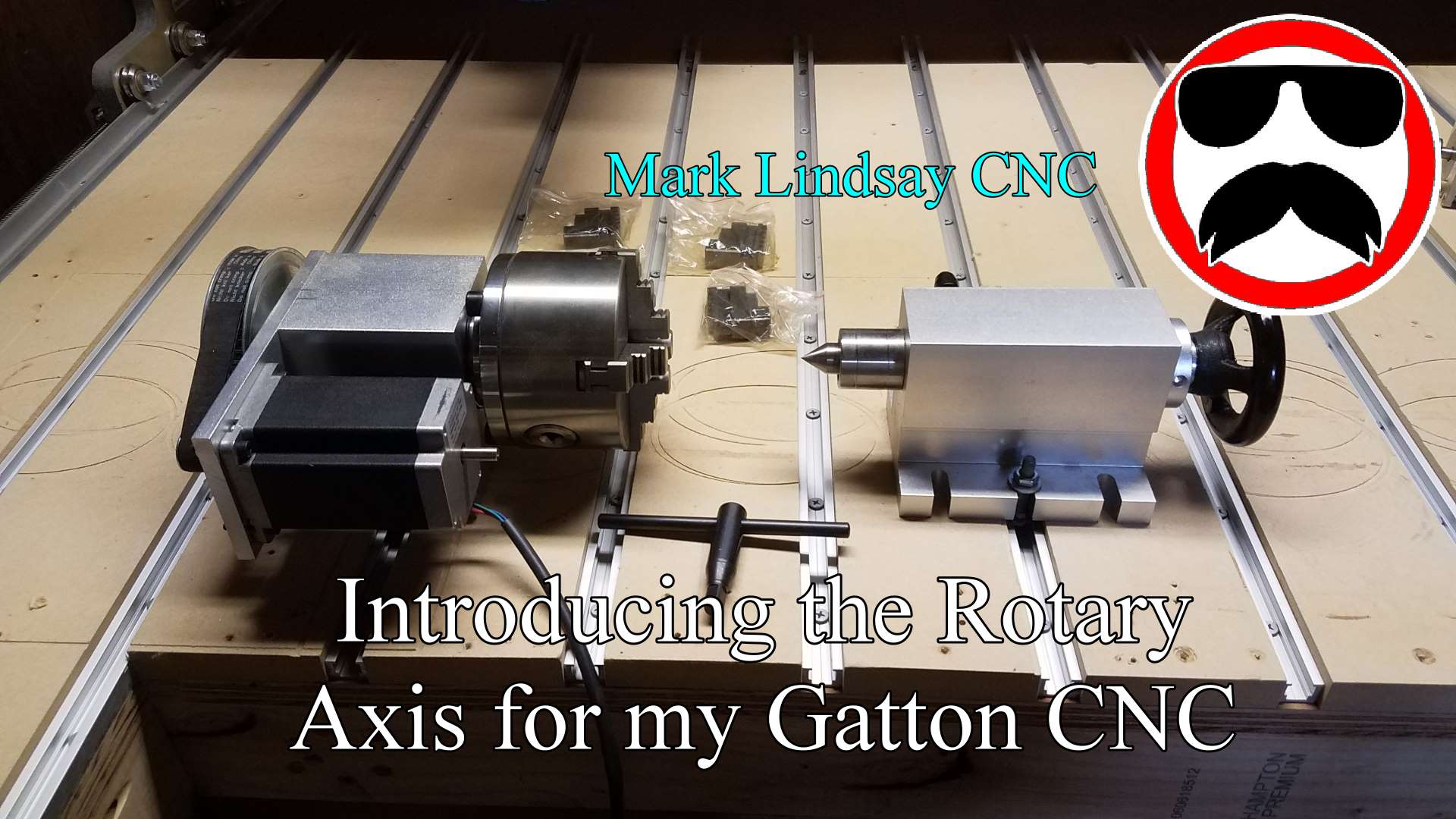
The Mount and First Run of the Rotary Axis on My Gatton CNC

read more
May 6, 2018
Beginner, Software, Tutorials

Vectric Software for the Absolute Beginner – Part 12

read more
January 13, 2019
Techniques, Tools and Supplies

Painting and Finishing a V-Carved Project

read more
May 26, 2019
  • Thumb 14
    CNC Router,  Gatton CNC,  Tools and Supplies

    Adding Homing and Limit Switches to My Gatton CNC

    November 6, 2017 /

    Adding homing and limit switches to my Gatton CNC wasn’t as difficult as I thought it would be, but there are some things to watch out for. [expand title=”Read More”] Let me explain the sentence above. I’m not an electronics person – I’m a wood guy. My interests run toward the mechanical – not the electronic. It’s not that I don’t think I could learn electronics. I just don’t have any desire to learn it. That’s worked to my disadvantage a few times, and it’s been a limiting factor on occasion, but I’m fine with that. I’m not a total dunce to all things electrical or electronic. I can run wire…

    Read More
    Mark Lindsay

    You May Also Like

    Finish It Web Thumbnail

    Painting and Finishing a V-Carved Project

    May 26, 2019
    Part 39 Website Thumbnail

    Vectric Software for the Absolute Beginner – Part 39

    February 9, 2020
    Part 21 Website Thumb

    Vectric Software For the Absolute Beginner – Part 21

    April 14, 2019
  • Thumb 10
    CNC Router,  Gatton CNC

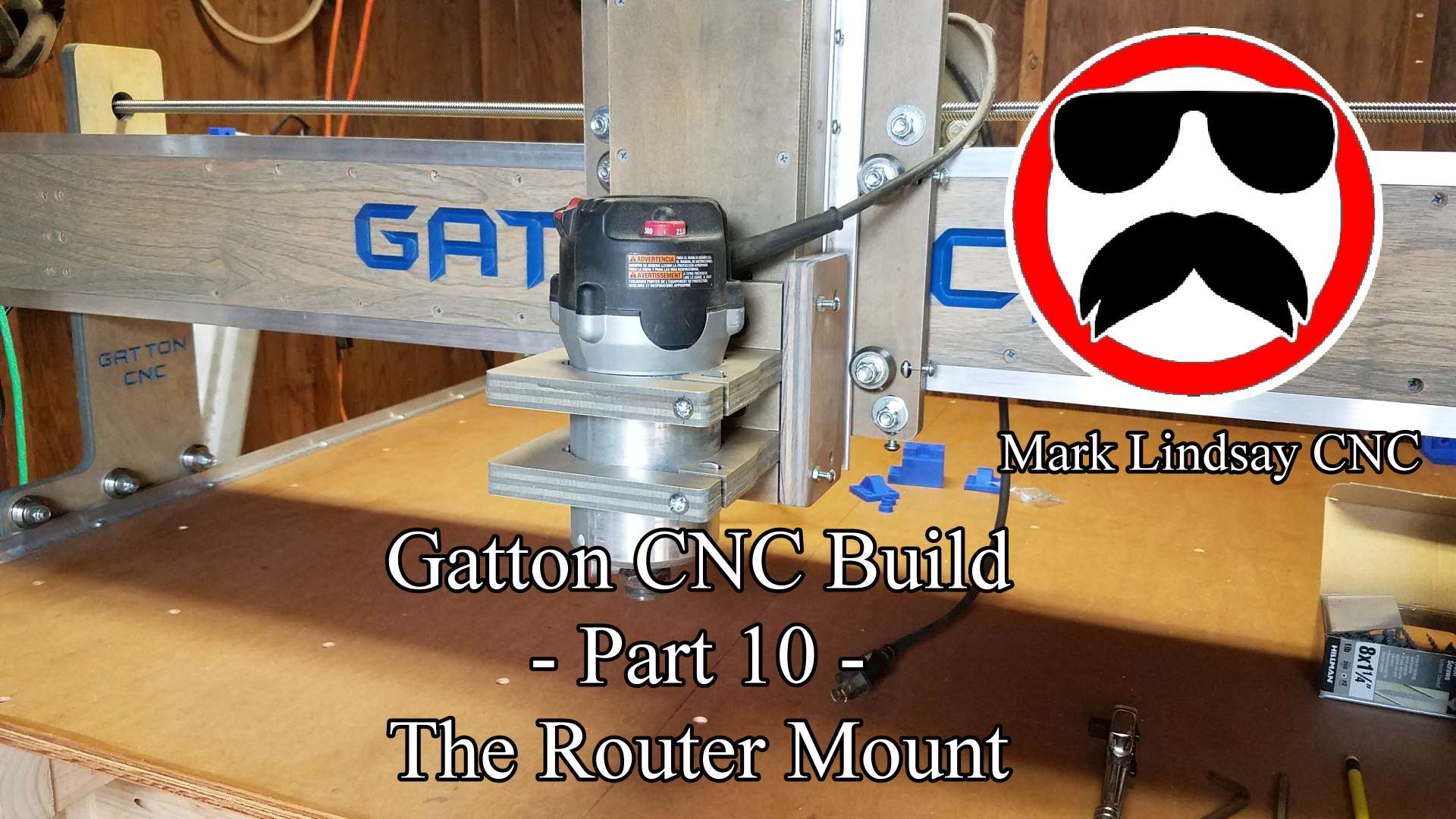
    Gatton CNC Build Part 10 – Router Mount and Tramming Plates

    September 26, 2017 /

    Read More
    Mark Lindsay

    You May Also Like

    YouTube Thumb 16

    Vectric Software for the Absolute Beginner – Part 16

    February 17, 2019
    Part 14 Website Thumb

    Vectric Software for the Absolute Beginner – Part 14

    January 27, 2019
    Part 25 Website Thumbnail

    Vectric Software for the Absolute Beginner – Part 25

    June 16, 2019
  • Uncategorized

    Gatton CNC Build – Progress Report 1

    September 12, 2017 /

      As I type this on September 12th, 2017, my Gatton CNC is basically finished. I can plug in the drive box and use it at any time. I’m struggling to refrain from doing so, however, because there are still a few things to be done. Chief among them is cable management.[expand title=”Read More”] On my old Shoestring Budget CNC, my cable management system boiled down to an, “It looks good hanging right about there,” approach. On the Gatton CNC, however, that’s just not going to cut it. Or maybe it will. Let me explain. The Shoestring Budget CNC was pretty small, as I explained in Episode 2 of my…

    Read More
    Mark Lindsay
  • Uncategorized

    My Gatton CNC Build!

    August 24, 2017 /

    After keeping it under wraps for over 6 months, I finally revealed the secret lurking in The Magic Box on the final episode of The CNC with Dave Show at the end of July, 2017. That secret was that I’m building a Gatton CNC.[expand title = “Read More”] The project was kept under wraps for a couple of reasons. One reason was because a lot of work had to be done before I could even start the build. I’ve made it no secret that I basically work out of an over-glorified garden shed. My shop/shed is 8’ wide and 12’ long on the outside. Every tool I owned was piled…

    Read More
    Mark Lindsay
  • Uncategorized

    Joining Problem Vectors using Layers in VCarve and Aspire

    April 21, 2017 /

    There are times when you need to join vectors to create a profile toolpath, but in doing so, you’ll also have to trim away vectors or sections of vectors that you can’t eliminate. What I mean by that is that if you trim a vector, you lose that vector’s shape, or you lose some detail you’re trying to save. Take the picture below for example.[expand title= “Read More”]   Obviously, it’s a representation of the state of Michigan. The author of the file* wanted to join the Upper Peninsula to the main body of the state using two arcs to connect them. To compound the issue, he also added the…

    Read More
    Mark Lindsay
  • Uncategorized

    Using the Triple Edge Finder from The Maker’s Guide with the Xylotex Drive Box Part 3

    March 26, 2017 /

    Putting the Triple Edge Finder to Work   Easily, the most popular question I get is how I hooked up my Triple Edge Finder (TEF) to my Xylotex Drive Box for use with my Shoestring Budget CNC Router. This article is part 3 of a series in which I’ll explain what I needed to buy, how I hooked everything up, what settings I used in Mach3, and how I use it in normal day to day operations. This article is meant to accompany my video tutorial, which can be viewed on my YouTube channel right here. With everything installed, configured, assembled and connected, it’s time to test and put the…

    Read More
    Mark Lindsay

    You May Also Like

    TEF Thumbnail

    Adding a Touch Plate and Modifying the Tailstock Mount for the Rotary Axis on My Gatton CNC

    May 13, 2018
    Alignment Jig Website Thumbnail

    Making My CNC Table Alignment Jig

    May 12, 2019
    Part 12 Thumb

    Vectric Software for the Absolute Beginner – Part 12

    January 13, 2019
  • Gatton CNC,  Software,  Tools and Supplies

    Using the Triple Edge Finder from The Maker’s Guide with the Xylotex Drive Box Part 2

    March 24, 2017 /

    Connection and Configuration   Easily, the most popular question I get is how I hooked up my Triple Edge Finder to my Xylotex Drive Box for use with my Shoestring Budget CNC Router. This article is part 2 of a series in which I’ll explain what I needed to buy, how I hooked everything up, what settings I used in Mach3, and how I use it in normal day to day operations. This article is meant to accompany my video tutorial, which can be viewed on my YouTube channel right here. With all of the parts ordered, and hopefully received by now, it’s time to start assembling everything. First, we’ll…

    Read More
    Mark Lindsay

    You May Also Like

    Part 21 Website Thumb

    Vectric Software For the Absolute Beginner – Part 21

    April 14, 2019
    Part 26 Website Thumbnail

    Vectric Software for the Absolute Beginner – Part 26

    July 21, 2019
    Thumb 15

    Tramming the Router on my Gatton CNC

    November 8, 2017
  • Uncategorized

    Using the Triple Edge Finder from The Maker’s Guide with the Xylotex Drive Box Part 1

    March 19, 2017 /

    The Breakout Board and Mach3 Toolsetter Screen Set This is a companion article that goes with my YouTube video, posted here. Easily, the most popular question I get is how I hooked up my Triple Edge Finder to my Xylotex Drive Box for use with my Shoestring Budget CNC Router. This article is part 1 of a series in which I’ll explain what I needed to buy, how I hooked everything up, what settings I used in Mach3, and how I use it in normal day to day operations. [expand title=”Read More”] To get started, we’ll need to get the Triple Edge Finder itself, obviously. You can get yours over at…

    Read More
    Mark Lindsay
  • Uncategorized

    Converting Metric Vectors to Imperial (or Vice Versa) in VCarve, Aspire, and Cut2D

    February 24, 2017 /

    Converting from Metric to Imperial is easy. Have you ever imported a DXF file into your Vectric software, only to find that it’s incredibly huge, or unbelievably small? Well, maybe the vector file was drawn in a different unit of measure.  [expand title=”Read More”] When you import a DXF file into VCarve, Aspire, or Cut 2D, the software imports the file as drawn. It doesn’t convert from one unit of measure to another. So if you’re working in Imperial units and import a file that was 200 mm long, Vectric assumes that it’s 200 inches. Obviously that’s a problem. Usually, converting those vectors from metric to Imperial solves the problem. To…

    Read More
    Mark Lindsay
  • Uncategorized

    Eliminating Unnecessary Points from Vectors in VCarve, Aspire, and Cut 2D

    February 23, 2017 /

    One of the side effects of importing vectors from a separate CAD or graphics program is that you’re importing those vectors as drawn by the file’s creator. While there’s nothing inherently wrong with that, it can lead to side issues if some of the basics aren’t addressed. Among these basics are the numbers of points in the vectors and what type of vectors they are. [expand title=”Read More”] As I’ve mentioned before in previous posts, there are three types of vectors: arcs, curves, and lines. All vectors are based on one of these three types. It may or may not be readily apparent as to which type of vector the file’s…

    Read More
    Mark Lindsay
15161718

Donate

If you’d like to support my website and YouTube channel and help with the making of future videos, you can donate by clicking the DONATE button below. Thank you for your support!


Recent Posts

  • Live Q&A #349 – Open Q&A
  • Live Q&A #348 – Open Q&A
  • Live Q&A #347 – Open Q&A
  • Live Q&A #346 – Open Q&A
  • Live Q&A #345 – Open Q&A

Archives

  • August 2026
  • July 2026
  • June 2026
  • May 2026
  • April 2026
  • March 2026
  • February 2026
  • January 2026
  • December 2025
  • November 2025
  • October 2025
  • September 2025
  • August 2025
  • July 2025
  • June 2025
  • May 2025
  • April 2025
  • March 2025
  • February 2025
  • January 2025
  • December 2024
  • November 2024
  • October 2024
  • September 2024
  • August 2024
  • July 2024
  • May 2024
  • April 2024
  • June 2023
  • March 2020
  • February 2020
  • January 2020
  • July 2019
  • June 2019
  • May 2019
  • April 2019
  • March 2019
  • February 2019
  • January 2019
  • November 2018
  • October 2018
  • August 2018
  • July 2018
  • May 2018
  • April 2018
  • November 2017
  • September 2017
  • August 2017
  • April 2017
  • March 2017
  • February 2017

Categories

  • 3D Model Carving
  • Beginner
  • Channel Update
  • CNC Router
  • Gatton CNC
  • Laser
  • Live Q & A
  • Rotary Axis
  • Software
  • Techniques
  • Tools and Supplies
  • Tutorials
  • Uncategorized
Mark Lindsay CNC - Harnealmedia.com - 2026 ©