-
Making My CNC Table Alignment Jig
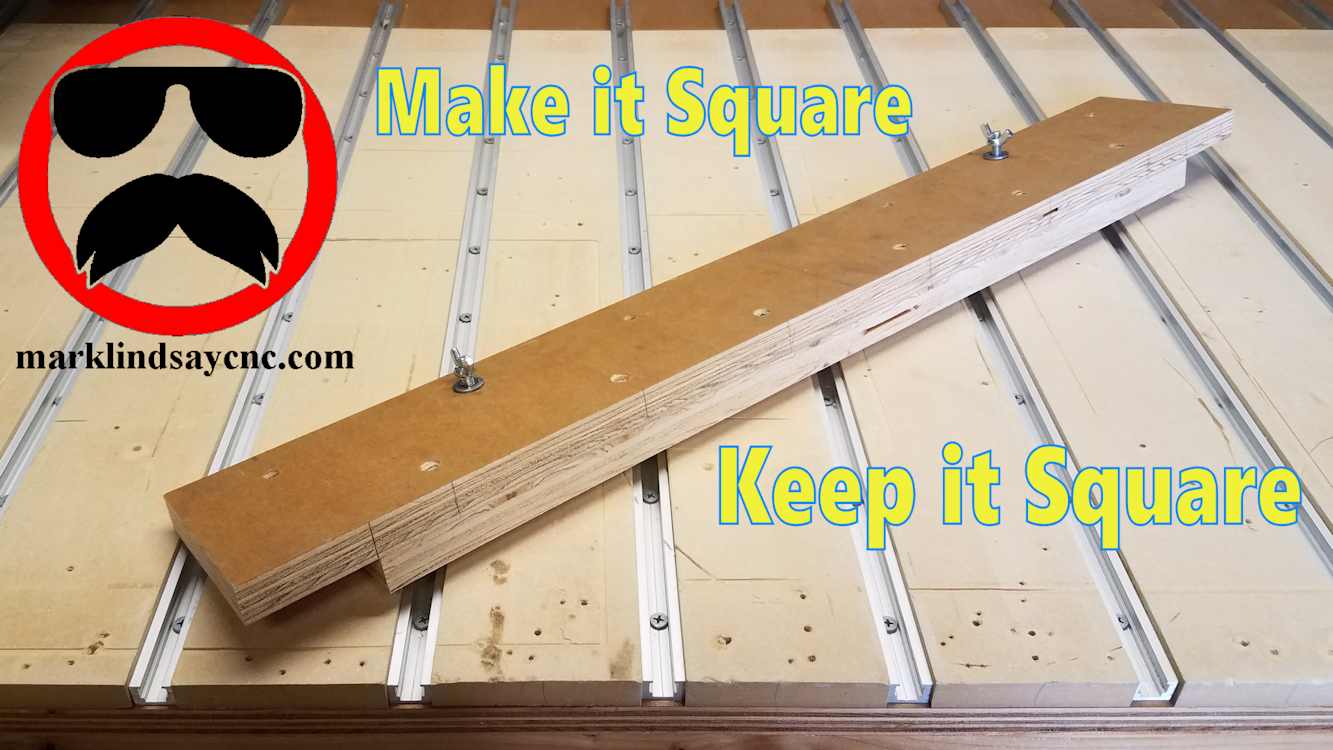
[vc_row][vc_column][/vc_column][/vc_row][vc_row][vc_column][vc_column_text]This article accompanies a video on my YouTube channel. If you’re not subscribed to my channel, here’s a link. Come on by and check it out. Hopefully you’ll find something you like. In this video, I’ll show you how I made a jig to help me align and square up materials on my CNC table.[/vc_column_text][/vc_column][/vc_row][vc_row][vc_column][vc_raw_html]JTNDc2NyaXB0JTIwYXN5bmMlMjBzcmMlM0QlMjIlMkYlMkZwYWdlYWQyLmdvb2dsZXN5bmRpY2F0aW9uLmNvbSUyRnBhZ2VhZCUyRmpzJTJGYWRzYnlnb29nbGUuanMlMjIlM0UlM0MlMkZzY3JpcHQlM0UlMEElM0NpbnMlMjBjbGFzcyUzRCUyMmFkc2J5Z29vZ2xlJTIyJTIwc3R5bGUlM0QlMjJkaXNwbGF5JTNBJTIwYmxvY2slM0IlMjB0ZXh0LWFsaWduJTNBJTIwY2VudGVyJTNCJTIyJTIwZGF0YS1hZC1sYXlvdXQlM0QlMjJpbi1hcnRpY2xlJTIyJTIwZGF0YS1hZC1mb3JtYXQlM0QlMjJmbHVpZCUyMiUyMGRhdGEtYWQtY2xpZW50JTNEJTIyY2EtcHViLTM2ODMxNTU4MjUyMjM3ODklMjIlMjBkYXRhLWFkLXNsb3QlM0QlMjIxMTk3OTIwODE1JTIyJTNFJTNDJTJGaW5zJTNFJTBBJTNDc2NyaXB0JTNFJTBBJTI4YWRzYnlnb29nbGUlMjAlM0QlMjB3aW5kb3cuYWRzYnlnb29nbGUlMjAlN0MlN0MlMjAlNUIlNUQlMjkucHVzaCUyOCU3QiU3RCUyOSUzQiUwQSUzQyUyRnNjcmlwdCUzRQ==[/vc_raw_html][/vc_column][/vc_row][vc_row][vc_column][vc_column_text]I get a lot of questions about how I align a piece of material on my CNC table to make sure it’s square to the table. Use of this simple jig guarantees the material I mount will stay aligned to the table, and more importantly, aligned with the CNC router’s X axis travel. There are no…
-
Vectric Software For the Absolute Beginner – Part 21
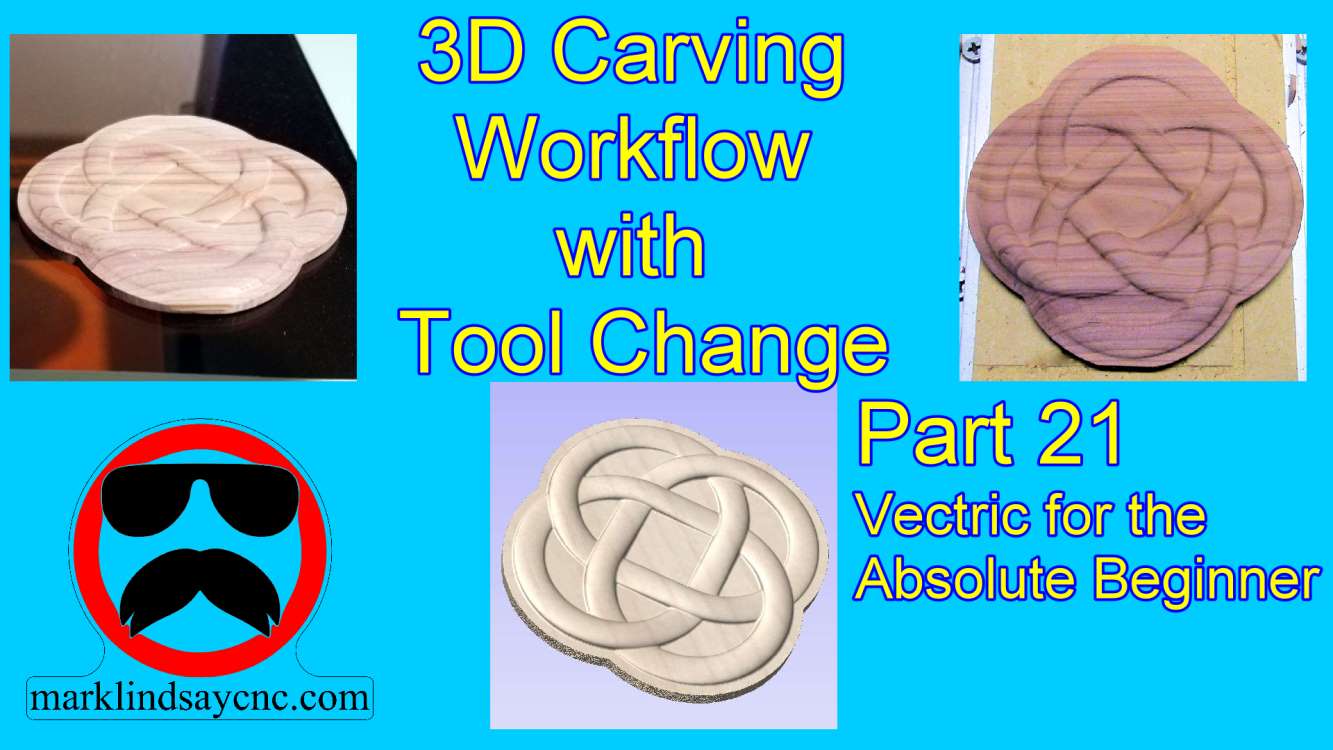
[vc_row][vc_column][vc_column_text] Part 21 – 3D Carving Workflow with Tool Change [/vc_column_text][/vc_column][/vc_row][vc_row][vc_column][vc_column_text]This article accompanies the twenty first video in a series on my YouTube channel. If you’re not subscribed to my channel, here’s a link. Come on by and check it out. Hopefully you’ll find something you like. In this 21st video of the series, I’ll wrap up my journey into 3D Carving in Vectric Software by giving you a walk through my workflow from start to finish. First we’ll design the 3D project in VCarve Pro, calculate toolpaths, then save g-code. From there we’ll go out into the shop and transfer the g-code files onto the CNC computer. I’ll load…
-
Vectric Software for the Absolute Beginner – Part 20
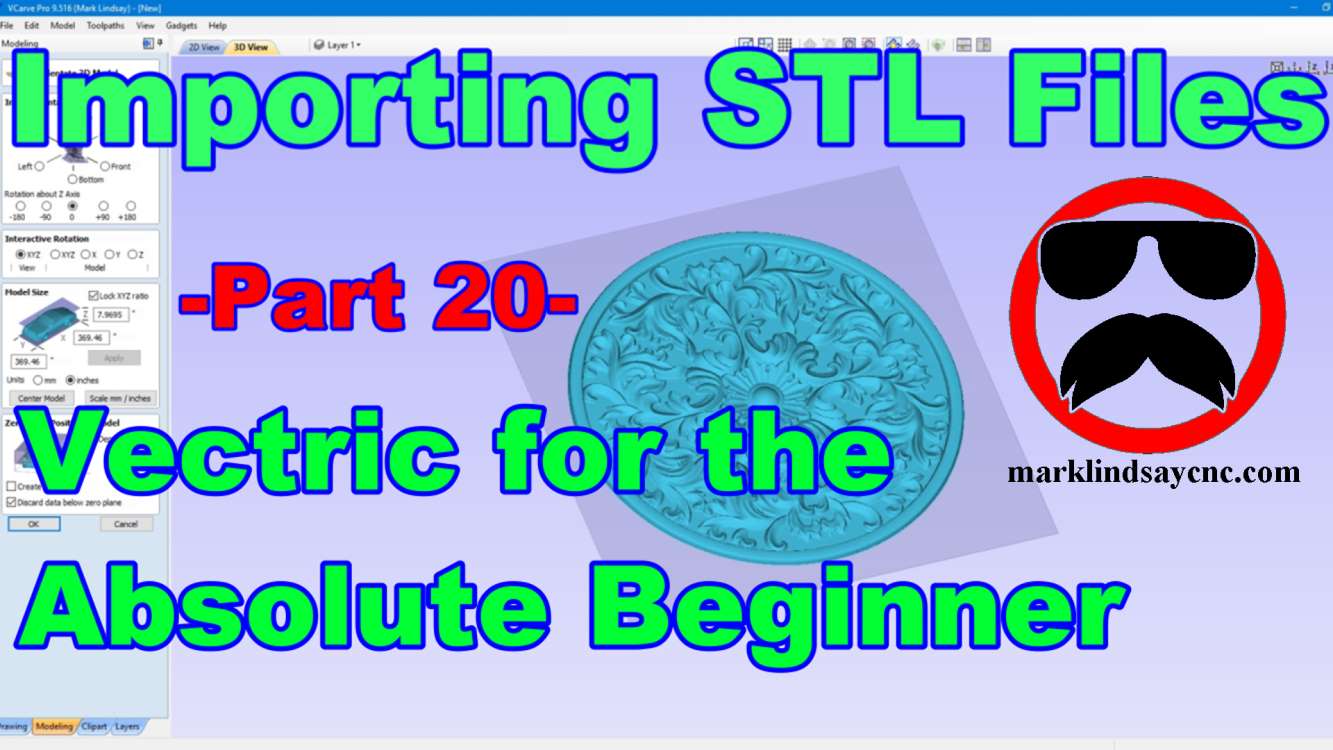
[vc_row][vc_column][vc_column_text] Part 20 – Importing STL Files [/vc_column_text][/vc_column][/vc_row][vc_row][vc_column][vc_column_text]This article accompanies the twentieth video in a series on my YouTube channel. If you’re not subscribed to my channel, here’s a link. Come on by and check it out. Hopefully you’ll find something you like. In this video, I’ll continue the journey into 3D carving in Vectric Software. We’ll get into importing STL files into the software. First we’ll import the STL file, and I’ll walk you through the 3D Model Orientation screen. From there we’ll create a vector around the model, then start calculating toolpaths. In the 3D roughing toolpath, I’ll show you the difference between using a Z Level strategy…
-
Vectric for the Absolute Beginner – Part 19
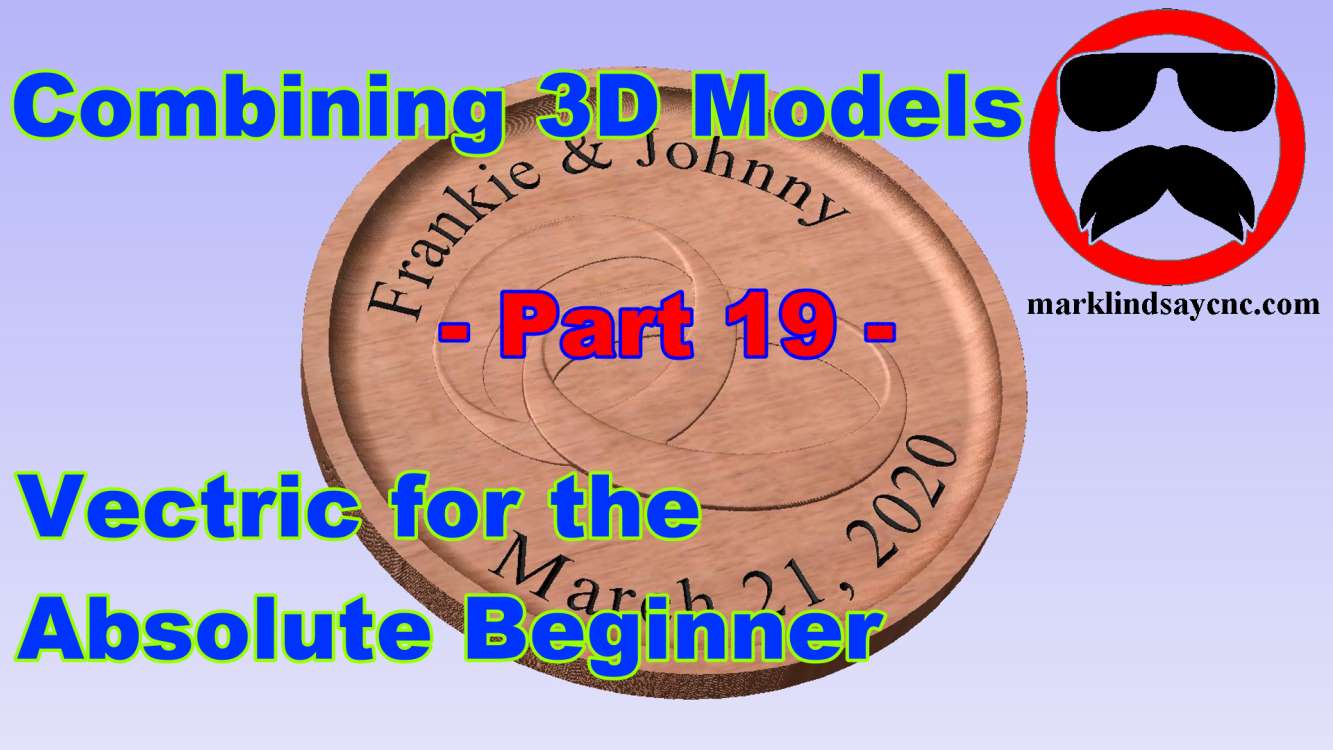
[vc_row][vc_column][vc_column_text] Part 19 – Combining 3D Models [/vc_column_text][/vc_column][/vc_row][vc_row][vc_column][vc_column_text]This article accompanies the nineteenth video in a series on my YouTube channel. If you’re not subscribed to my channel, here’s a link. Come on by and check it out. Hopefully you’ll find something you like. In this 19th video of the series, I’ll get a bit deeper into 3D carving within the Vectric software. We’ll import two 3D models from the Clipart Library that came with VCarve, and I’ll show you how to combine them to create the basis for a wedding plaque. We’ll create a vector around the models, then offset that vector to give us a profile to cut out…
-
Vectric Software for the Absolute Beginner – Part 18
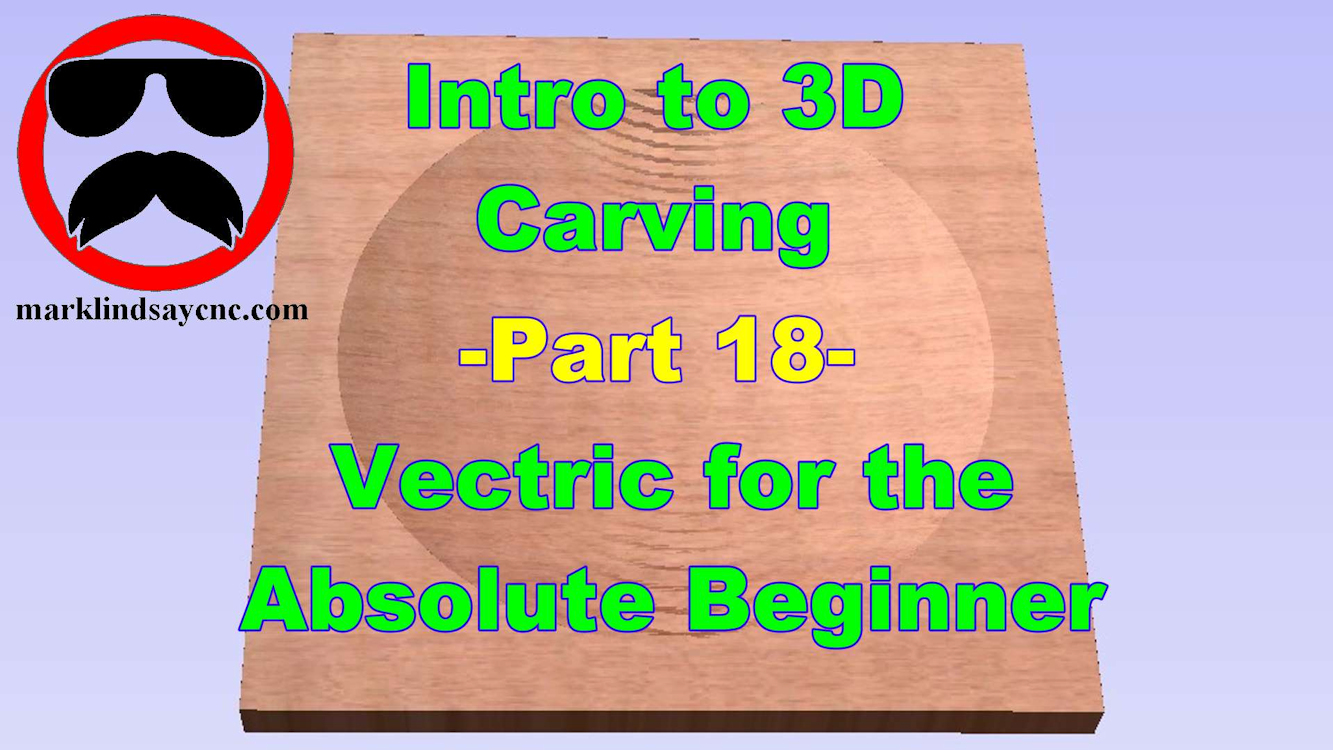
[vc_row][vc_column][vc_column_text] Part 18 – Intro to 3D Carving This article accompanies the eighteenth video in a series on my YouTube channel. If you’re not subscribed to my channel, here’s a link. Come on by and check it out. Hopefully you’ll find something you like. In this video, I’ll slowly wade into the topic of 3D carving in Vectric Software. We’ll get into Modeling Resolution in Job Setup, and I’ll show you how to set that. Then I’ll import a 3D model from the Clipart that comes with the Vectric software when you purchase it. From there we’ll get into the Modeling Tab and convert a dome to a dish, add…
-
K40 Laser Unboxing
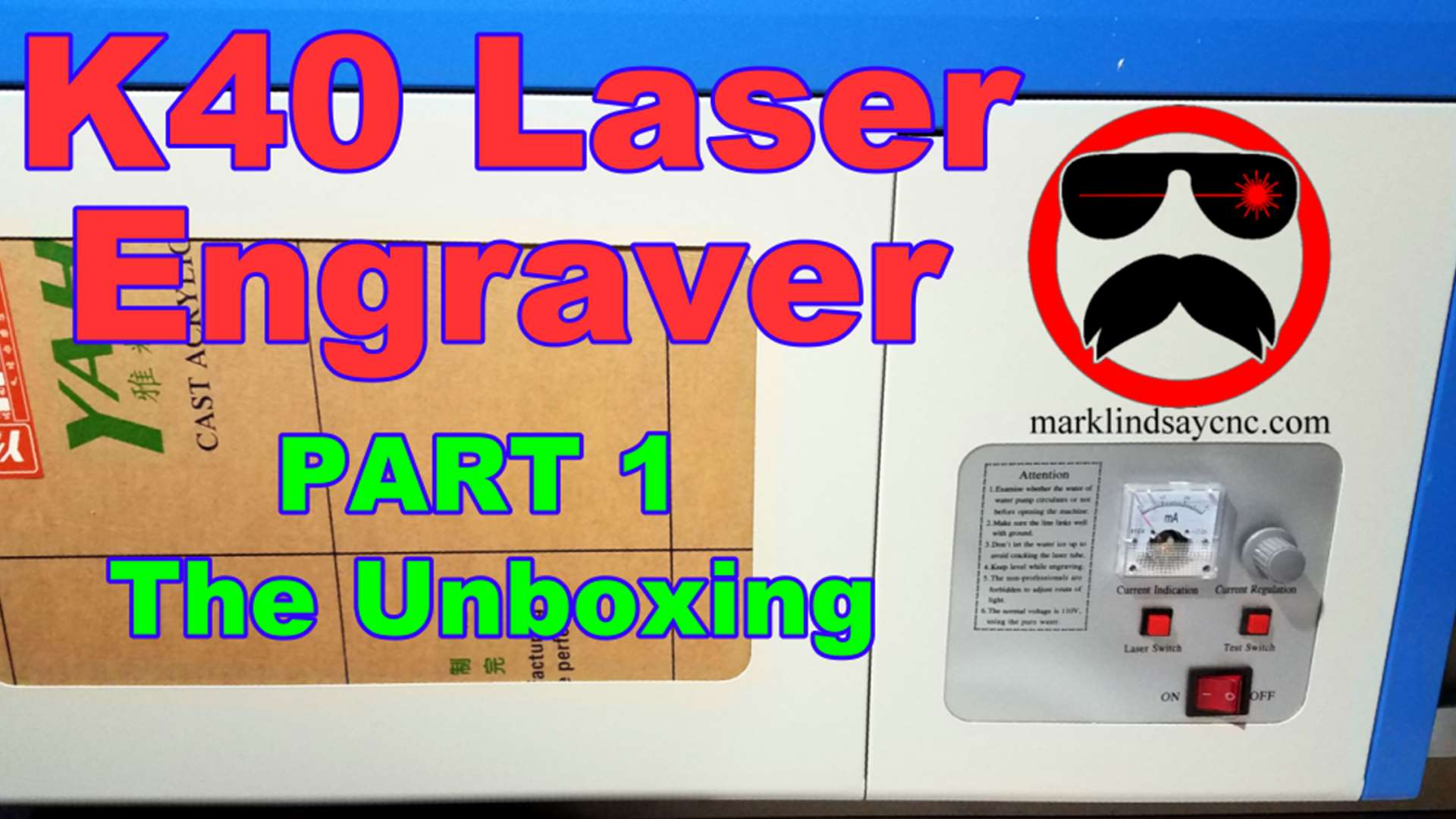
[vc_row][vc_column][vc_column_text] K40 Laser Unboxing …and we have a problem… Those of you who follow me on Instagram or Facebook undoubtedly saw some “interesting” photos on my timeline and feed over the course of the last couple of weeks. I’ll admit I was teasing a few people with them, and trying to build a little bit of suspense – especially in my family. A few people zeroed in on what I was posting pictures of and knew what they were right away. Most did not. I had to scramble to get people to change or delete posts so as not to let the cat out of the proverbial bag, but other…
-
Vectric Software for the Absolute Beginner – Part 17
[vc_row][vc_column][vc_column_text] Part 17 – Mirror Vectors [/vc_column_text][/vc_column][/vc_row][vc_row][vc_column][vc_column_text]This article accompanies the seventeenth video in a series on my YouTube channel. If you’re not subscribed to my channel, here’s a link. Come on by and check it out. Hopefully you’ll find something you like. In this video, I’ll address a subject inspired by a comment by a sharp-eyed viewer named Robert. (Thank you, Robert!) We’ll get into Mirroring Vectors in VCarve, and I’ll demonstrate on a couple of different files. Then I’ll directly answer Robert’s comment: How do you make sure both sides of a design are exactly the same?[/vc_column_text][/vc_column][/vc_row][vc_row][vc_column][vc_raw_html]JTNDc2NyaXB0JTIwYXN5bmMlMjBzcmMlM0QlMjIlMkYlMkZwYWdlYWQyLmdvb2dsZXN5bmRpY2F0aW9uLmNvbSUyRnBhZ2VhZCUyRmpzJTJGYWRzYnlnb29nbGUuanMlMjIlM0UlM0MlMkZzY3JpcHQlM0UlMEElM0NpbnMlMjBjbGFzcyUzRCUyMmFkc2J5Z29vZ2xlJTIyJTIwc3R5bGUlM0QlMjJkaXNwbGF5JTNBJTIwYmxvY2slM0IlMjB0ZXh0LWFsaWduJTNBJTIwY2VudGVyJTNCJTIyJTIwZGF0YS1hZC1sYXlvdXQlM0QlMjJpbi1hcnRpY2xlJTIyJTIwZGF0YS1hZC1mb3JtYXQlM0QlMjJmbHVpZCUyMiUyMGRhdGEtYWQtY2xpZW50JTNEJTIyY2EtcHViLTM2ODMxNTU4MjUyMjM3ODklMjIlMjBkYXRhLWFkLXNsb3QlM0QlMjIxMTk3OTIwODE1JTIyJTNFJTNDJTJGaW5zJTNFJTBBJTNDc2NyaXB0JTNFJTBBJTI4YWRzYnlnb29nbGUlMjAlM0QlMjB3aW5kb3cuYWRzYnlnb29nbGUlMjAlN0MlN0MlMjAlNUIlNUQlMjkucHVzaCUyOCU3QiU3RCUyOSUzQiUwQSUzQyUyRnNjcmlwdCUzRQ==[/vc_raw_html][/vc_column][/vc_row][vc_row][vc_column][vc_column_text] FOR THE ABSOLUTE CNC BEGINNER Don’t stress over any of this. It’s…
-
Flashback Express Screen Capture Software Overview
[vc_row][vc_column][vc_column_text] Not a week goes by that someone doesn’t ask me about the software I use to capture my screen for the tutorial videos I do. I use a program called Flashback Express by Blueberry Software – link below. There is a Pro version available at a decent price, but so far, I haven’t needed anything in the Pro version, so I continue to use the free version. As usual, if you have any questions, comments, or concerns, please feel free to comment! If you don’t wish to make a public comment, click this Contact Us link, and submit it to me privately. I read ALL of the messages I…
-
Vectric Software for the Absolute Beginner – Part 16
[vc_row][vc_column][vc_column_text] Polylines and Smart Snapping This article accompanies the sixteenth video in a series on my YouTube channel. If you’re not subscribed to my channel, here’s a link. Come on by and check it out. Hopefully you’ll find something you like. In this 16th video of the series, I’ll take a bit of a step back. A sharp-eyed viewer informed me that I had never covered drawing straight lines or polylines within the Vectric software in any of my videos. Well, after looking them over, I have to admit he was right. So in this video, I’ll do exactly that – and more. It’s impossible to discuss lines and polylines…
-
5K Giveaway My Way
Scroll Down for the Official Entry Rules Over the course of the last week, my humble little channel hit the 5000 subscriber milestone! I want to take this opportunity to say thank you to each and every one of you who have subscribed to my YouTube channel. As a way of saying thank you to my subscribers, I’m announcing the 5K Giveaway Done My Way! The rules are simple. To enter, you must be subscribed to my channel. You must live in the United States. You must leave a comment in the comment section of this video. That’s it! Entries will close at 11:59pm, Sunday, February 17th, 2019. Limit of…