• Shop

Mark Lindsay CNC

A hobby CNC enthusiast's blog

  • Home
  • Beginners Series
    • The CNC Process for the Absolute Beginner
    • Vectric for the Absolute Beginner Series
    • V-Carving for the Absolute Beginner Series
  • Posts
  • Shop
  • About Us
  • Home
  • Beginners Series
    • The CNC Process for the Absolute Beginner
    • Vectric for the Absolute Beginner Series
    • V-Carving for the Absolute Beginner Series
  • Posts
  • Shop
  • About Us

About Mark

Hi, I'm Mark Lindsay, a woodworker and CNC YouTube creator. I share CNC projects, tutorials, and downloadable files to help you learn to use your Vectric software and CNC router.

Watch on YouTube

Beginner, Software, Tutorials

Vectric Software for the Absolute Beginner – Part 38

[vc_row][vc_column][vc_column_text] Part 38 – Using The Distort Tool [/vc_column_text][/vc_column][/vc_row][vc_row][vc_column][vc_column_text]This article accompanies the thirty-eighth video in a series on my YouTube channel. If you’re not subscribed to my channel, here’s a…

read more
February 2, 2020
Beginner, Software, Tutorials

Vectric Software for the Absolute Beginner – Part 15

[vc_row][vc_column][vc_column_text] Part 15 – Basic Bitmap Tracing and Node Editing [/vc_column_text][/vc_column][/vc_row][vc_row][vc_column][vc_column_text]This article accompanies the fifteenth video in a series on my YouTube channel. If you’re not subscribed to my channel,…

read more
February 3, 2019
CNC Router

Adding a Spoilboard to my Gatton CNC

One of the final steps I needed to take before putting my Gatton CNC into service was laying down a spoilboard. [expand title=”Read More”] What is a Spoilboard? A spoilboard…

read more
November 15, 2017
  • Live Q & A

    Live Q&A #243 – Avid CNC Rotary Axis Assembly and Installation – Open Q&A

    May 19, 2024 /

    In this live stream I’ll be talking about assembling and mounting an Avid CNC Rotary Axis to my Avid CNC 4848 Pro CNC router. I’ll let you know where the project currently stands, and tell you about my plans for the future. This will be in addition to our regular Open Live Q&A, where I’ll answer your general CNC or Vectric Software questions.

    Read More
    Mark Lindsay

    You May Also Like

    Part-41-Website-Thumbnail

    Vectric Software for the Absolute Beginner – Part 41

    March 1, 2020
    Part 7 Thumb

    Vectric Software for the Absolute Beginner Part – 7

    August 26, 2018
    Part 21 Website Thumb

    Vectric Software For the Absolute Beginner – Part 21

    April 14, 2019
  • Rotary Axis

    Avid CNC Rotary Axis – Assembly and Installation

    May 19, 2024 /

    In this video, I’m documenting the assembly, installation, and alignment of an Avid CNC Rotary Axis for my Avid 4848 Pro CNC Router. I’ll first show you the assembly of the rotary axis. Then I’ll show you how I removed my old spoilboard, mounted the axis to my machine frame, then walk you through the process for aligning the axis with the machine frame step by step.

    Read More
    Mark Lindsay

    You May Also Like

    Closed Vectors Web Thumb

    Vectric Software for the Absolute Beginner – Part 23

    June 2, 2019
    Alignment Jig Website Thumbnail

    Making My CNC Table Alignment Jig

    May 12, 2019
    Part 40 Website Thumbnail

    Vectric Software for the Absolute Beginner – Part 40

    February 23, 2020
  • Live Q & A

    Live Q&A #241 – Vectric V12 Toolpath Tips – Open Q&A

    May 5, 2024 /

    Read More
    Mark Lindsay

    You May Also Like

    K40 Thumb 1

    K40 Laser Unboxing

    March 10, 2019
    Finish It Web Thumbnail

    Painting and Finishing a V-Carved Project

    May 26, 2019
    Alignment Jig Website Thumbnail

    Making My CNC Table Alignment Jig

    May 12, 2019
  • CNC Router

    Tiling Toolpaths Part 2 – Mounting and Cutting the Project

    April 28, 2024 /

    In this video, I’ll finish the Tiling Toolpaths project we designed using Vectric Aspire Version 11.5. I’ll first show you the project materials, and describe the finish I’ve applied off-camera. Then I’ll show you how I’m mounting the material to my spoilboard, then walk you through my process for carving the project step by step. I’ll then wrap things up by showing you the finished project, and discuss what I’ve learned along the way. As usual, if you have any comments or questions about anything I covered in this video, please join me for the Live Q&A, or put ‘em in the comment section below. On Sunday, April 28th, I’ll…

    Read More
    Mark Lindsay

    You May Also Like

    Thumb 10

    Gatton CNC Build Part 10 – Router Mount and Tramming Plates

    September 26, 2017
    5K Giveaway

    5K Giveaway My Way

    February 10, 2019
    Part 14 Website Thumb

    Vectric Software for the Absolute Beginner – Part 14

    January 27, 2019
  • CNC Router

    Tiling Toolpaths Part 1 – Design, Toolpath, and Save G-Code

    June 25, 2023 /

    In this video, I’ll introduce the subject of Tiling Toolpaths, using Vectric Aspire Version 11.5. I’ll first discuss what toolpaths actually is, and describe the reasons for tiling toolpaths. Then I’ll show you some things that need to be taken into consideration before tiling, such as mounting the material. I’ll then show you how I intend to mount my project, and discuss the complications that introduced to my overall design. I’ll show you the entire toolpath tiling process, step by step, and discuss important considerations along the way. I’ll then wrap things up by showing you the finished project, and save the G-code for each toolpath. As usual, if you…

    Read More
    Mark Lindsay

    You May Also Like

    Thumb 17

    Creating a Spoilboard Surfacing Toolpath in VCarve

    November 19, 2017
    Part 25 Website Thumbnail

    Vectric Software for the Absolute Beginner – Part 25

    June 16, 2019
    Part 6 Thumb

    Vectric Software for the Absolute Beginner – Part 6

    August 24, 2018
  • Part 42 Website Thumbnail
    Beginner,  Software,  Techniques,  Tutorials

    Vectric Software for the Absolute Beginner – Part 42

    March 8, 2020 /

    [vc_row][vc_column][vc_column_text] Part 42 – Resizing Multiple Objects [/vc_column_text][/vc_column][/vc_row][vc_row][vc_column][vc_column_text]This article accompanies the forty-second video in a series on my YouTube channel. If you’re not subscribed to my channel, here’s a link. Come on by and check it out. Hopefully you’ll find something you like. In this 42nd video of the series, I’ll show you how to Resize Multiple Objects in Cut2D Desktop, Cut2D Pro, VCarve Desktop, VCarve Pro, and Aspire. I’ll show you how I used Guide Lines to layout some artwork. Then with that artwork created, I’ll show you how to use the Offset tool to resize that artwork to correct an error. We’ll then get into creating a custom…

    Read More
    Mark Lindsay

    You May Also Like

    Thumb 15

    Tramming the Router on my Gatton CNC

    November 8, 2017
    Part 9 Website Thumbnail

    Vectric Software for the Absolute Beginner – Part 9

    November 6, 2018
    Part 8 Website Thumb

    Vectric Software for the Absolute Beginner – Part 8

    October 14, 2018
  • Part-41-Website-Thumbnail
    Beginner,  Software,  Techniques,  Tutorials

    Vectric Software for the Absolute Beginner – Part 41

    March 1, 2020 /

    [vc_row][vc_column][vc_column_text] Part 41 – The Fluting Toolpath [/vc_column_text][/vc_column][/vc_row][vc_row][vc_column][vc_column_text]This article accompanies the forty-first video in a series on my YouTube channel. If you’re not subscribed to my channel, here’s a link. Come on by and check it out. Hopefully you’ll find something you like. In the video, I’ll show you how to use the Fluting Toolpath in VCarve Desktop, VCarve Pro, and Aspire. I’ll show you how I used Guide Lines to layout some artwork, then prepared that artwork for carving. We’ll get into creating some simple vectors, and creating a Linear Array of lines for the Fluting Toolpath to follow. I’ll briefly show you the different types of flutes available…

    Read More
    Mark Lindsay

    You May Also Like

    Thumb 16

    Adding a Spoilboard to my Gatton CNC

    November 15, 2017
    YouTube Thumb 16

    Vectric Software for the Absolute Beginner – Part 16

    February 17, 2019
    Part 36 Website Thumbnail

    Vectric Software for the Absolute Beginner – Part 36

    January 12, 2020
  • Part 40 Website Thumbnail
    Beginner,  Software,  Techniques,  Tutorials

    Vectric Software for the Absolute Beginner – Part 40

    February 23, 2020 /

    [vc_row][vc_column][vc_column_text] Part 40 – Carving Open Vectors with a V-Bit [/vc_column_text][/vc_column][/vc_row][vc_row][vc_column][vc_column_text]This article accompanies the fortieth video in a series on my YouTube channel. If you’re not subscribed to my channel, here’s a link. Come on by and check it out. Hopefully you’ll find something you like. In this 40th video of the series, I’ll show you how to carve open vectors with a v-bit in VCarve Desktop, VCarve Pro, and Aspire. Easily the most common problem folks contact me about is closing vectors in preparation for v-carving. In this video, I’ll show you how you can carve open vectors in cases where you don’t need to v-carve. I’ll show you…

    Read More
    Mark Lindsay

    You May Also Like

    Part 37 Website Thumbnail

    Vectric Software for the Absolute Beginner – Part 37

    January 26, 2020
    Part 42 Website Thumbnail

    Vectric Software for the Absolute Beginner – Part 42

    March 8, 2020
    Rotary Axis Thumb

    Introducing the Rotary Axis for my Gatton CNC

    April 15, 2018
  • Distort 3D Models Website Thumbnail 1
    3D Model Carving,  Beginner,  Software,  Techniques

    3D Carving for the Absolute Beginner – Part 9

    February 16, 2020 /

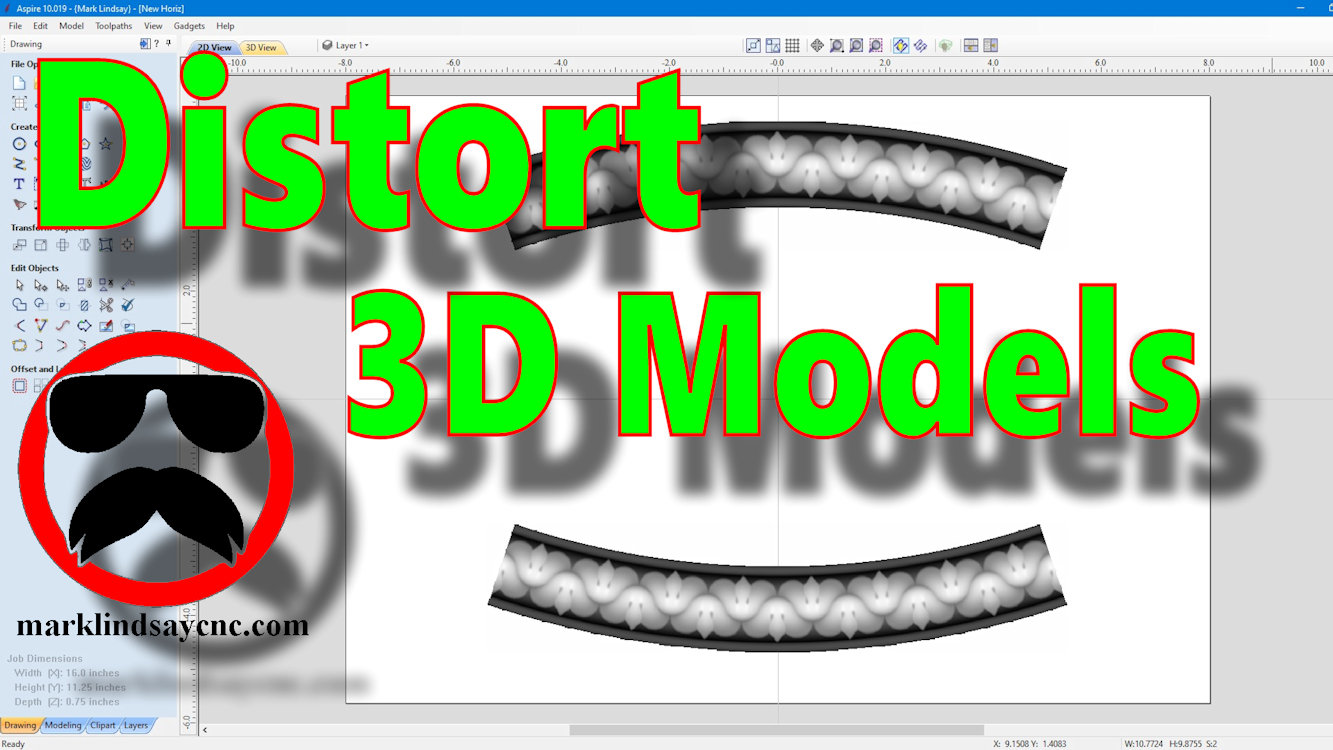
    [vc_row][vc_column][vc_column_text] Part 9 – Using The Distort Tool with 3D Models [/vc_column_text][/vc_column][/vc_row][vc_row][vc_column][vc_column_text]This article accompanies the ninth video in a series on my YouTube channel. If you’re not subscribed to my channel, here’s a link. Come on by and check it out. Hopefully you’ll find something you like. In the video, I’ll demonstrate using the Distort tool to modify 3D models in 2 different ways. This is the final installment (for now) of my mini-series on using the Distort Tool in Vectric software. Although the previous videos in this series were compatible with VCarve and Aspire, this final video is applicable only to Aspire. The ability to distort a 3D model…

    Read More
    Mark Lindsay

    You May Also Like

    Thumb 16

    Adding a Spoilboard to my Gatton CNC

    November 15, 2017
    Part 8 Website Thumb

    Vectric Software for the Absolute Beginner – Part 8

    October 14, 2018
    Part 18 - Website Thumb

    Vectric Software for the Absolute Beginner – Part 18

    March 17, 2019
  • Part 39 Website Thumbnail
    Beginner,  Software,  Techniques,  Tutorials

    Vectric Software for the Absolute Beginner – Part 39

    February 9, 2020 /

    [vc_row][vc_column][vc_column_text] Part 39 – Using The Distort Tool Bounding Box [/vc_column_text][/vc_column][/vc_row][vc_row][vc_column][vc_column_text]This article accompanies the thirty-ninth video in a series on my YouTube channel. If you’re not subscribed to my channel, here’s a link. Come on by and check it out. Hopefully you’ll find something you like. In this 39th video of the series, I’ll show you how to use the Distort Tool in VCarve Desktop, VCarve Pro, and Aspire by editing the Bounding Box. I introduced the Distort Tool in a previous video, and showed you how to distort vector objects and text using a single curve and between two curves. This time, I’ll show you how to distort vector…
    Read More
    Mark Lindsay

    You May Also Like

    Thumbnail A Axis

    Mach3 Settings for the Rotary Axis

    April 22, 2018
    Part 12 Thumb

    Vectric Software for the Absolute Beginner – Part 12

    January 13, 2019
    Part 14 Website Thumb

    Vectric Software for the Absolute Beginner – Part 14

    January 27, 2019
1112131415

Donate

If you’d like to support my website and YouTube channel and help with the making of future videos, you can donate by clicking the DONATE button below. Thank you for your support!


Recent Posts

  • Live Q&A #361 – Open Q&A
  • Live Q&A #360 – Open Q&A – Trace Bitmap
  • Live Q&A #359 – Open Q&A
  • Live Q&A #358 – Open Q&A
  • Live Q&A #357 – Open Q&A

Archives

  • November 2026
  • October 2026
  • September 2026
  • August 2026
  • July 2026
  • June 2026
  • May 2026
  • April 2026
  • March 2026
  • February 2026
  • January 2026
  • December 2025
  • November 2025
  • October 2025
  • September 2025
  • August 2025
  • July 2025
  • June 2025
  • May 2025
  • April 2025
  • March 2025
  • February 2025
  • January 2025
  • December 2024
  • November 2024
  • October 2024
  • September 2024
  • August 2024
  • July 2024
  • May 2024
  • April 2024
  • June 2023
  • March 2020
  • February 2020
  • January 2020
  • July 2019
  • June 2019
  • May 2019
  • April 2019
  • March 2019
  • February 2019
  • January 2019
  • November 2018
  • October 2018
  • August 2018
  • July 2018
  • May 2018
  • April 2018
  • November 2017
  • September 2017
  • August 2017
  • April 2017
  • March 2017
  • February 2017

Categories

  • 3D Model Carving
  • Beginner
  • Channel Update
  • CNC Router
  • Laser
  • Live Q & A
  • Rotary Axis
  • Software
  • Techniques
  • Tools and Supplies
  • Tutorials
  • Uncategorized
Mark Lindsay CNC - Harnealmedia.com - 2026 ©