-
Vectric Software for the Absolute Beginner – Part 42
[vc_row][vc_column][vc_column_text] Part 42 – Resizing Multiple Objects [/vc_column_text][/vc_column][/vc_row][vc_row][vc_column][vc_column_text]This article accompanies the forty-second video in a series on my YouTube channel. If you’re not subscribed to my channel, here’s a link. Come on by and check it out. Hopefully you’ll find something you like. In this 42nd video of the series, I’ll show you how to Resize Multiple Objects in Cut2D Desktop, Cut2D Pro, VCarve Desktop, VCarve Pro, and Aspire. I’ll show you how I used Guide Lines to layout some artwork. Then with that artwork created, I’ll show you how to use the Offset tool to resize that artwork to correct an error. We’ll then get into creating a custom…
-
Vectric Software for the Absolute Beginner – Part 41
[vc_row][vc_column][vc_column_text] Part 41 – The Fluting Toolpath [/vc_column_text][/vc_column][/vc_row][vc_row][vc_column][vc_column_text]This article accompanies the forty-first video in a series on my YouTube channel. If you’re not subscribed to my channel, here’s a link. Come on by and check it out. Hopefully you’ll find something you like. In the video, I’ll show you how to use the Fluting Toolpath in VCarve Desktop, VCarve Pro, and Aspire. I’ll show you how I used Guide Lines to layout some artwork, then prepared that artwork for carving. We’ll get into creating some simple vectors, and creating a Linear Array of lines for the Fluting Toolpath to follow. I’ll briefly show you the different types of flutes available…
-
Vectric Software for the Absolute Beginner – Part 40
[vc_row][vc_column][vc_column_text] Part 40 – Carving Open Vectors with a V-Bit [/vc_column_text][/vc_column][/vc_row][vc_row][vc_column][vc_column_text]This article accompanies the fortieth video in a series on my YouTube channel. If you’re not subscribed to my channel, here’s a link. Come on by and check it out. Hopefully you’ll find something you like. In this 40th video of the series, I’ll show you how to carve open vectors with a v-bit in VCarve Desktop, VCarve Pro, and Aspire. Easily the most common problem folks contact me about is closing vectors in preparation for v-carving. In this video, I’ll show you how you can carve open vectors in cases where you don’t need to v-carve. I’ll show you…
-
3D Carving for the Absolute Beginner – Part 9
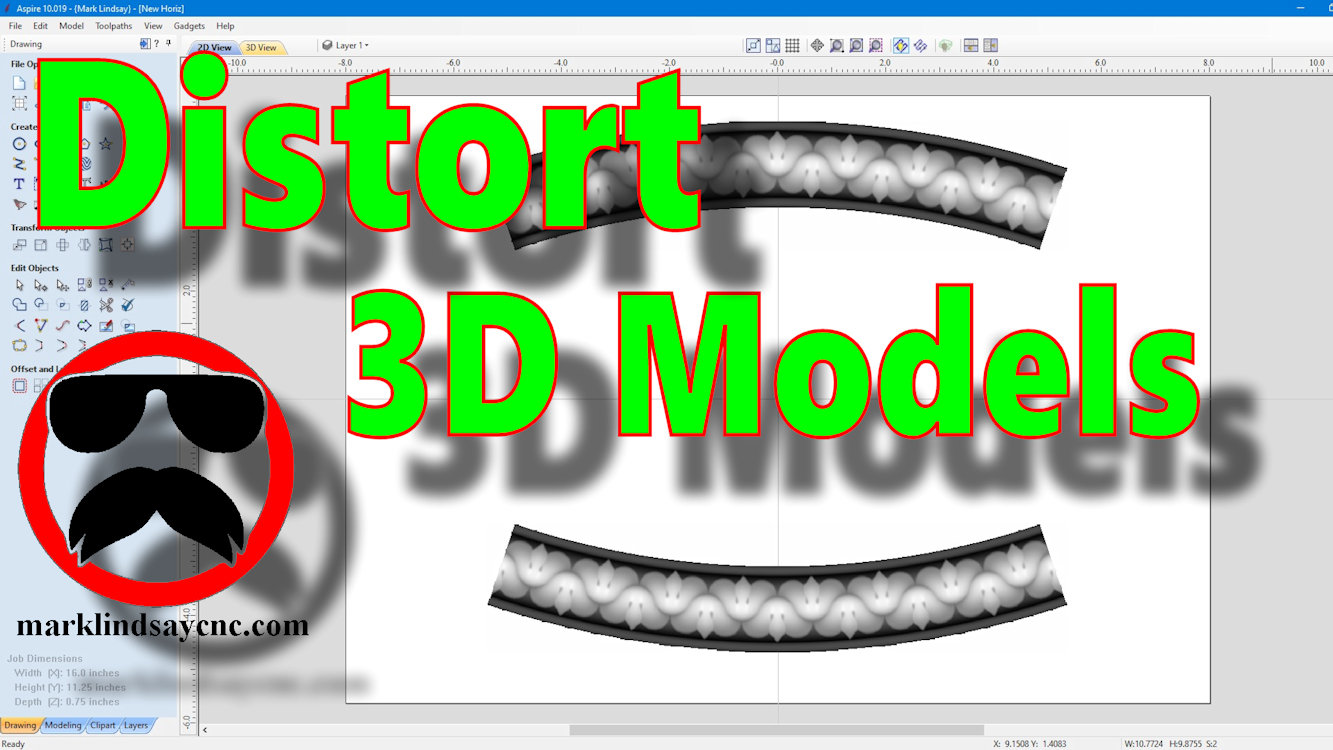
[vc_row][vc_column][vc_column_text] Part 9 – Using The Distort Tool with 3D Models [/vc_column_text][/vc_column][/vc_row][vc_row][vc_column][vc_column_text]This article accompanies the ninth video in a series on my YouTube channel. If you’re not subscribed to my channel, here’s a link. Come on by and check it out. Hopefully you’ll find something you like. In the video, I’ll demonstrate using the Distort tool to modify 3D models in 2 different ways. This is the final installment (for now) of my mini-series on using the Distort Tool in Vectric software. Although the previous videos in this series were compatible with VCarve and Aspire, this final video is applicable only to Aspire. The ability to distort a 3D model…
-
Vectric Software for the Absolute Beginner – Part 39
[vc_row][vc_column][vc_column_text] Part 39 – Using The Distort Tool Bounding Box [/vc_column_text][/vc_column][/vc_row][vc_row][vc_column][vc_column_text]This article accompanies the thirty-ninth video in a series on my YouTube channel. If you’re not subscribed to my channel, here’s a link. Come on by and check it out. Hopefully you’ll find something you like. In this 39th video of the series, I’ll show you how to use the Distort Tool in VCarve Desktop, VCarve Pro, and Aspire by editing the Bounding Box. I introduced the Distort Tool in a previous video, and showed you how to distort vector objects and text using a single curve and between two curves. This time, I’ll show you how to distort vector…
-
Vectric Software for the Absolute Beginner – Part 23
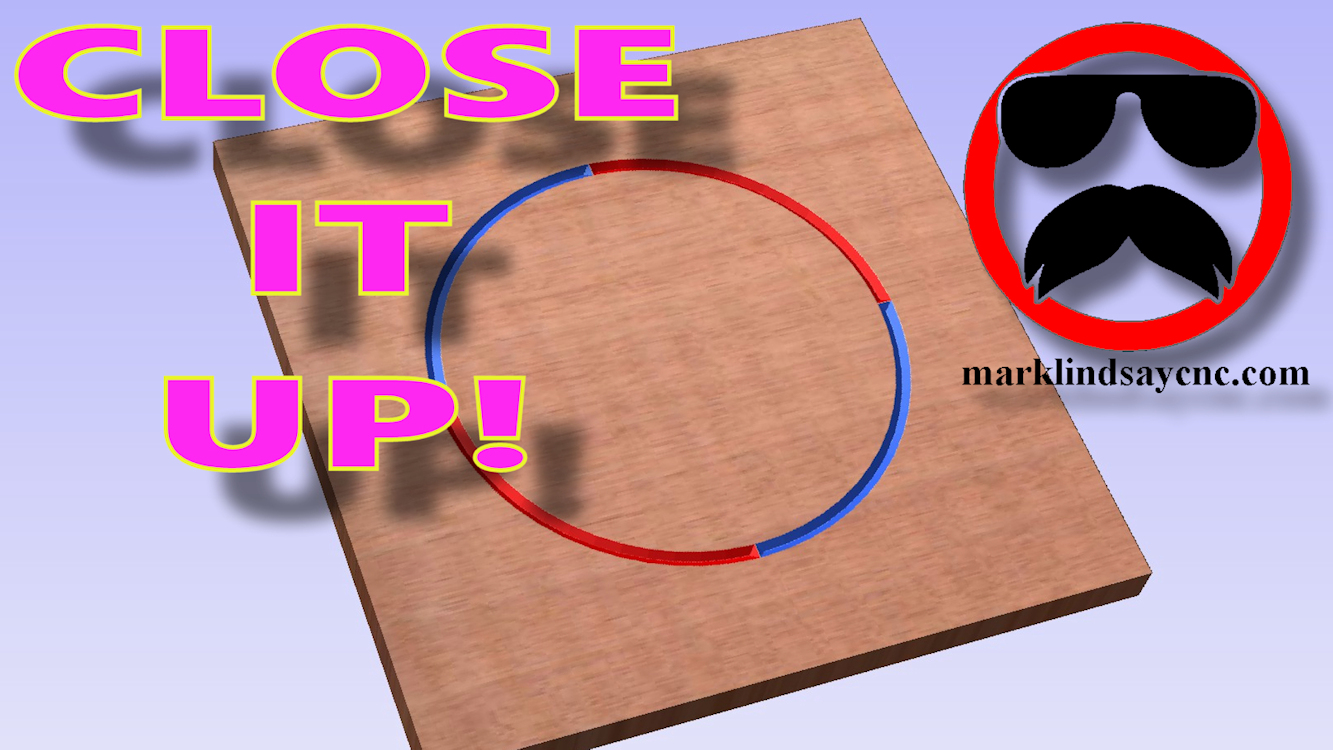
[vc_row][vc_column][vc_column_text] Part 23 – Closing Open Vectors [/vc_column_text][/vc_column][/vc_row][vc_row][vc_column][vc_column_text]This article accompanies the twenty-third video in a series on my YouTube channel. If you’re not subscribed to my channel, here’s a link. Come on by and check it out. Hopefully you’ll find something you like. In this video, I’ll demonstrate two different ways of closing vectors in preparation for v-carving them. A lot of us have had problems closing stubborn vectors, or just wrapping our heads around joining vectors that either don’t want to join, or trying to use the same vector in 2 separate vector objects. An example of such a thing is creating two objects that are side by side,…
-
Painting and Finishing a V-Carved Project
[vc_row][vc_column][vc_column_text] Painting and Finishing a V-Carved Project [/vc_column_text][/vc_column][/vc_row][vc_row][vc_column][vc_column_text]This article accompanies a video I posted on my YouTube channel. If you’re not subscribed to my channel, here’s a link. Come on by and check it out. Hopefully you’ll find something you like. In this video, I’ll demonstrate how I paint and finish a v-carved project. I made this sign out of cherry, and it’s one of my favorite woods. As such, we decided not to stain it, as we both like the natural color of cherry – especially as it darkens with age. After looking at a few other examples of this particular file, my wife suggested I not paint the…
-
Vectric Software for the Absolute Beginner – Part 22
[vc_row][vc_column][vc_column_text] Part 22 – Importing CRV Files From Other Sources [/vc_column_text][/vc_column][/vc_row][vc_row][vc_column][vc_column_text]This article accompanies the twenty-second video in a series on my YouTube channel. If you’re not subscribed to my channel, here’s a link. Come on by and check it out. Hopefully you’ll find something you like. In this video, I’ll demonstrate importing CRV files into the Vectric Software that have come from other sources. The files I used in making this project came directly from the Vectric Labs Blog. Here’s a link to the project file used in this video: https://bit.ly/2E98MH1 A lot of us have either downloaded files for VCarve or Aspire that we didn’t create, or have had…
-
Making My CNC Table Alignment Jig
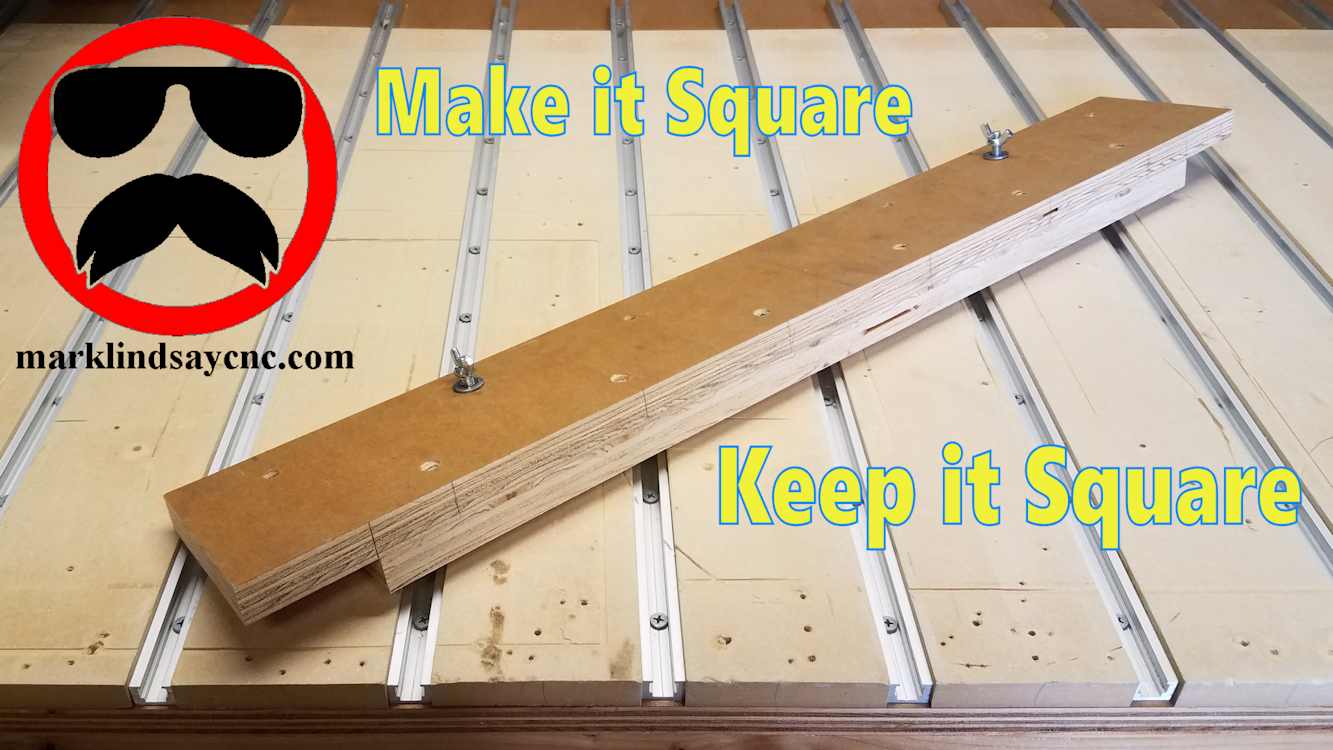
[vc_row][vc_column][/vc_column][/vc_row][vc_row][vc_column][vc_column_text]This article accompanies a video on my YouTube channel. If you’re not subscribed to my channel, here’s a link. Come on by and check it out. Hopefully you’ll find something you like. In this video, I’ll show you how I made a jig to help me align and square up materials on my CNC table.[/vc_column_text][/vc_column][/vc_row][vc_row][vc_column][vc_raw_html]JTNDc2NyaXB0JTIwYXN5bmMlMjBzcmMlM0QlMjIlMkYlMkZwYWdlYWQyLmdvb2dsZXN5bmRpY2F0aW9uLmNvbSUyRnBhZ2VhZCUyRmpzJTJGYWRzYnlnb29nbGUuanMlMjIlM0UlM0MlMkZzY3JpcHQlM0UlMEElM0NpbnMlMjBjbGFzcyUzRCUyMmFkc2J5Z29vZ2xlJTIyJTIwc3R5bGUlM0QlMjJkaXNwbGF5JTNBJTIwYmxvY2slM0IlMjB0ZXh0LWFsaWduJTNBJTIwY2VudGVyJTNCJTIyJTIwZGF0YS1hZC1sYXlvdXQlM0QlMjJpbi1hcnRpY2xlJTIyJTIwZGF0YS1hZC1mb3JtYXQlM0QlMjJmbHVpZCUyMiUyMGRhdGEtYWQtY2xpZW50JTNEJTIyY2EtcHViLTM2ODMxNTU4MjUyMjM3ODklMjIlMjBkYXRhLWFkLXNsb3QlM0QlMjIxMTk3OTIwODE1JTIyJTNFJTNDJTJGaW5zJTNFJTBBJTNDc2NyaXB0JTNFJTBBJTI4YWRzYnlnb29nbGUlMjAlM0QlMjB3aW5kb3cuYWRzYnlnb29nbGUlMjAlN0MlN0MlMjAlNUIlNUQlMjkucHVzaCUyOCU3QiU3RCUyOSUzQiUwQSUzQyUyRnNjcmlwdCUzRQ==[/vc_raw_html][/vc_column][/vc_row][vc_row][vc_column][vc_column_text]I get a lot of questions about how I align a piece of material on my CNC table to make sure it’s square to the table. Use of this simple jig guarantees the material I mount will stay aligned to the table, and more importantly, aligned with the CNC router’s X axis travel. There are no…
-
Vectric Software for the Absolute Beginner – Part 20
[vc_row][vc_column][vc_column_text] Part 20 – Importing STL Files [/vc_column_text][/vc_column][/vc_row][vc_row][vc_column][vc_column_text]This article accompanies the twentieth video in a series on my YouTube channel. If you’re not subscribed to my channel, here’s a link. Come on by and check it out. Hopefully you’ll find something you like. In this video, I’ll continue the journey into 3D carving in Vectric Software. We’ll get into importing STL files into the software. First we’ll import the STL file, and I’ll walk you through the 3D Model Orientation screen. From there we’ll create a vector around the model, then start calculating toolpaths. In the 3D roughing toolpath, I’ll show you the difference between using a Z Level strategy…