-
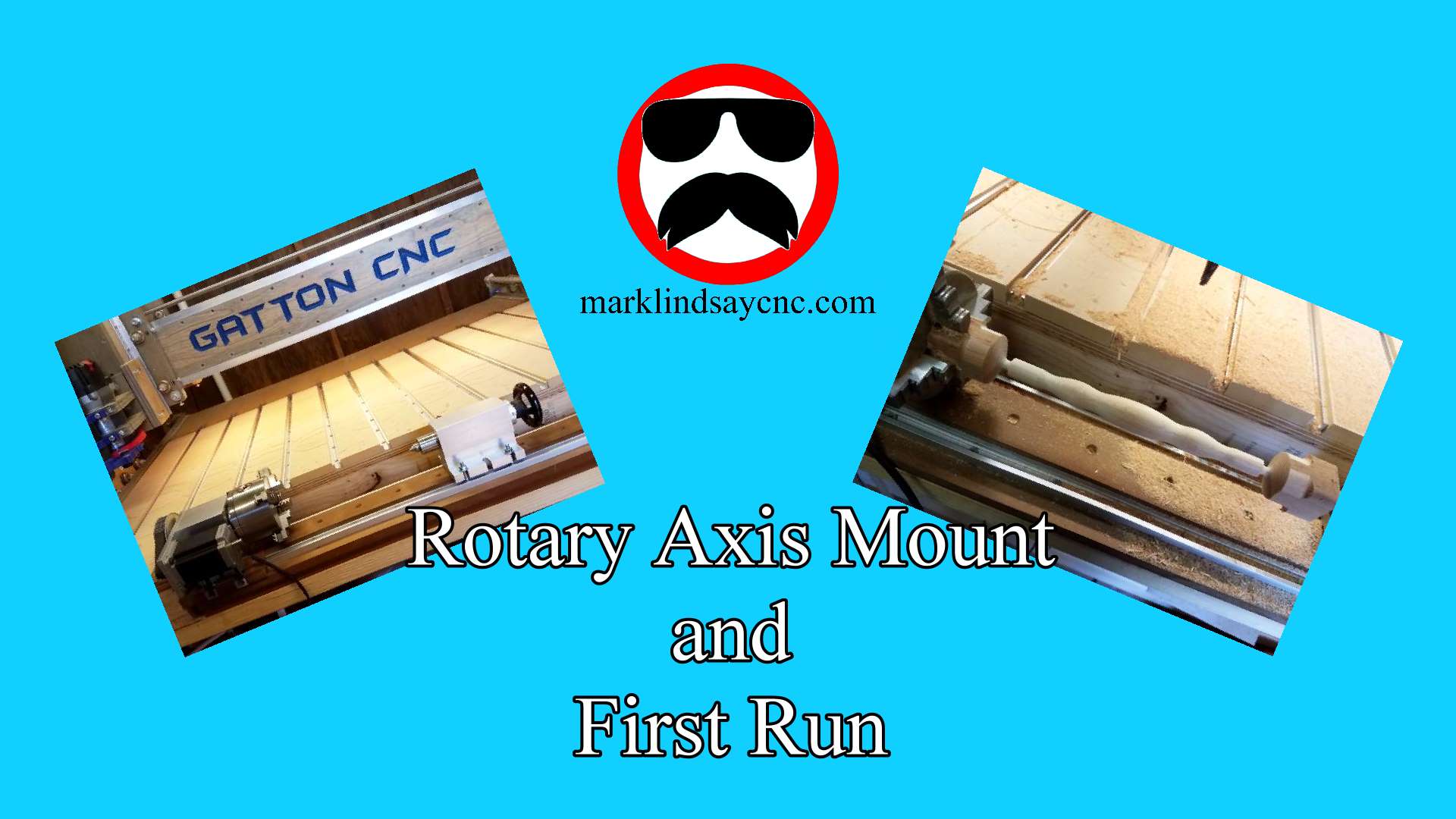
Avid CNC Rotary Axis – Assembly and Installation
In this video, I’m documenting the assembly, installation, and alignment of an Avid CNC Rotary Axis for my Avid 4848 Pro CNC Router. I’ll first show you the assembly of the rotary axis. Then I’ll show you how I removed my old spoilboard, mounted the axis to my machine frame, then walk you through the process for aligning the axis with the machine frame step by step.
-
Tiling Toolpaths Part 2 – Mounting and Cutting the Project
In this video, I’ll finish the Tiling Toolpaths project we designed using Vectric Aspire Version 11.5. I’ll first show you the project materials, and describe the finish I’ve applied off-camera. Then I’ll show you how I’m mounting the material to my spoilboard, then walk you through my process for carving the project step by step. I’ll then wrap things up by showing you the finished project, and discuss what I’ve learned along the way. As usual, if you have any comments or questions about anything I covered in this video, please join me for the Live Q&A, or put ‘em in the comment section below. On Sunday, April 28th, I’ll…
-
Tiling Toolpaths Part 1 – Design, Toolpath, and Save G-Code
In this video, I’ll introduce the subject of Tiling Toolpaths, using Vectric Aspire Version 11.5. I’ll first discuss what toolpaths actually is, and describe the reasons for tiling toolpaths. Then I’ll show you some things that need to be taken into consideration before tiling, such as mounting the material. I’ll then show you how I intend to mount my project, and discuss the complications that introduced to my overall design. I’ll show you the entire toolpath tiling process, step by step, and discuss important considerations along the way. I’ll then wrap things up by showing you the finished project, and save the G-code for each toolpath. As usual, if you…
-
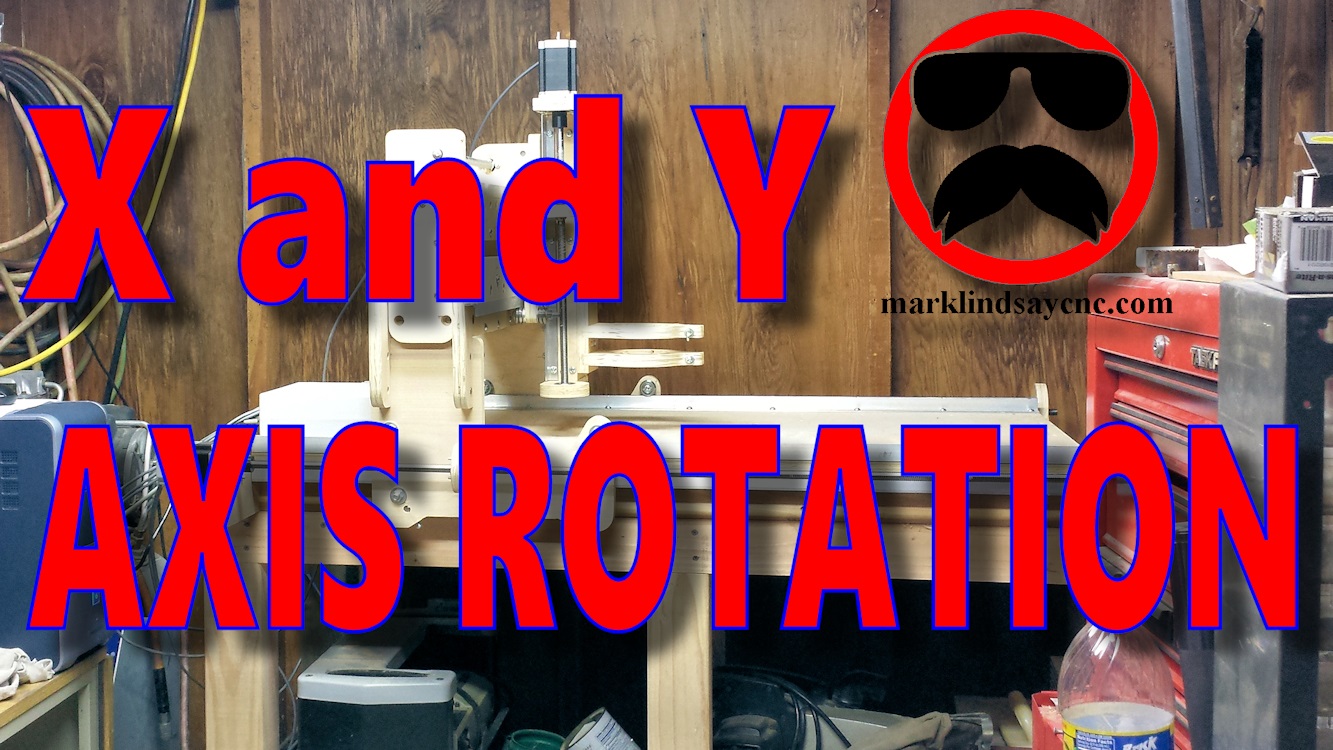
X and Y Axis Identification and Rotation
[vc_row][vc_column][vc_column_text] X and Y Axis Identification and Rotation [/vc_column_text][/vc_column][/vc_row][vc_row][vc_column][vc_column_text]Sometimes we take the simplest things for granted. As an example, I started making CNC videos about 1 1/2 years ago, and I thought I was making basic videos for the absolute beginner. Well, it turns out I forgot to include some of the more basic info. I fell into the same trap a lot of other people make, and that is assuming that folks already know what I’m talking about when I use certain words and phrases. I figured that if a person was interested in CNC, they probably already had some basic knowledge of how they worked, and what the…
-
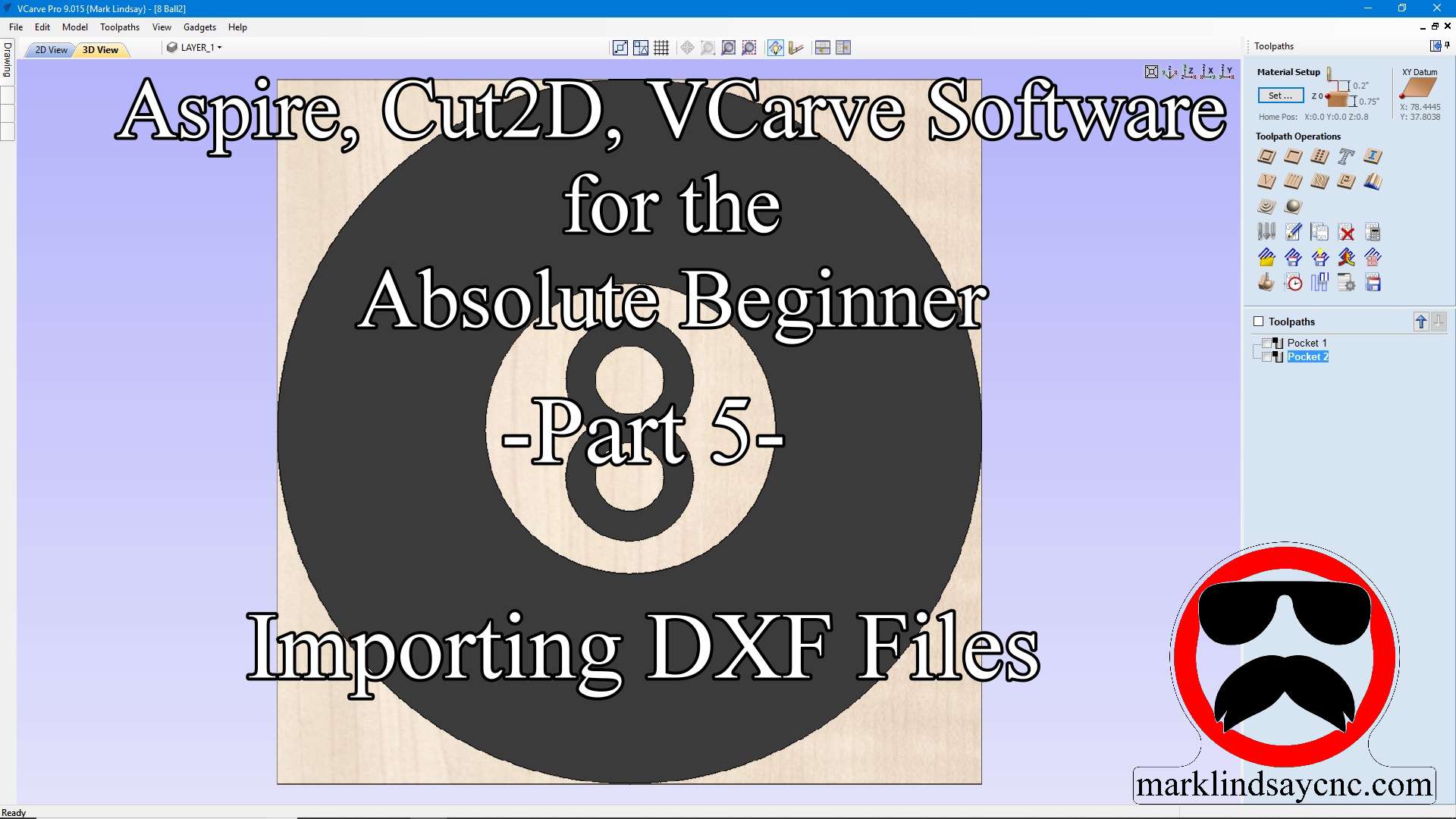
Vectric Software for the Absolute Beginner – Part 22
[vc_row][vc_column][vc_column_text] Part 22 – Importing CRV Files From Other Sources [/vc_column_text][/vc_column][/vc_row][vc_row][vc_column][vc_column_text]This article accompanies the twenty-second video in a series on my YouTube channel. If you’re not subscribed to my channel, here’s a link. Come on by and check it out. Hopefully you’ll find something you like. In this video, I’ll demonstrate importing CRV files into the Vectric Software that have come from other sources. The files I used in making this project came directly from the Vectric Labs Blog. Here’s a link to the project file used in this video: https://bit.ly/2E98MH1 A lot of us have either downloaded files for VCarve or Aspire that we didn’t create, or have had…
-
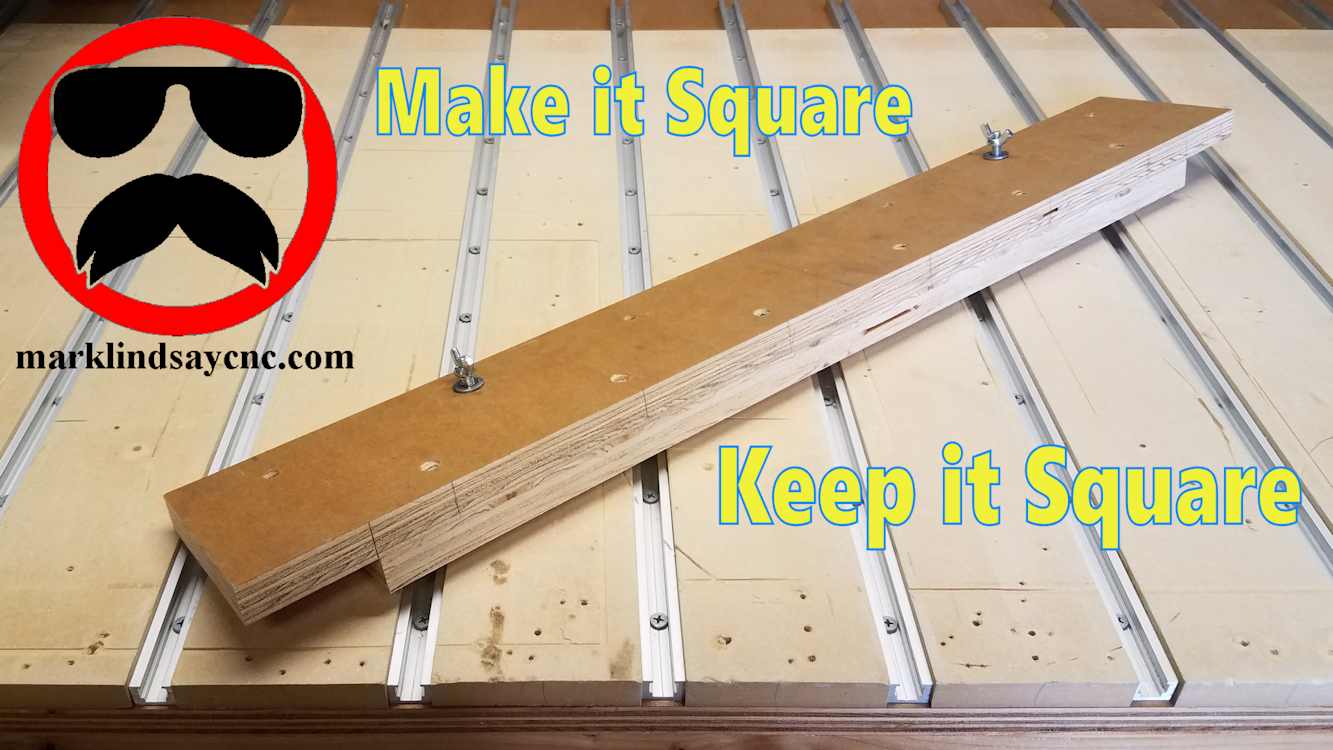
Making My CNC Table Alignment Jig
[vc_row][vc_column][/vc_column][/vc_row][vc_row][vc_column][vc_column_text]This article accompanies a video on my YouTube channel. If you’re not subscribed to my channel, here’s a link. Come on by and check it out. Hopefully you’ll find something you like. In this video, I’ll show you how I made a jig to help me align and square up materials on my CNC table.[/vc_column_text][/vc_column][/vc_row][vc_row][vc_column][vc_raw_html]JTNDc2NyaXB0JTIwYXN5bmMlMjBzcmMlM0QlMjIlMkYlMkZwYWdlYWQyLmdvb2dsZXN5bmRpY2F0aW9uLmNvbSUyRnBhZ2VhZCUyRmpzJTJGYWRzYnlnb29nbGUuanMlMjIlM0UlM0MlMkZzY3JpcHQlM0UlMEElM0NpbnMlMjBjbGFzcyUzRCUyMmFkc2J5Z29vZ2xlJTIyJTIwc3R5bGUlM0QlMjJkaXNwbGF5JTNBJTIwYmxvY2slM0IlMjB0ZXh0LWFsaWduJTNBJTIwY2VudGVyJTNCJTIyJTIwZGF0YS1hZC1sYXlvdXQlM0QlMjJpbi1hcnRpY2xlJTIyJTIwZGF0YS1hZC1mb3JtYXQlM0QlMjJmbHVpZCUyMiUyMGRhdGEtYWQtY2xpZW50JTNEJTIyY2EtcHViLTM2ODMxNTU4MjUyMjM3ODklMjIlMjBkYXRhLWFkLXNsb3QlM0QlMjIxMTk3OTIwODE1JTIyJTNFJTNDJTJGaW5zJTNFJTBBJTNDc2NyaXB0JTNFJTBBJTI4YWRzYnlnb29nbGUlMjAlM0QlMjB3aW5kb3cuYWRzYnlnb29nbGUlMjAlN0MlN0MlMjAlNUIlNUQlMjkucHVzaCUyOCU3QiU3RCUyOSUzQiUwQSUzQyUyRnNjcmlwdCUzRQ==[/vc_raw_html][/vc_column][/vc_row][vc_row][vc_column][vc_column_text]I get a lot of questions about how I align a piece of material on my CNC table to make sure it’s square to the table. Use of this simple jig guarantees the material I mount will stay aligned to the table, and more importantly, aligned with the CNC router’s X axis travel. There are no…
-
Vectric Software for the Absolute Beginner – Part 20
[vc_row][vc_column][vc_column_text] Part 20 – Importing STL Files [/vc_column_text][/vc_column][/vc_row][vc_row][vc_column][vc_column_text]This article accompanies the twentieth video in a series on my YouTube channel. If you’re not subscribed to my channel, here’s a link. Come on by and check it out. Hopefully you’ll find something you like. In this video, I’ll continue the journey into 3D carving in Vectric Software. We’ll get into importing STL files into the software. First we’ll import the STL file, and I’ll walk you through the 3D Model Orientation screen. From there we’ll create a vector around the model, then start calculating toolpaths. In the 3D roughing toolpath, I’ll show you the difference between using a Z Level strategy…
-
Adding a Touch Plate and Modifying the Tailstock Mount for the Rotary Axis on My Gatton CNC
[vc_row][vc_column][vc_column_text] With the rotary axis now fully operational, it’s time to add touch plate functionality and modify the tailstock mount on my Gatton CNC’s rotary axis. MODIFYING THE TAILSTOCK MOUNT The tailstock mount is 2 long pieces of t-track with an MDF spacer separating them. It mounts the tailstock just fine, but getting the tailstock lined up with the center of the chuck ended up being a giant pain. I needed to come up with a solution, and luckily the manufacturer of the tailstock gave it to me. The recess in the bottom of the Tailstock Housing The tailstock housing has a slight recess cast into the bottom of it.…
-
The Mount and First Run of the Rotary Axis on My Gatton CNC
[vc_row][vc_column][vc_column_text] THE MOUNT BASE With the rotary axis set up and tested, it’s time to mount it on my Gatton CNC. When I built the table for my CNC, I included a cutout up front specifically for this project. If I made one mistake, it was in not making the cutout wider. I do regret that now. But, it’s okay – I’ll work with what I got. In the video below, I describe how I screwed a 48” long piece of kiln dried 2×6 to the bottom of my table frame. I then cut 2 pieces of MDF to sit on top of that 2×6. I sealed the bottom and…
-
Mach3 Settings for the Rotary Axis
[vc_row][vc_column][vc_column_text] Almost ready! With the rotary axis assembled and ready to go, it’s time to set up Mach3 to work with it. Rather than go through the entire process here, I’ll give you some of the highlights and refer you to the video on my YouTube channel, linked below. I will, however, include screen shots of all of the relevant Mach3 windows that I went through in the video. If you right-click the pictures, then select “Open in New Tab, a full-sized picture will open in a new tab on your browser. Feel free to download and save these pictures for future reference, but please don’t post them online without…