-
Vectric Software for the Absolute Beginner – Part 40
[vc_row][vc_column][vc_column_text] Part 40 – Carving Open Vectors with a V-Bit [/vc_column_text][/vc_column][/vc_row][vc_row][vc_column][vc_column_text]This article accompanies the fortieth video in a series on my YouTube channel. If you’re not subscribed to my channel, here’s a link. Come on by and check it out. Hopefully you’ll find something you like. In this 40th video of the series, I’ll show you how to carve open vectors with a v-bit in VCarve Desktop, VCarve Pro, and Aspire. Easily the most common problem folks contact me about is closing vectors in preparation for v-carving. In this video, I’ll show you how you can carve open vectors in cases where you don’t need to v-carve. I’ll show you…
-
3D Carving for the Absolute Beginner – Part 9
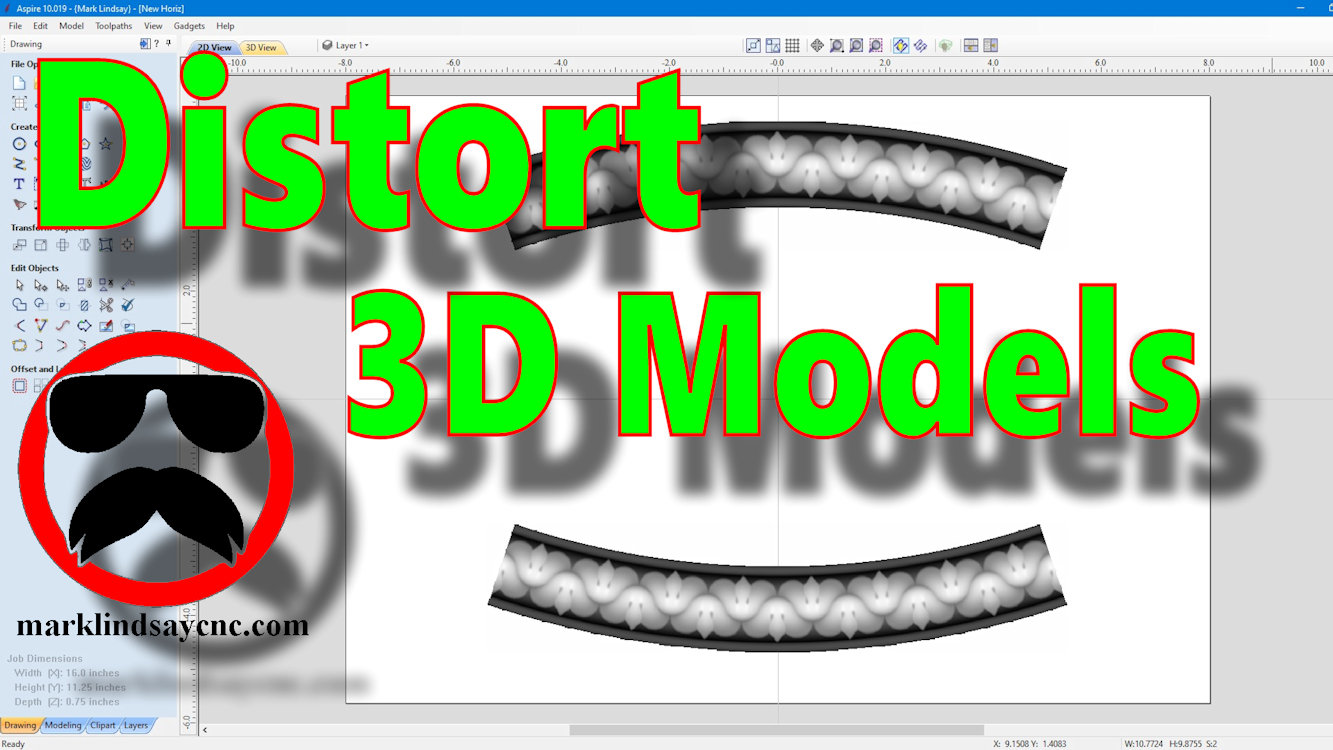
[vc_row][vc_column][vc_column_text] Part 9 – Using The Distort Tool with 3D Models [/vc_column_text][/vc_column][/vc_row][vc_row][vc_column][vc_column_text]This article accompanies the ninth video in a series on my YouTube channel. If you’re not subscribed to my channel, here’s a link. Come on by and check it out. Hopefully you’ll find something you like. In the video, I’ll demonstrate using the Distort tool to modify 3D models in 2 different ways. This is the final installment (for now) of my mini-series on using the Distort Tool in Vectric software. Although the previous videos in this series were compatible with VCarve and Aspire, this final video is applicable only to Aspire. The ability to distort a 3D model…
-
Vectric Software for the Absolute Beginner – Part 39
[vc_row][vc_column][vc_column_text] Part 39 – Using The Distort Tool Bounding Box [/vc_column_text][/vc_column][/vc_row][vc_row][vc_column][vc_column_text]This article accompanies the thirty-ninth video in a series on my YouTube channel. If you’re not subscribed to my channel, here’s a link. Come on by and check it out. Hopefully you’ll find something you like. In this 39th video of the series, I’ll show you how to use the Distort Tool in VCarve Desktop, VCarve Pro, and Aspire by editing the Bounding Box. I introduced the Distort Tool in a previous video, and showed you how to distort vector objects and text using a single curve and between two curves. This time, I’ll show you how to distort vector…
-
Vectric Software for the Absolute Beginner – Part 38
[vc_row][vc_column][vc_column_text] Part 38 – Using The Distort Tool [/vc_column_text][/vc_column][/vc_row][vc_row][vc_column][vc_column_text]This article accompanies the thirty-eighth video in a series on my YouTube channel. If you’re not subscribed to my channel, here’s a link. Come on by and check it out. Hopefully you’ll find something you like. In the video, I’ll introduce the Distort tool and demonstrate its basic use. Folks who have been following me for a long time will no doubt remember my mini-series on Applying Text to a Curve. Although I thought I had completed the series, it wasn’t until I was asked about curving a rectangle that I realized I had left one method out of the series. In…