• Shop
Mark Lindsay CNC

A hobby CNC enthusiast's blog

  • Home
  • Beginners Series
    • The CNC Process for the Absolute Beginner
    • Vectric for the Absolute Beginner Series
    • V-Carving for the Absolute Beginner Series
  • Posts
  • Shop
  • About Us
  • Home
  • Beginners Series
    • The CNC Process for the Absolute Beginner
    • Vectric for the Absolute Beginner Series
    • V-Carving for the Absolute Beginner Series
  • Posts
  • Shop
  • About Us

About Mark

Hi, I'm Mark Lindsay, a woodworker and CNC YouTube creator. I share CNC projects, tutorials, and downloadable files to help you learn to use your Vectric software and CNC router.

Watch on YouTube

  • Distort 3D Models Website Thumbnail 1
    3D Model Carving,  Beginner,  Software,  Techniques

    3D Carving for the Absolute Beginner – Part 9

    February 16, 2020 /

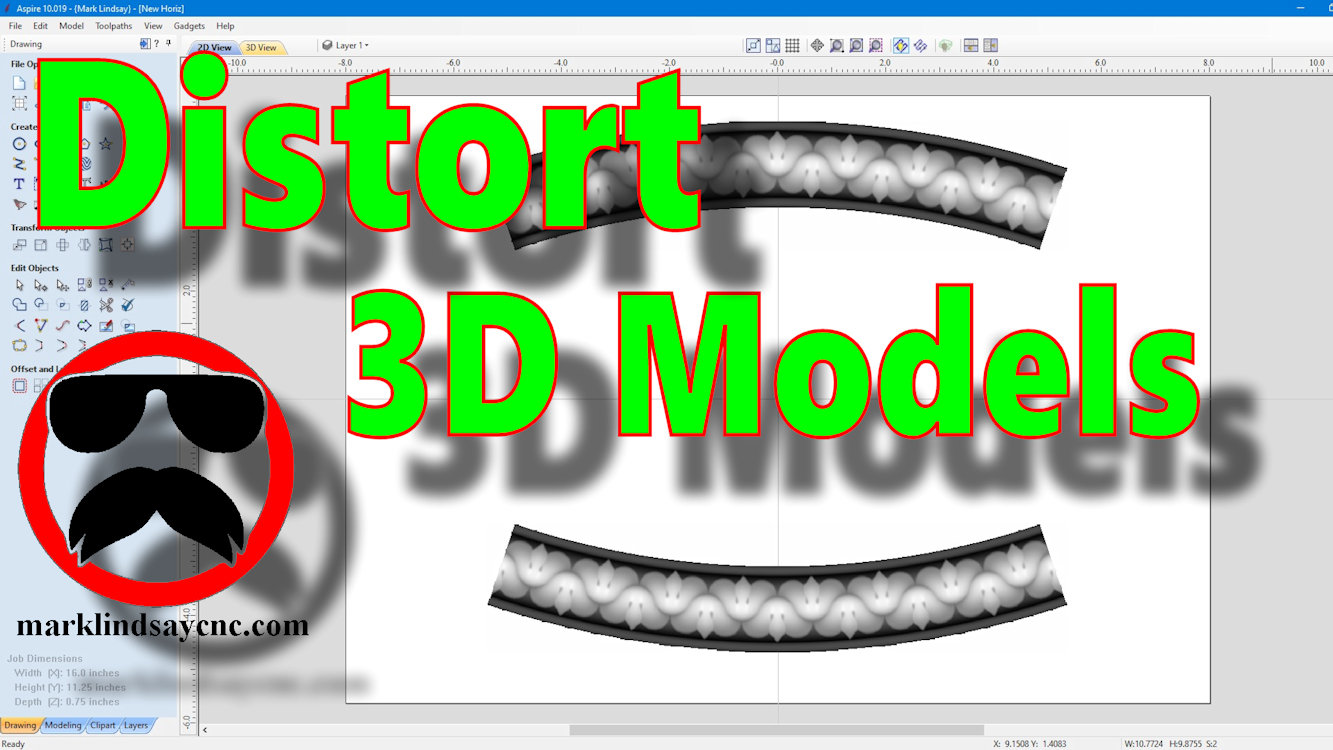
    [vc_row][vc_column][vc_column_text] Part 9 – Using The Distort Tool with 3D Models [/vc_column_text][/vc_column][/vc_row][vc_row][vc_column][vc_column_text]This article accompanies the ninth video in a series on my YouTube channel. If you’re not subscribed to my channel, here’s a link. Come on by and check it out. Hopefully you’ll find something you like. In the video, I’ll demonstrate using the Distort tool to modify 3D models in 2 different ways. This is the final installment (for now) of my mini-series on using the Distort Tool in Vectric software. Although the previous videos in this series were compatible with VCarve and Aspire, this final video is applicable only to Aspire. The ability to distort a 3D model…

    Read More
    Mark Lindsay

    You May Also Like

    Part 26 Website Thumbnail

    Vectric Software for the Absolute Beginner – Part 26

    July 21, 2019
    Finish It Web Thumbnail

    Painting and Finishing a V-Carved Project

    May 26, 2019
    Part 4 Thumb

    Vectric Software for the Absolute Beginner – Part 4

    July 31, 2018
  • Part 36 Website Thumbnail
    3D Model Carving,  Beginner,  Tutorials

    Vectric Software for the Absolute Beginner – Part 36

    January 12, 2020 /

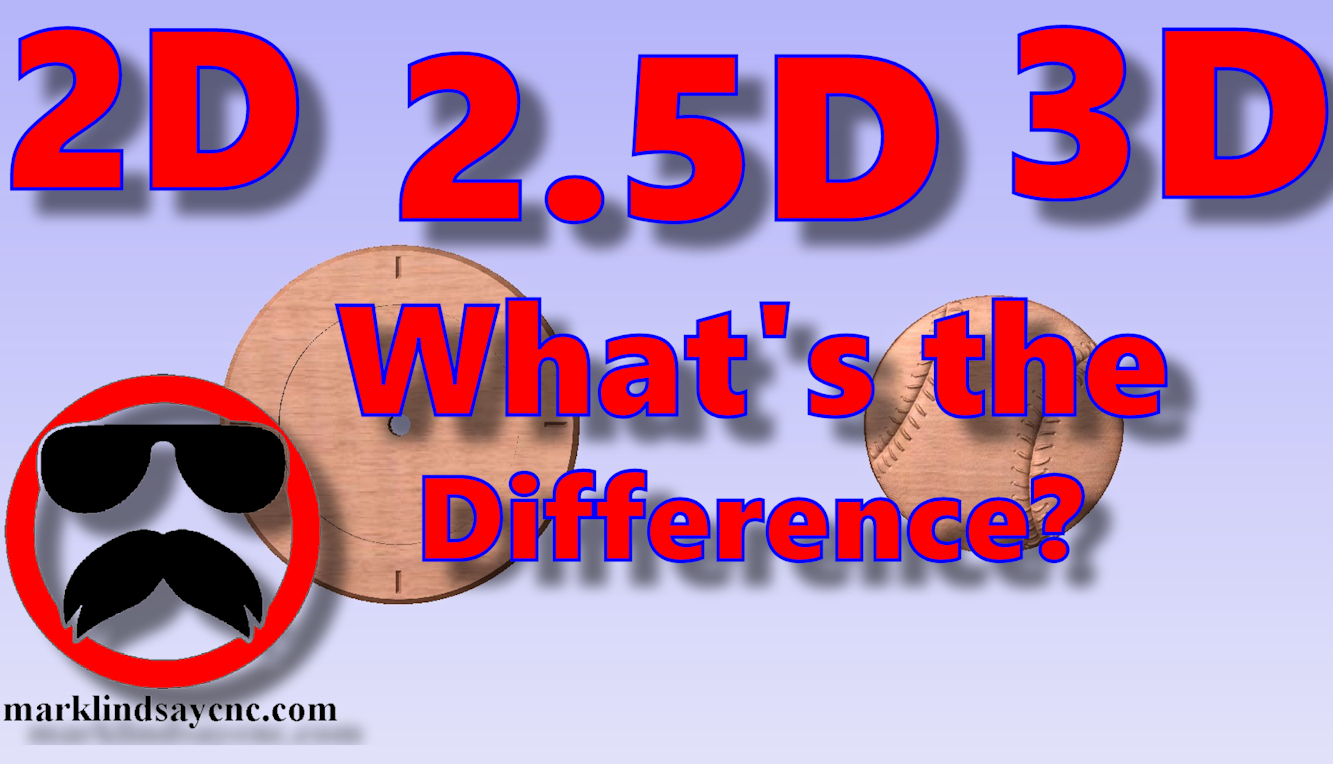
    [vc_row][vc_column][vc_column_text] Part 36 – 2D vs 2.5D vs 3D Carving [/vc_column_text][/vc_column][/vc_row][vc_row][vc_column][vc_column_text]This article accompanies the thirty-sixth video in a series on my YouTube channel. If you’re not subscribed to my channel, here’s a link. Come on by and check it out. Hopefully you’ll find something you like. In this 36th video of the series, I’ll take a step back, return to the basics, and demonstrate the differences between 2D, 2.5D, and 3D vectors, models, and most importantly, toolpaths. I’ve been asked several questions on this topic over the last month, and decided that this would be the perfect time to address it. I’ll show you the basic differences between a 2D…

    Read More
    Mark Lindsay

    You May Also Like

    Part 13 Thumb

    Vectric Software for the Absolute Beginner – Part 13

    January 23, 2019
    Part 4 Thumb

    Vectric Software for the Absolute Beginner – Part 4

    July 31, 2018
    K40 Thumb 1

    K40 Laser Unboxing

    March 10, 2019
  • Part 21 Website Thumb
    3D Model Carving,  Beginner,  Tools and Supplies,  Tutorials

    Vectric Software For the Absolute Beginner – Part 21

    April 14, 2019 /

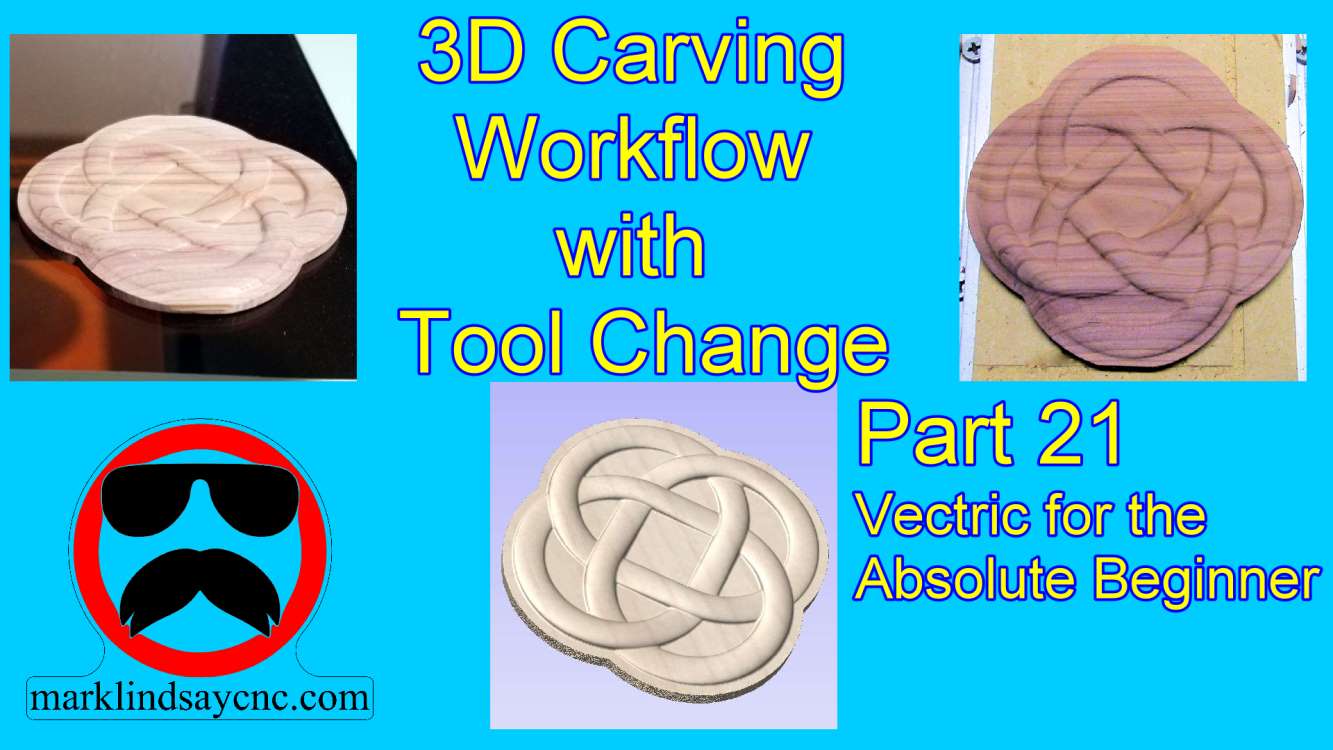
    [vc_row][vc_column][vc_column_text] Part 21 – 3D Carving Workflow with Tool Change [/vc_column_text][/vc_column][/vc_row][vc_row][vc_column][vc_column_text]This article accompanies the twenty first video in a series on my YouTube channel. If you’re not subscribed to my channel, here’s a link. Come on by and check it out. Hopefully you’ll find something you like. In this 21st video of the series, I’ll wrap up my journey into 3D Carving in Vectric Software by giving you a walk through my workflow from start to finish. First we’ll design the 3D project in VCarve Pro, calculate toolpaths, then save g-code. From there we’ll go out into the shop and transfer the g-code files onto the CNC computer. I’ll load…

    Read More
    Mark Lindsay

    You May Also Like

    Part 19 Website Thumb

    Vectric for the Absolute Beginner – Part 19

    March 28, 2019
    Thumb 10

    Gatton CNC Build Part 10 – Router Mount and Tramming Plates

    September 26, 2017
    Part 36 Website Thumbnail

    Vectric Software for the Absolute Beginner – Part 36

    January 12, 2020
  • Part 20 Website Thumb
    3D Model Carving,  Beginner,  CNC Router,  Software,  Techniques,  Tutorials

    Vectric Software for the Absolute Beginner – Part 20

    March 29, 2019 /

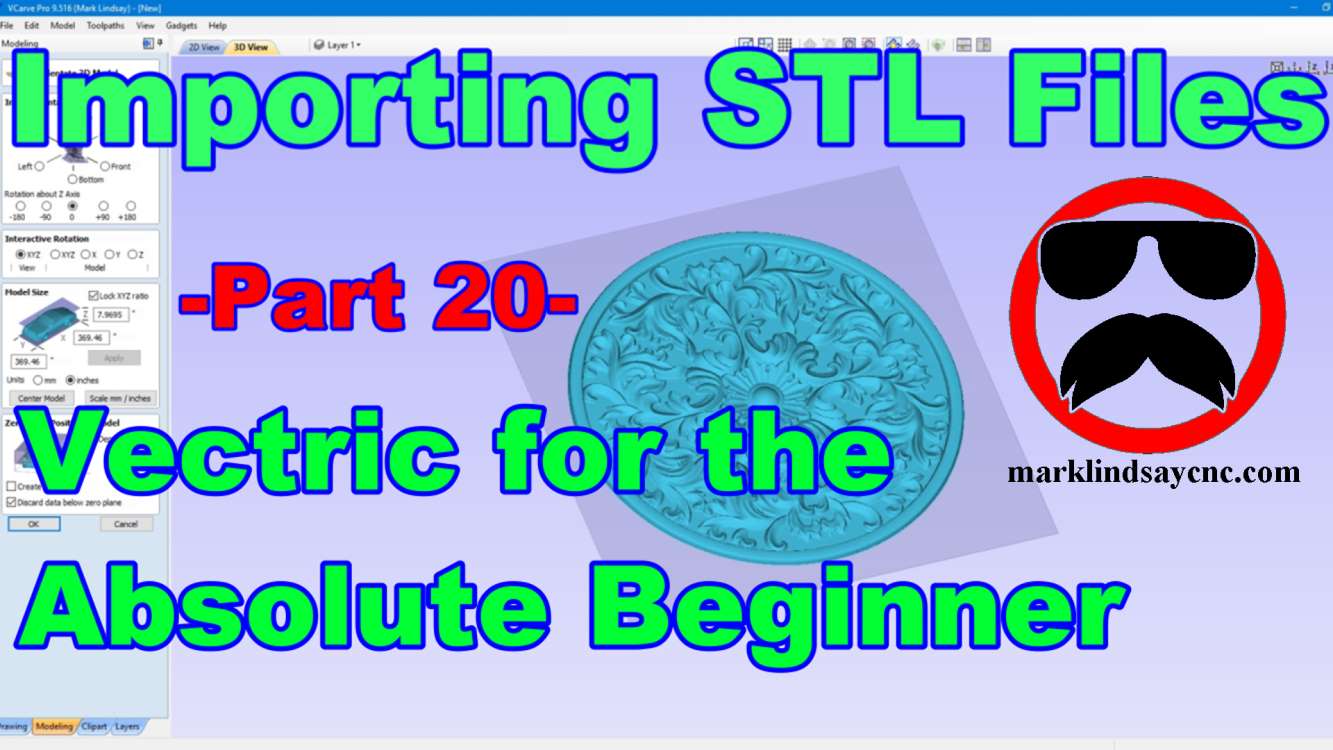
    [vc_row][vc_column][vc_column_text] Part 20 – Importing STL Files [/vc_column_text][/vc_column][/vc_row][vc_row][vc_column][vc_column_text]This article accompanies the twentieth video in a series on my YouTube channel. If you’re not subscribed to my channel, here’s a link. Come on by and check it out. Hopefully you’ll find something you like. In this video, I’ll continue the journey into 3D carving in Vectric Software. We’ll get into importing STL files into the software. First we’ll import the STL file, and I’ll walk you through the 3D Model Orientation screen. From there we’ll create a vector around the model, then start calculating toolpaths. In the 3D roughing toolpath, I’ll show you the difference between using a Z Level strategy…

    Read More
    Mark Lindsay

    You May Also Like

    YouTube Thumb 16

    Vectric Software for the Absolute Beginner – Part 16

    February 17, 2019
    Part 37 Website Thumbnail

    Vectric Software for the Absolute Beginner – Part 37

    January 26, 2020
    Thumbnail 1

    Vectric Software for the Absolute Beginner – Part 2

    July 15, 2018
  • Part 19 Website Thumb
    3D Model Carving,  Beginner,  Software,  Techniques

    Vectric for the Absolute Beginner – Part 19

    March 28, 2019 /

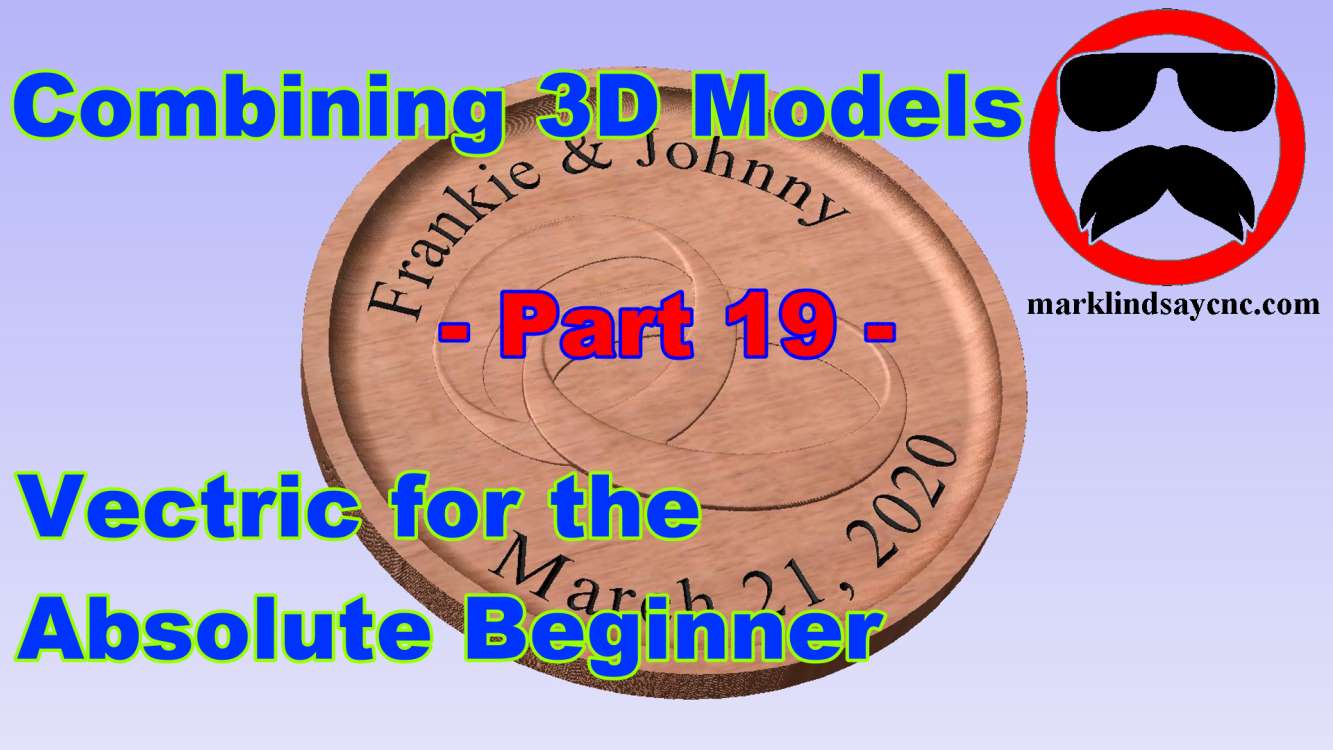
    [vc_row][vc_column][vc_column_text] Part 19 – Combining 3D Models [/vc_column_text][/vc_column][/vc_row][vc_row][vc_column][vc_column_text]This article accompanies the nineteenth video in a series on my YouTube channel. If you’re not subscribed to my channel, here’s a link. Come on by and check it out. Hopefully you’ll find something you like. In this 19th video of the series, I’ll get a bit deeper into 3D carving within the Vectric software. We’ll import two 3D models from the Clipart Library that came with VCarve, and I’ll show you how to combine them to create the basis for a wedding plaque. We’ll create a vector around the models, then offset that vector to give us a profile to cut out…
    Read More
    Mark Lindsay

    You May Also Like

    Part 11 Website Thumb

    Vectric Software for the Absolute Beginner – Part 11

    November 18, 2018
    Thumbnail 1

    Vectric Software for the Absolute Beginner – Part 2

    July 15, 2018
    Part 18 - Website Thumb

    Vectric Software for the Absolute Beginner – Part 18

    March 17, 2019

Donate

If you’d like to support my website and YouTube channel and help with the making of future videos, you can donate by clicking the DONATE button below. Thank you for your support!


Recent Posts

  • Live Q&A #359 – Open Q&A
  • Live Q&A #358 – Open Q&A
  • Live Q&A #357 – Open Q&A
  • Live Q&A #356 – Open Q&A
  • Live Q&A #355 – Open Q&A

Archives

  • November 2026
  • October 2026
  • September 2026
  • August 2026
  • July 2026
  • June 2026
  • May 2026
  • April 2026
  • March 2026
  • February 2026
  • January 2026
  • December 2025
  • November 2025
  • October 2025
  • September 2025
  • August 2025
  • July 2025
  • June 2025
  • May 2025
  • April 2025
  • March 2025
  • February 2025
  • January 2025
  • December 2024
  • November 2024
  • October 2024
  • September 2024
  • August 2024
  • July 2024
  • May 2024
  • April 2024
  • June 2023
  • March 2020
  • February 2020
  • January 2020
  • July 2019
  • June 2019
  • May 2019
  • April 2019
  • March 2019
  • February 2019
  • January 2019
  • November 2018
  • October 2018
  • August 2018
  • July 2018
  • May 2018
  • April 2018
  • November 2017
  • September 2017
  • August 2017
  • April 2017
  • March 2017
  • February 2017

Categories

  • 3D Model Carving
  • Beginner
  • Channel Update
  • CNC Router
  • Laser
  • Live Q & A
  • Rotary Axis
  • Software
  • Techniques
  • Tools and Supplies
  • Tutorials
  • Uncategorized
Mark Lindsay CNC - Harnealmedia.com - 2026 ©