• Shop
Mark Lindsay CNC

A hobby CNC enthusiast's blog

  • Home
  • Beginners Series
    • The CNC Process for the Absolute Beginner
    • Vectric for the Absolute Beginner Series
    • V-Carving for the Absolute Beginner Series
  • Posts
  • Shop
  • About Us
  • Home
  • Beginners Series
    • The CNC Process for the Absolute Beginner
    • Vectric for the Absolute Beginner Series
    • V-Carving for the Absolute Beginner Series
  • Posts
  • Shop
  • About Us

About Mark

Hi, I'm Mark Lindsay, a woodworker and CNC YouTube creator. I share CNC projects, tutorials, and downloadable files to help you learn to use your Vectric software and CNC router.

Watch on YouTube

  • Part 20 Website Thumb
    3D Model Carving,  Beginner,  CNC Router,  Software,  Techniques,  Tutorials

    Vectric Software for the Absolute Beginner – Part 20

    March 29, 2019 /

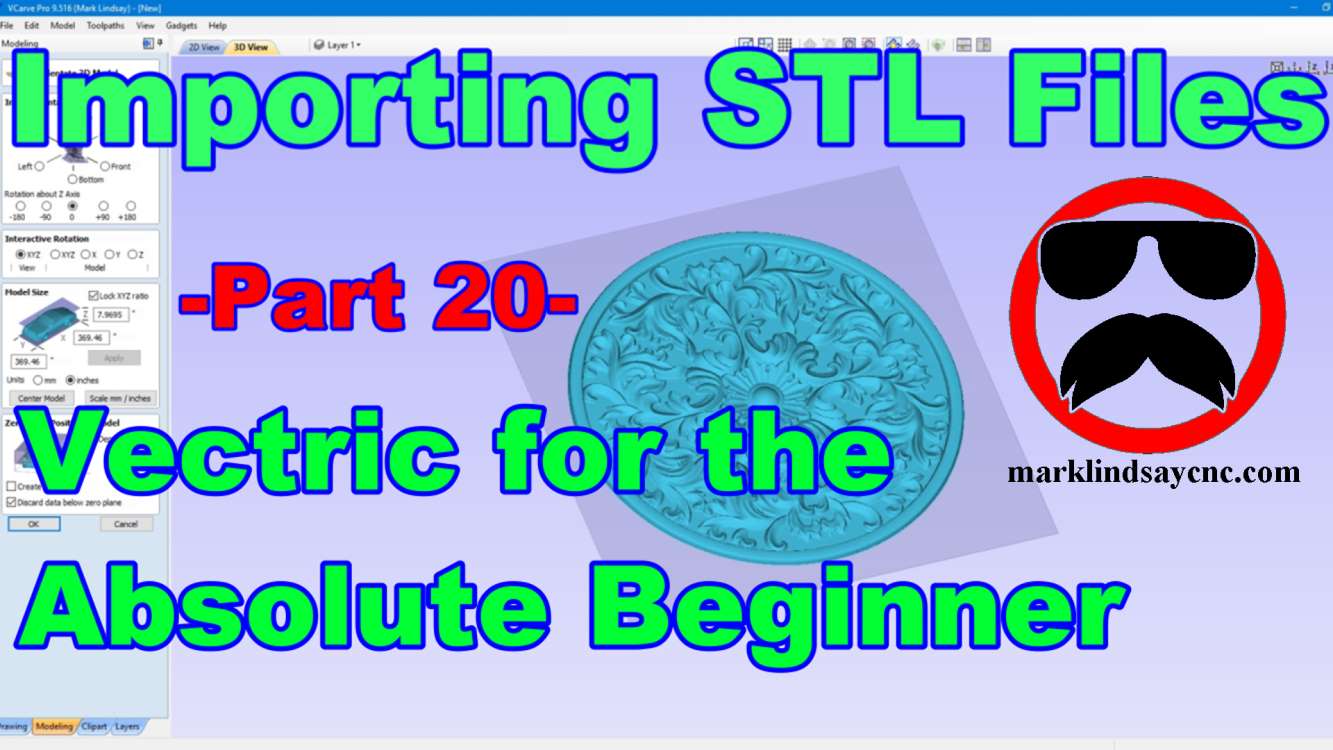
    [vc_row][vc_column][vc_column_text] Part 20 – Importing STL Files [/vc_column_text][/vc_column][/vc_row][vc_row][vc_column][vc_column_text]This article accompanies the twentieth video in a series on my YouTube channel. If you’re not subscribed to my channel, here’s a link. Come on by and check it out. Hopefully you’ll find something you like. In this video, I’ll continue the journey into 3D carving in Vectric Software. We’ll get into importing STL files into the software. First we’ll import the STL file, and I’ll walk you through the 3D Model Orientation screen. From there we’ll create a vector around the model, then start calculating toolpaths. In the 3D roughing toolpath, I’ll show you the difference between using a Z Level strategy…

    Read More
    Mark Lindsay

    You May Also Like

    Vectric Software for the Absolute Beginner – Part 1

    July 8, 2018
    Part 40 Website Thumbnail

    Vectric Software for the Absolute Beginner – Part 40

    February 23, 2020
    Part 5 Thumbnail

    Vectric Software for the Absolute Beginner – Part 5

    August 7, 2018
  • Part 19 Website Thumb
    3D Model Carving,  Beginner,  Software,  Techniques

    Vectric for the Absolute Beginner – Part 19

    March 28, 2019 /

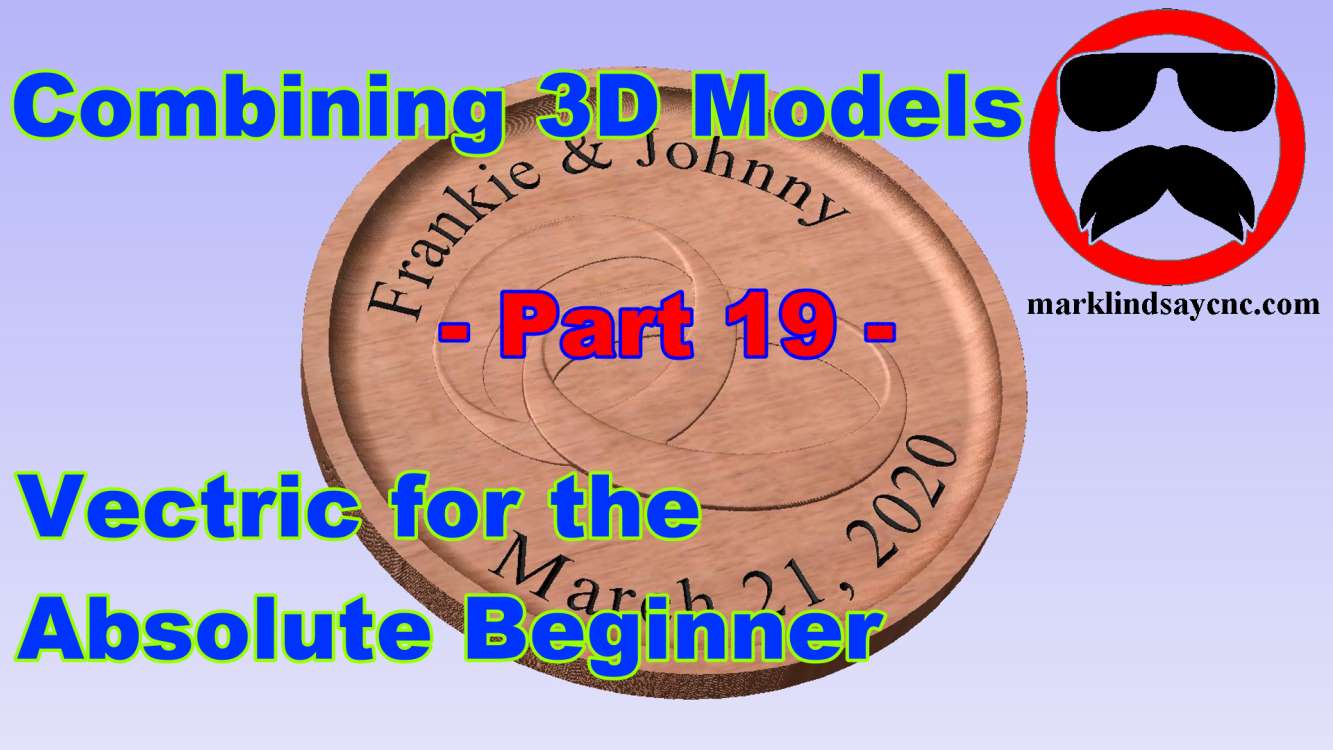
    [vc_row][vc_column][vc_column_text] Part 19 – Combining 3D Models [/vc_column_text][/vc_column][/vc_row][vc_row][vc_column][vc_column_text]This article accompanies the nineteenth video in a series on my YouTube channel. If you’re not subscribed to my channel, here’s a link. Come on by and check it out. Hopefully you’ll find something you like. In this 19th video of the series, I’ll get a bit deeper into 3D carving within the Vectric software. We’ll import two 3D models from the Clipart Library that came with VCarve, and I’ll show you how to combine them to create the basis for a wedding plaque. We’ll create a vector around the models, then offset that vector to give us a profile to cut out…

    Read More
    Mark Lindsay

    You May Also Like

    Part-41-Website-Thumbnail

    Vectric Software for the Absolute Beginner – Part 41

    March 1, 2020
    Part 7 Thumb

    Vectric Software for the Absolute Beginner Part – 7

    August 26, 2018
    Part 42 Website Thumbnail

    Vectric Software for the Absolute Beginner – Part 42

    March 8, 2020
  • Part 18 - Website Thumb
    Beginner,  Software,  Techniques

    Vectric Software for the Absolute Beginner – Part 18

    March 17, 2019 /

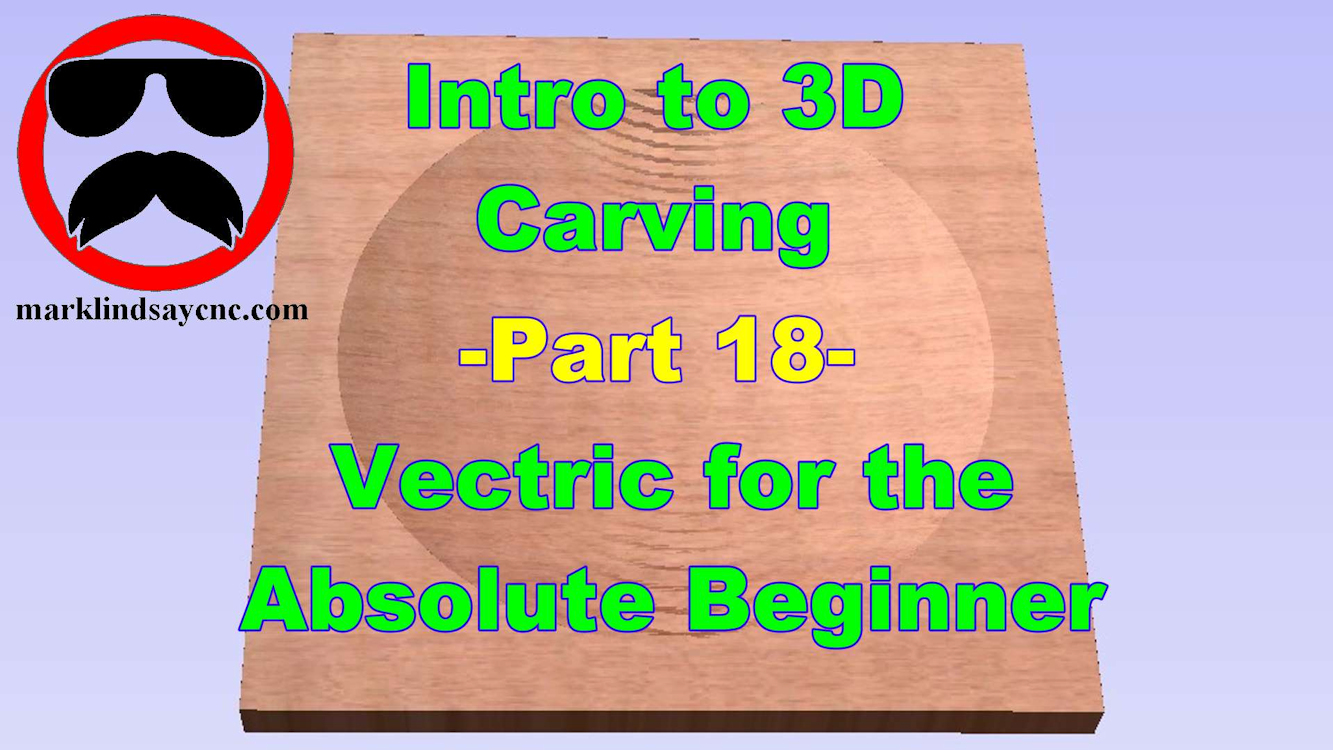
    [vc_row][vc_column][vc_column_text] Part 18 – Intro to 3D Carving This article accompanies the eighteenth video in a series on my YouTube channel. If you’re not subscribed to my channel, here’s a link. Come on by and check it out. Hopefully you’ll find something you like. In this video, I’ll slowly wade into the topic of 3D carving in Vectric Software. We’ll get into Modeling Resolution in Job Setup, and I’ll show you how to set that. Then I’ll import a 3D model from the Clipart that comes with the Vectric software when you purchase it. From there we’ll get into the Modeling Tab and convert a dome to a dish, add…

    Read More
    Mark Lindsay

    You May Also Like

    Part 38 Website Thumbnail

    Vectric Software for the Absolute Beginner – Part 38

    February 2, 2020
    Part 40 Website Thumbnail

    Vectric Software for the Absolute Beginner – Part 40

    February 23, 2020
    Thumb 10

    Gatton CNC Build Part 10 – Router Mount and Tramming Plates

    September 26, 2017
  • K40 Thumb 1
    Beginner,  Laser,  Tools and Supplies

    K40 Laser Unboxing

    March 10, 2019 /

    [vc_row][vc_column][vc_column_text] K40 Laser Unboxing …and we have a problem… Those of you who follow me on Instagram or Facebook undoubtedly saw some “interesting” photos on my timeline and feed over the course of the last couple of weeks. I’ll admit I was teasing a few people with them, and trying to build a little bit of suspense – especially in my family. A few people zeroed in on what I was posting pictures of and knew what they were right away. Most did not. I had to scramble to get people to change or delete posts so as not to let the cat out of the proverbial bag, but other…

    Read More
    Mark Lindsay

    You May Also Like

    Part 18 - Website Thumb

    Vectric Software for the Absolute Beginner – Part 18

    March 17, 2019
    Part 8 Website Thumb

    Vectric Software for the Absolute Beginner – Part 8

    October 14, 2018
    Part 36 Website Thumbnail

    Vectric Software for the Absolute Beginner – Part 36

    January 12, 2020
  • Part 17 - Website Thumb
    Beginner,  Software,  Tutorials

    Vectric Software for the Absolute Beginner – Part 17

    March 3, 2019 /

    [vc_row][vc_column][vc_column_text] Part 17 – Mirror Vectors [/vc_column_text][/vc_column][/vc_row][vc_row][vc_column][vc_column_text]This article accompanies the seventeenth video in a series on my YouTube channel. If you’re not subscribed to my channel, here’s a link. Come on by and check it out. Hopefully you’ll find something you like. In this video, I’ll address a subject inspired by a comment by a sharp-eyed viewer named Robert. (Thank you, Robert!) We’ll get into Mirroring Vectors in VCarve, and I’ll demonstrate on a couple of different files. Then I’ll directly answer Robert’s comment: How do you make sure both sides of a design are exactly the same?[/vc_column_text][/vc_column][/vc_row][vc_row][vc_column][vc_raw_html]JTNDc2NyaXB0JTIwYXN5bmMlMjBzcmMlM0QlMjIlMkYlMkZwYWdlYWQyLmdvb2dsZXN5bmRpY2F0aW9uLmNvbSUyRnBhZ2VhZCUyRmpzJTJGYWRzYnlnb29nbGUuanMlMjIlM0UlM0MlMkZzY3JpcHQlM0UlMEElM0NpbnMlMjBjbGFzcyUzRCUyMmFkc2J5Z29vZ2xlJTIyJTIwc3R5bGUlM0QlMjJkaXNwbGF5JTNBJTIwYmxvY2slM0IlMjB0ZXh0LWFsaWduJTNBJTIwY2VudGVyJTNCJTIyJTIwZGF0YS1hZC1sYXlvdXQlM0QlMjJpbi1hcnRpY2xlJTIyJTIwZGF0YS1hZC1mb3JtYXQlM0QlMjJmbHVpZCUyMiUyMGRhdGEtYWQtY2xpZW50JTNEJTIyY2EtcHViLTM2ODMxNTU4MjUyMjM3ODklMjIlMjBkYXRhLWFkLXNsb3QlM0QlMjIxMTk3OTIwODE1JTIyJTNFJTNDJTJGaW5zJTNFJTBBJTNDc2NyaXB0JTNFJTBBJTI4YWRzYnlnb29nbGUlMjAlM0QlMjB3aW5kb3cuYWRzYnlnb29nbGUlMjAlN0MlN0MlMjAlNUIlNUQlMjkucHVzaCUyOCU3QiU3RCUyOSUzQiUwQSUzQyUyRnNjcmlwdCUzRQ==[/vc_raw_html][/vc_column][/vc_row][vc_row][vc_column][vc_column_text] FOR THE ABSOLUTE CNC BEGINNER Don’t stress over any of this. It’s…
    Read More
    Mark Lindsay

    You May Also Like

    Part 9 Website Thumbnail

    Vectric Software for the Absolute Beginner – Part 9

    November 6, 2018
    Part 42 Website Thumbnail

    Vectric Software for the Absolute Beginner – Part 42

    March 8, 2020
    Part 25 Website Thumbnail

    Vectric Software for the Absolute Beginner – Part 25

    June 16, 2019

Donate

If you’d like to support my website and YouTube channel and help with the making of future videos, you can donate by clicking the DONATE button below. Thank you for your support!


Recent Posts

  • Live Q&A #359 – Open Q&A
  • Live Q&A #358 – Open Q&A
  • Live Q&A #357 – Open Q&A
  • Live Q&A #356 – Open Q&A
  • Live Q&A #355 – Open Q&A

Archives

  • November 2026
  • October 2026
  • September 2026
  • August 2026
  • July 2026
  • June 2026
  • May 2026
  • April 2026
  • March 2026
  • February 2026
  • January 2026
  • December 2025
  • November 2025
  • October 2025
  • September 2025
  • August 2025
  • July 2025
  • June 2025
  • May 2025
  • April 2025
  • March 2025
  • February 2025
  • January 2025
  • December 2024
  • November 2024
  • October 2024
  • September 2024
  • August 2024
  • July 2024
  • May 2024
  • April 2024
  • June 2023
  • March 2020
  • February 2020
  • January 2020
  • July 2019
  • June 2019
  • May 2019
  • April 2019
  • March 2019
  • February 2019
  • January 2019
  • November 2018
  • October 2018
  • August 2018
  • July 2018
  • May 2018
  • April 2018
  • November 2017
  • September 2017
  • August 2017
  • April 2017
  • March 2017
  • February 2017

Categories

  • 3D Model Carving
  • Beginner
  • Channel Update
  • CNC Router
  • Laser
  • Live Q & A
  • Rotary Axis
  • Software
  • Techniques
  • Tools and Supplies
  • Tutorials
  • Uncategorized
Mark Lindsay CNC - Harnealmedia.com - 2026 ©