-
Vectric Software for the Absolute Beginner – Part 38
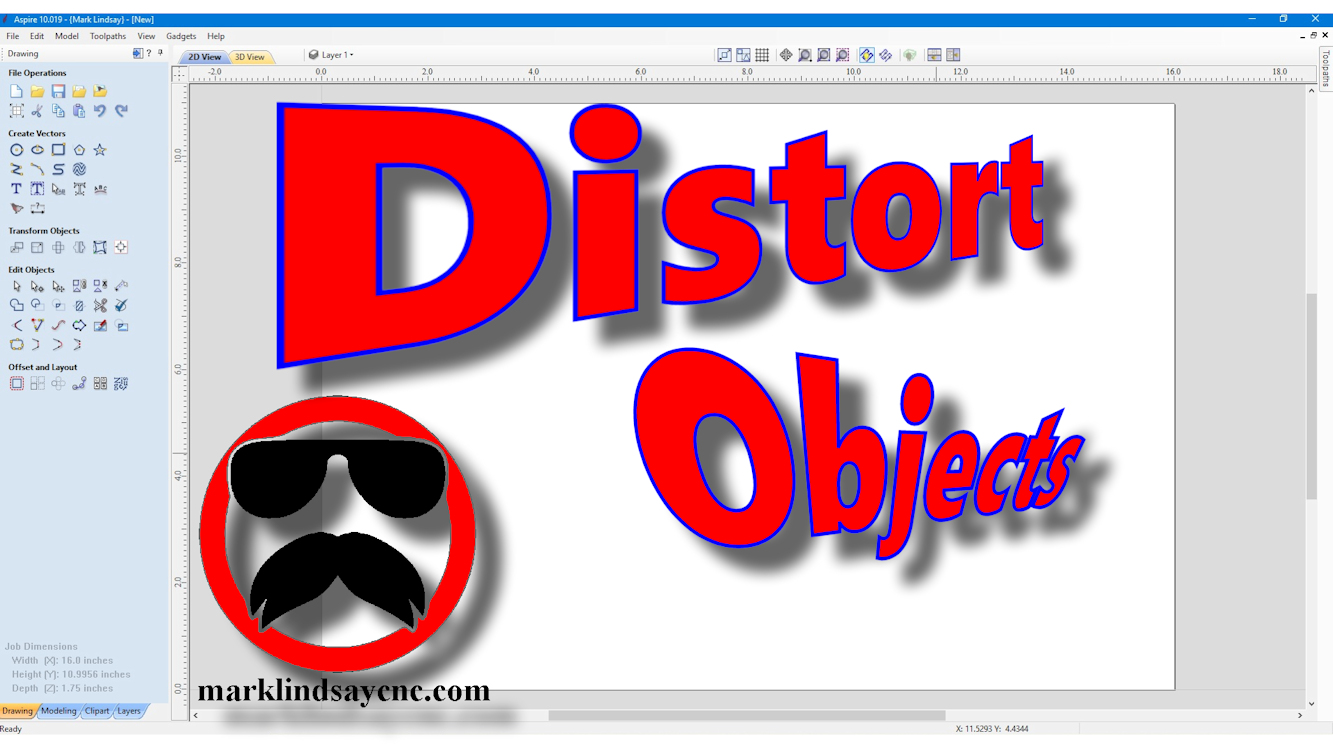
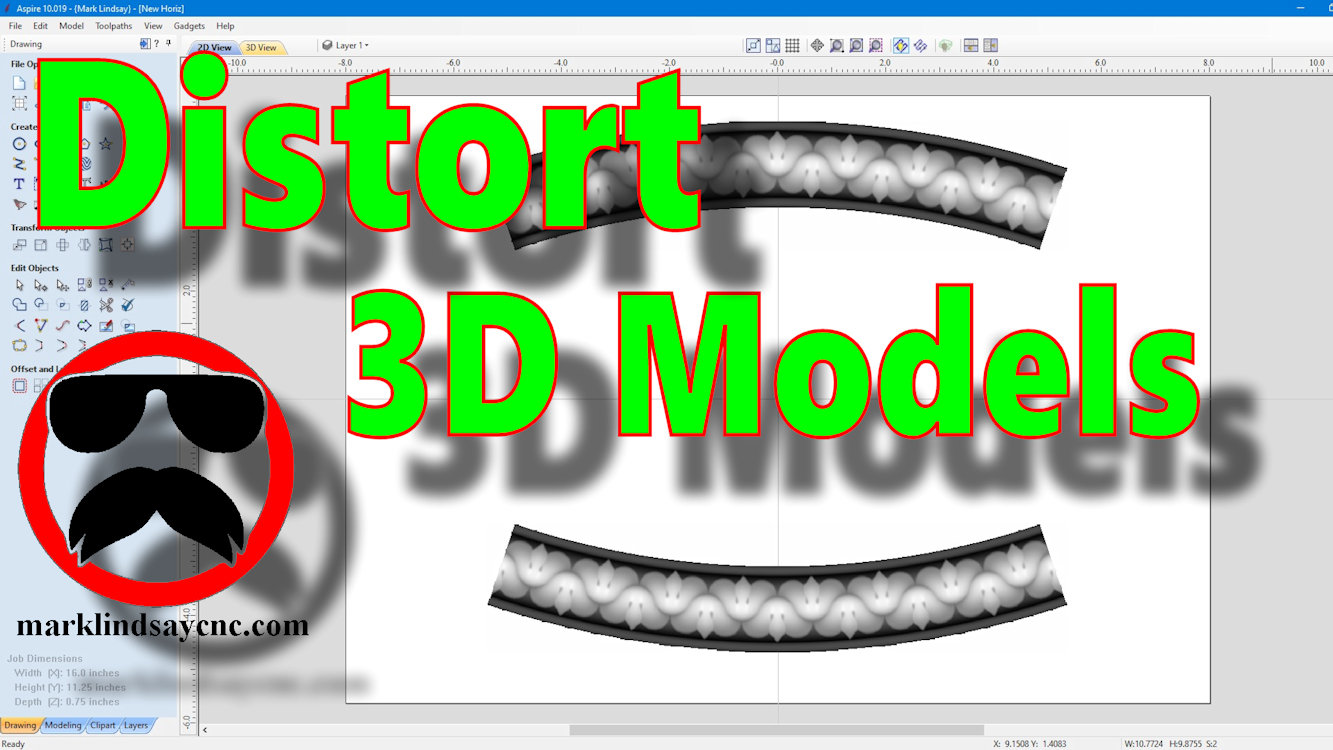
[vc_row][vc_column][vc_column_text] Part 38 – Using The Distort Tool [/vc_column_text][/vc_column][/vc_row][vc_row][vc_column][vc_column_text]This article accompanies the thirty-eighth video in a series on my YouTube channel. If you’re not subscribed to my channel, here’s a link. Come on by and check it out. Hopefully you’ll find something you like. In the video, I’ll introduce the Distort tool and demonstrate its basic use. Folks who have been following me for a long time will no doubt remember my mini-series on Applying Text to a Curve. Although I thought I had completed the series, it wasn’t until I was asked about curving a rectangle that I realized I had left one method out of the series. In…
-
Vectric Software for the Absolute Beginner – Part 37
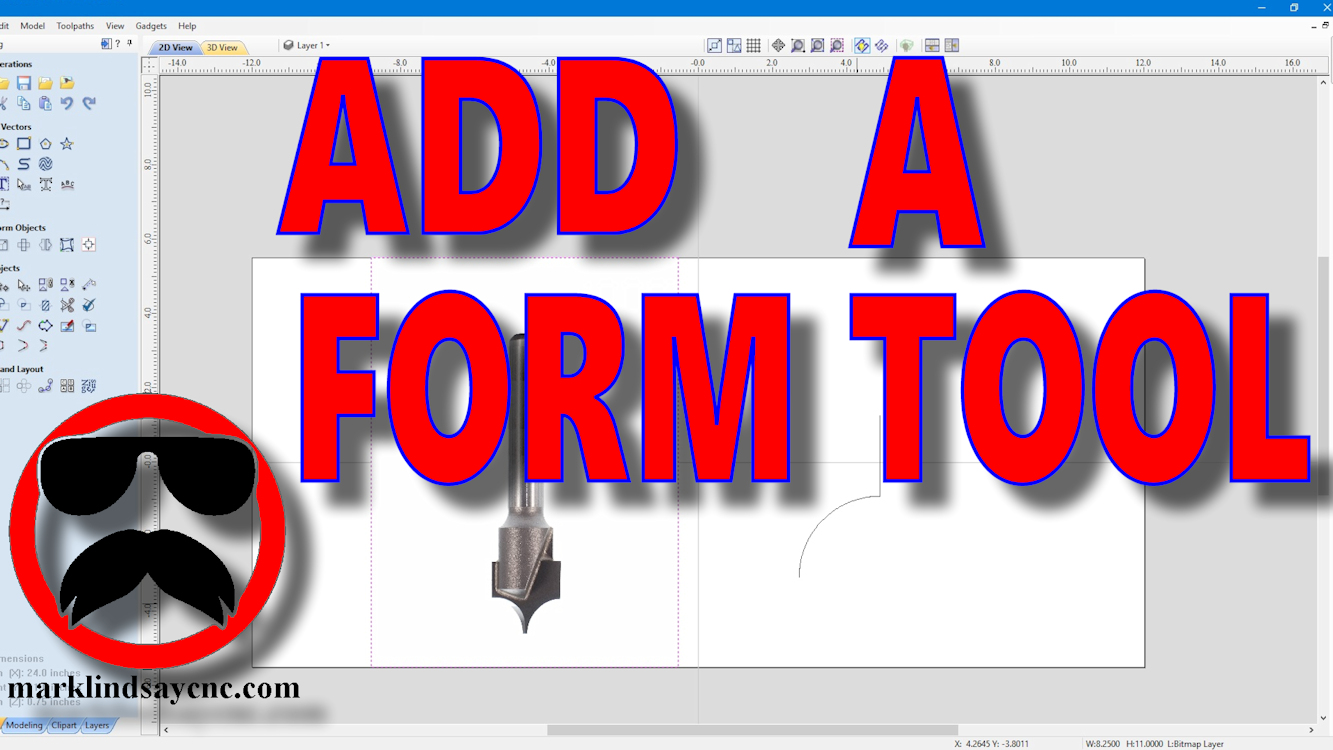
[vc_row][vc_column][vc_column_text] Part 37 – Adding a Form Tool to the Tool Database Using a Vector [/vc_column_text][/vc_column][/vc_row][vc_row][vc_column][vc_column_text]This article accompanies the thirty-seventh video in a series on my YouTube channel. If you’re not subscribed to my channel, here’s a link. Come on by and check it out. Hopefully you’ll find something you like. In the video, I’ll go through the steps involved in adding a Form tool to the Vectric Tool Database. I’ve had a project in mind for quite a while, and it will involve rounding over some edges and creating some beads in the surface of the material. I got the bit through Amazon, decided that this would be the…
-
X and Y Axis Identification and Rotation
[vc_row][vc_column][vc_column_text] X and Y Axis Identification and Rotation [/vc_column_text][/vc_column][/vc_row][vc_row][vc_column][vc_column_text]Sometimes we take the simplest things for granted. As an example, I started making CNC videos about 1 1/2 years ago, and I thought I was making basic videos for the absolute beginner. Well, it turns out I forgot to include some of the more basic info. I fell into the same trap a lot of other people make, and that is assuming that folks already know what I’m talking about when I use certain words and phrases. I figured that if a person was interested in CNC, they probably already had some basic knowledge of how they worked, and what the…
-
Vectric Software for the Absolute Beginner – Part 36
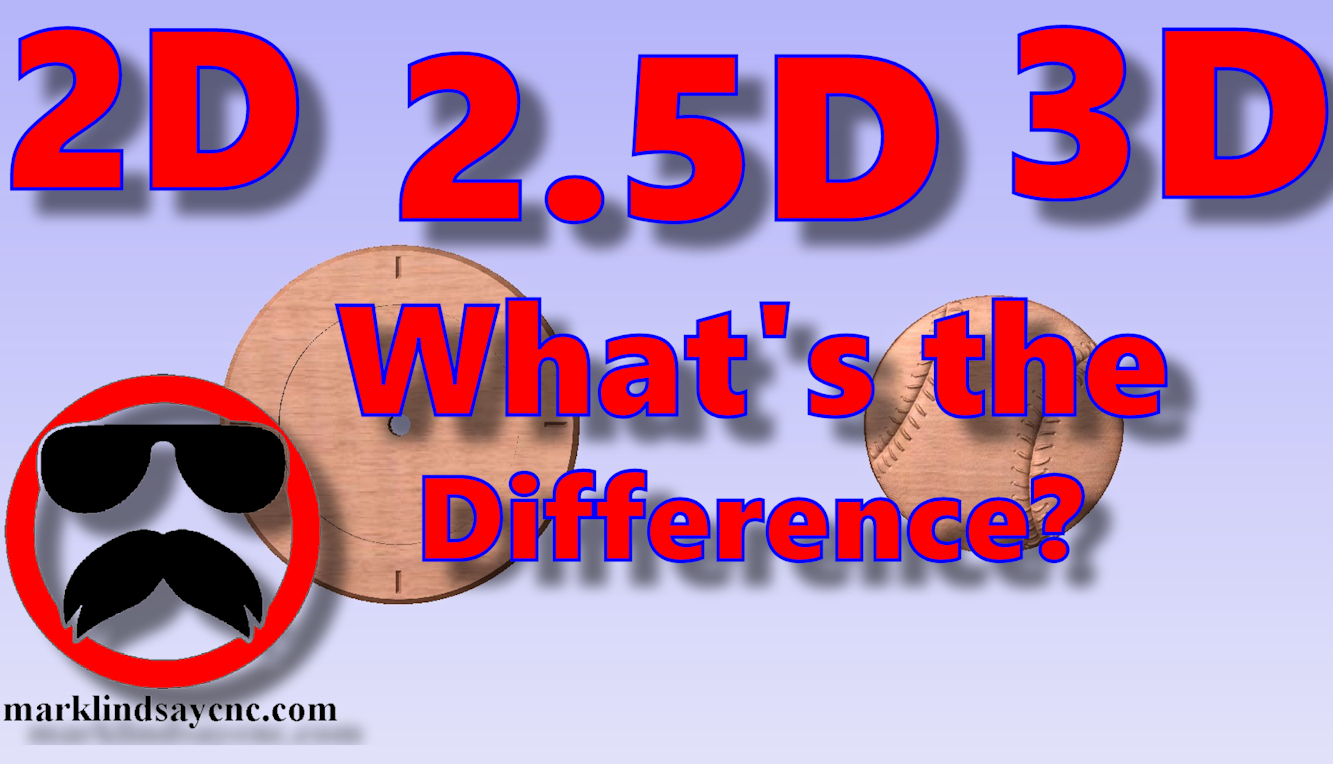
[vc_row][vc_column][vc_column_text] Part 36 – 2D vs 2.5D vs 3D Carving [/vc_column_text][/vc_column][/vc_row][vc_row][vc_column][vc_column_text]This article accompanies the thirty-sixth video in a series on my YouTube channel. If you’re not subscribed to my channel, here’s a link. Come on by and check it out. Hopefully you’ll find something you like. In this 36th video of the series, I’ll take a step back, return to the basics, and demonstrate the differences between 2D, 2.5D, and 3D vectors, models, and most importantly, toolpaths. I’ve been asked several questions on this topic over the last month, and decided that this would be the perfect time to address it. I’ll show you the basic differences between a 2D…
-
Vectric Software for the Absolute Beginner – Part 26
[vc_row][vc_column][vc_column_text] Part 26 – Add and Preview Fonts [/vc_column_text][/vc_column][/vc_row][vc_row][vc_column][vc_column_text]This article accompanies the twenty-sixth video in a series on my YouTube channel. If you’re not subscribed to my channel, here’s a link. Come on by and check it out. Hopefully you’ll find something you like. In the video, I’ll talk about Downloading and Installing new fonts for use in the Vectric software. I’ve received a couple of questions, and have seen several Facebook posts about adding fonts to VCarve and Aspire. I’ll show you how to search for, download, and, most importantly, INSTALL new fonts in your Windows-based system, for use in your Vectric software, or any other program that uses…
-
Vectric Software for the Absolute Beginner – Part 25
[vc_row][vc_column][vc_column_text] Part 25 – Node Editing Text [/vc_column_text][/vc_column][/vc_row][vc_row][vc_column][vc_column_text]This article accompanies the twenty-fifth video in a series on my YouTube channel. If you’re not subscribed to my channel, here’s a link. Come on by and check it out. Hopefully you’ll find something you like. In this 25th video of the series, I’ll talk about converting text to curves and editing it in Node Editing mode before v-carving it. I’ve received several questions about modifying text lately, and most of it concerning how to modify a font in Node Editing mode. I’ll show you how to convert the text to curves, edit it in Node Editing mode, then calculate toolpaths. We’ll also…
-
Vectric Software for the Absolute Beginner – Part 24
[vc_row][vc_column][vc_column_text] Part 24 – Join and Group Vectors [/vc_column_text][/vc_column][/vc_row][vc_row][vc_column][vc_column_text]This article accompanies the twenty-fourth video in a series on my YouTube channel. If you’re not subscribed to my channel, here’s a link. Come on by and check it out. Hopefully you’ll find something you like. In this video, I’ll talk about the difference between joining vectors and grouping them, in preparation for calculating a pocket toolpath, or v-carving them. I’ve received several questions about open vectors, and grouped vectors lately. There appears to be a bit of confusion concerning the difference between the two. The file used to demonstrate in this video is not available. I will, however, link all of…
-
Vectric Software for the Absolute Beginner – Part 23
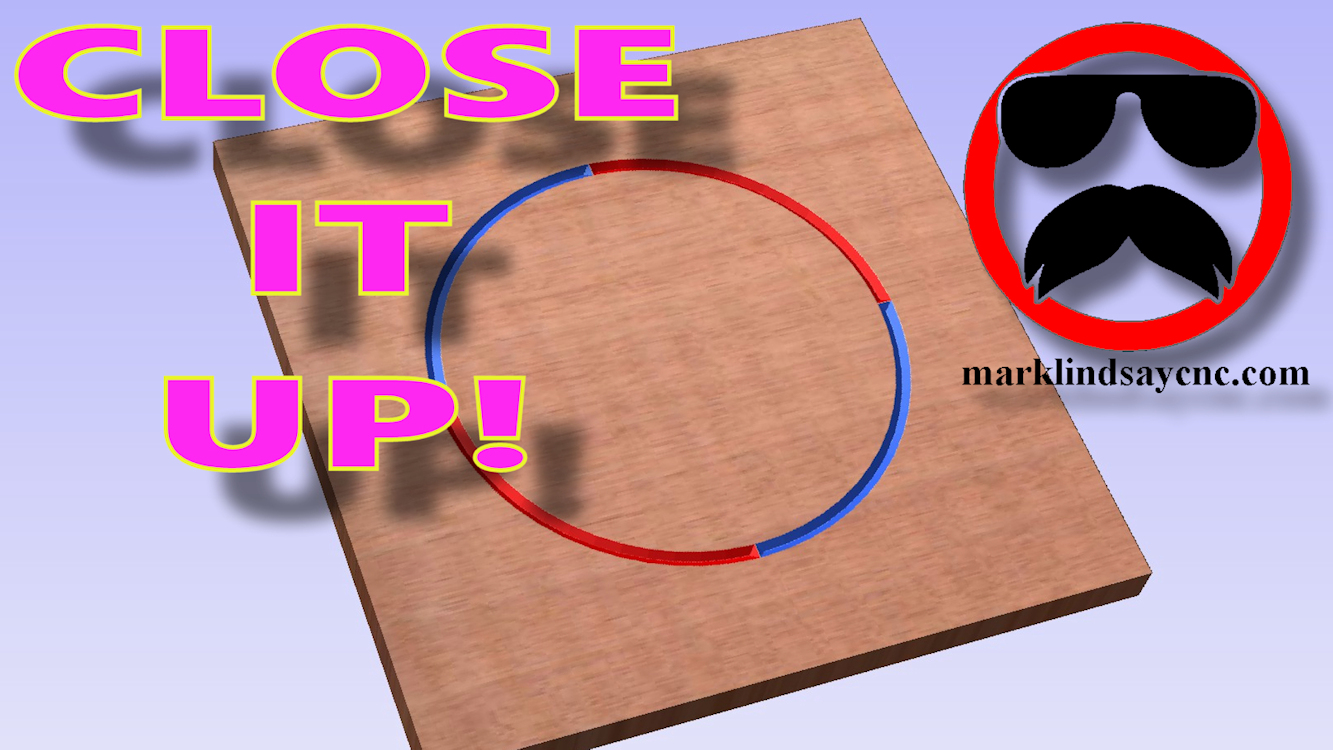
[vc_row][vc_column][vc_column_text] Part 23 – Closing Open Vectors [/vc_column_text][/vc_column][/vc_row][vc_row][vc_column][vc_column_text]This article accompanies the twenty-third video in a series on my YouTube channel. If you’re not subscribed to my channel, here’s a link. Come on by and check it out. Hopefully you’ll find something you like. In this video, I’ll demonstrate two different ways of closing vectors in preparation for v-carving them. A lot of us have had problems closing stubborn vectors, or just wrapping our heads around joining vectors that either don’t want to join, or trying to use the same vector in 2 separate vector objects. An example of such a thing is creating two objects that are side by side,…
-
Painting and Finishing a V-Carved Project
[vc_row][vc_column][vc_column_text] Painting and Finishing a V-Carved Project [/vc_column_text][/vc_column][/vc_row][vc_row][vc_column][vc_column_text]This article accompanies a video I posted on my YouTube channel. If you’re not subscribed to my channel, here’s a link. Come on by and check it out. Hopefully you’ll find something you like. In this video, I’ll demonstrate how I paint and finish a v-carved project. I made this sign out of cherry, and it’s one of my favorite woods. As such, we decided not to stain it, as we both like the natural color of cherry – especially as it darkens with age. After looking at a few other examples of this particular file, my wife suggested I not paint the…
-
Vectric Software for the Absolute Beginner – Part 22
[vc_row][vc_column][vc_column_text] Part 22 – Importing CRV Files From Other Sources [/vc_column_text][/vc_column][/vc_row][vc_row][vc_column][vc_column_text]This article accompanies the twenty-second video in a series on my YouTube channel. If you’re not subscribed to my channel, here’s a link. Come on by and check it out. Hopefully you’ll find something you like. In this video, I’ll demonstrate importing CRV files into the Vectric Software that have come from other sources. The files I used in making this project came directly from the Vectric Labs Blog. Here’s a link to the project file used in this video: https://bit.ly/2E98MH1 A lot of us have either downloaded files for VCarve or Aspire that we didn’t create, or have had…