-
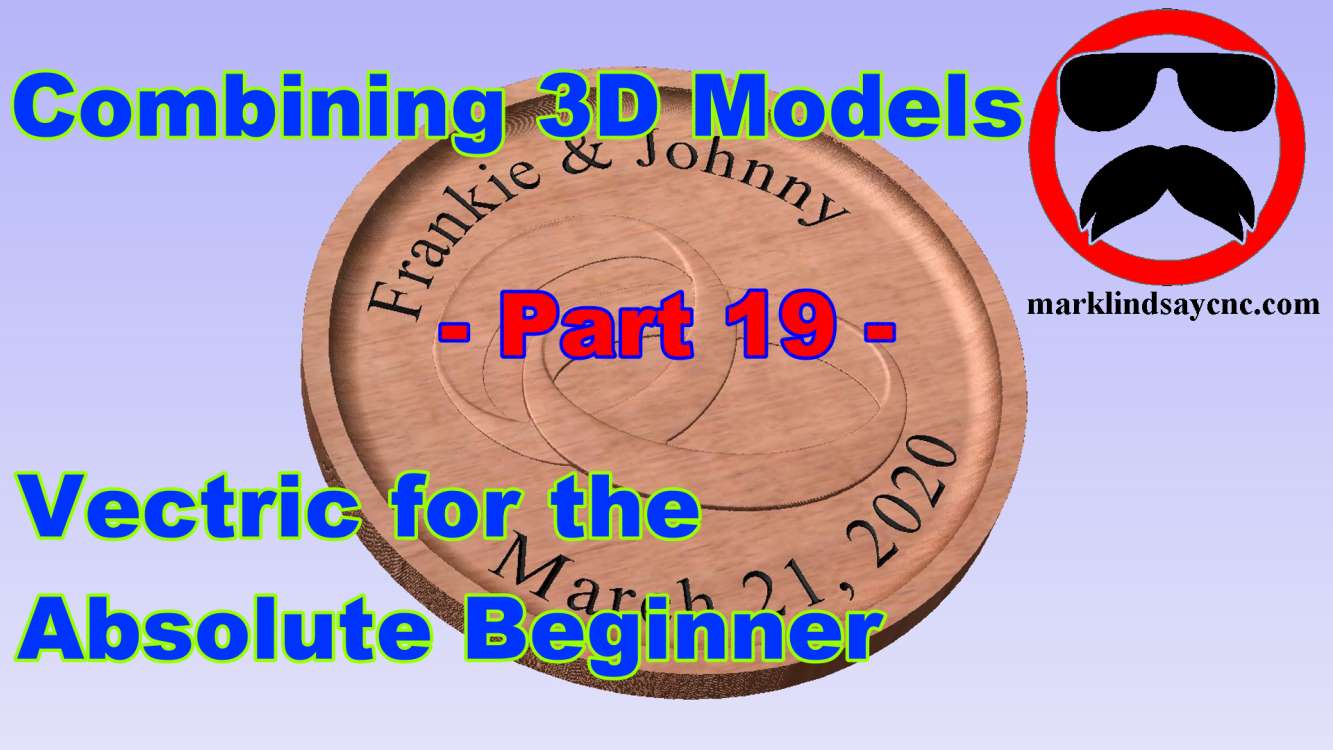
Vectric Software for the Absolute Beginner – Part 6
[vc_row][vc_column][vc_column_text] Part 6 – Resizing and Copying Objects [/vc_column_text][/vc_column][/vc_row][vc_row][vc_column][vc_column_text] This article accompanies the sixth video in a series on my YouTube channel. If you’re not subscribed to my channel, here’s a link. Come on by and check it out. Hopefully you’ll find something you like. While this series might seem like going back to the basics to the seasoned veteran, people who are new to CNC in general, and CAD/CAM software in specific, are joining Facebook groups and message forums every day. I frequent a lot of those forums, administrate a few Facebook groups, and am a member of several others. As a result, I’m seeing a lot of posts…
-
Vectric Software for the Absolute Beginner – Part 5
[vc_row][vc_column][vc_column_text] Part 5 – Importing DXF Files [/vc_column_text][/vc_column][/vc_row][vc_row][vc_column][vc_column_text]This article accompanies the fifth video in a series on my YouTube channel. If you’re not subscribed to my channel, here’s a link. Come on by and check it out. Hopefully you’ll find something you like. FIRST THINGS FIRST While this series might seem like going back to the basics to the seasoned veteran, people who are new to CNC in general, and CAD/CAM software in specific, are joining Facebook groups and message forums every day. I frequent a lot of those forums, administrate a few Facebook groups, and am a member of several others. As a result, I’m seeing a lot of…
-
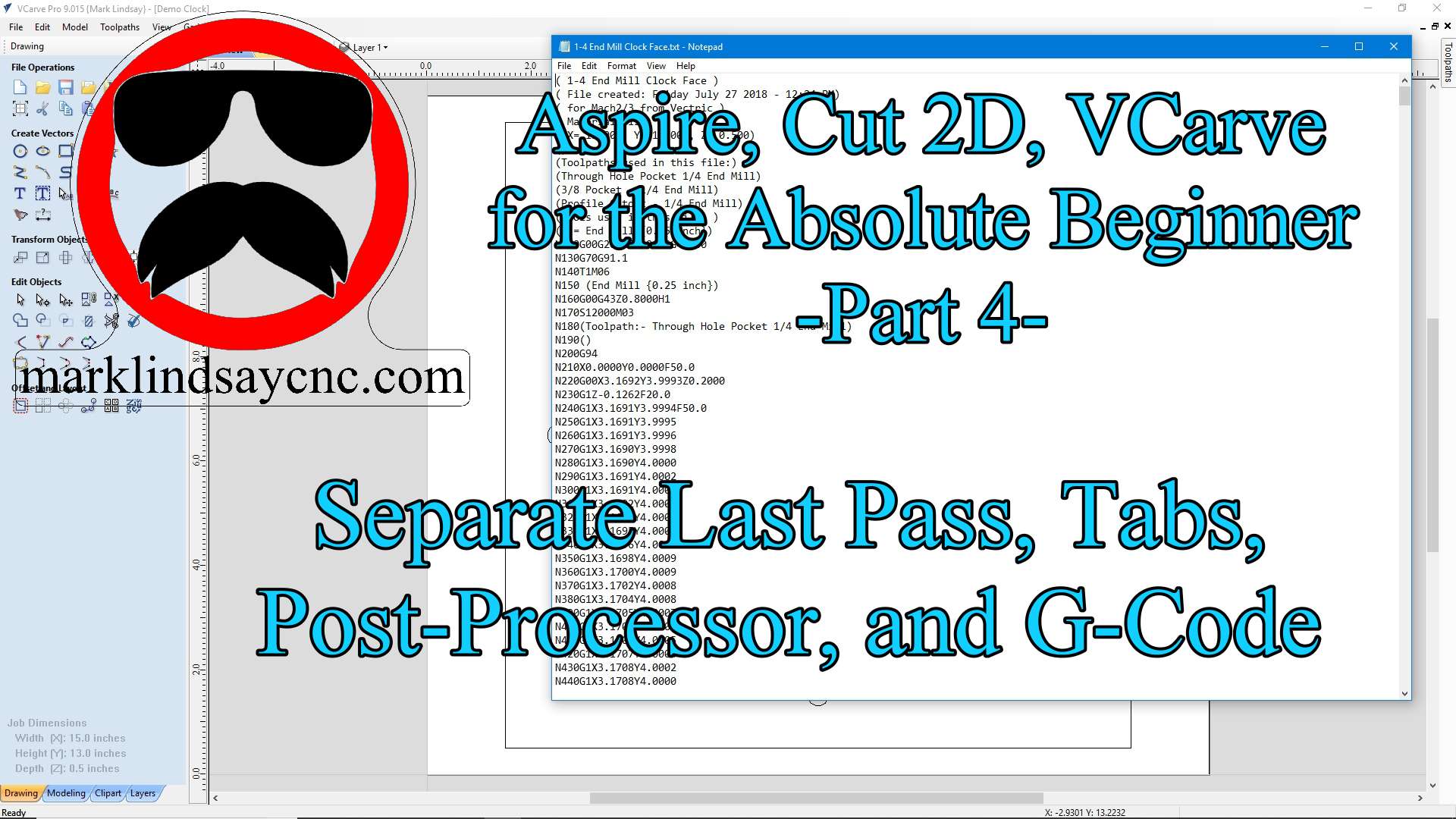
Vectric Software for the Absolute Beginner – Part 4
[vc_row][vc_column][vc_column_text] Part 4 – Separate Last Pass, Tabs, Post Processor, and G-Code [/vc_column_text][/vc_column][/vc_row][vc_row][vc_column][vc_column_text]This article accompanies the fourth video in a series on my YouTube channel. If you’re not subscribed to my channel, here’s a link. Come on by and check it out. Hopefully you’ll find something you like. FIRST THINGS FIRST While this series might seem like going back to the basics to the seasoned veteran, people who are new to CNC in general, and CAD/CAM software in specific, are joining Facebook groups and message forums every day. I frequent a lot of those forums, administrate a few Facebook groups, and am a member of several others. As a result,…
-
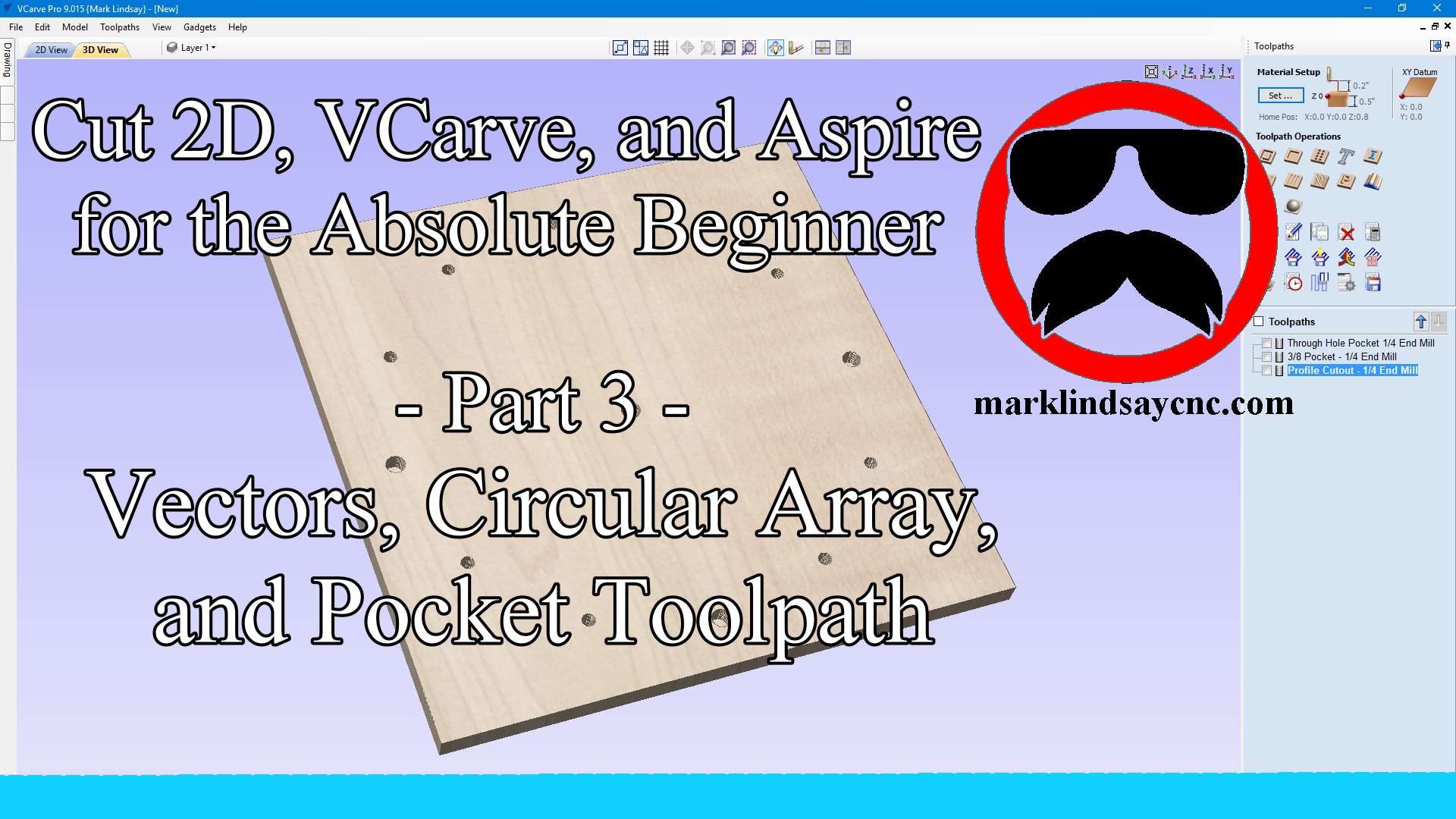
Vectric Software for the Absolute Beginner – Part 3
[vc_row][vc_column][vc_column_text] Part 3 – VECTORS, CIRCULAR ARRAY, AND THE POCKET TOOLPATH [/vc_column_text][/vc_column][/vc_row][vc_row][vc_column][vc_column_text]This article accompanies the third video in a series on my YouTube channel. If you’re not subscribed to my channel, here’s a link. Come on by and check it out. Hopefully you’ll find something you like. While this series might seem like going back to the basics to the seasoned veteran, people who are new to CNC in general, and CAD/CAM software in specific, are joining Facebook groups and message forums every day. I frequent a lot of those forums, administrate a few Facebook groups, and am a member of several others. As a result, I’m seeing a lot…
-
Vectric Software for the Absolute Beginner – Part 2
[vc_row][vc_column][vc_column_text] Part 2 – Zoom, Material Setup, and The Profile Toolpath [/vc_column_text][/vc_column][/vc_row][vc_row][vc_column][vc_column_text]This article accompanies the second video in a new series I’m creating on my YouTube channel. If you’re not subscribed to my channel, here’s a link. Come on by and check it out. Hopefully you’ll find something you like. THE ABSOLUTE BEGINNER SERIES While this series might seem like going back to the basics to the seasoned veteran, people who are new to CNC in general, and CAD/CAM software in specific, are joining Facebook groups and message forums every day. I frequent a lot of those forums, administrate a few Facebook groups, and am a member of several others.…
-
Adding a Touch Plate and Modifying the Tailstock Mount for the Rotary Axis on My Gatton CNC
[vc_row][vc_column][vc_column_text] With the rotary axis now fully operational, it’s time to add touch plate functionality and modify the tailstock mount on my Gatton CNC’s rotary axis. MODIFYING THE TAILSTOCK MOUNT The tailstock mount is 2 long pieces of t-track with an MDF spacer separating them. It mounts the tailstock just fine, but getting the tailstock lined up with the center of the chuck ended up being a giant pain. I needed to come up with a solution, and luckily the manufacturer of the tailstock gave it to me. The recess in the bottom of the Tailstock Housing The tailstock housing has a slight recess cast into the bottom of it.…
-
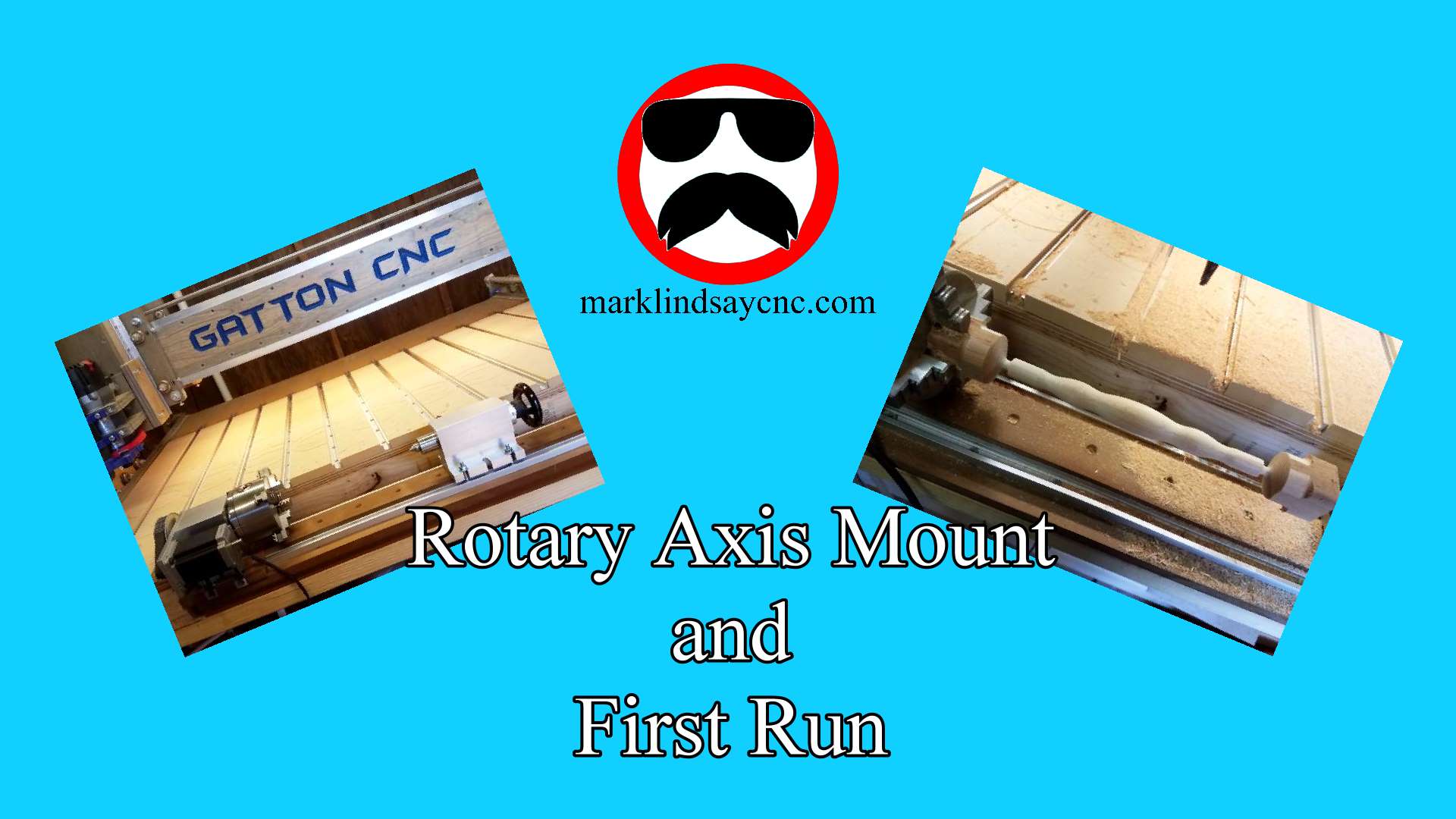
The Mount and First Run of the Rotary Axis on My Gatton CNC
[vc_row][vc_column][vc_column_text] THE MOUNT BASE With the rotary axis set up and tested, it’s time to mount it on my Gatton CNC. When I built the table for my CNC, I included a cutout up front specifically for this project. If I made one mistake, it was in not making the cutout wider. I do regret that now. But, it’s okay – I’ll work with what I got. In the video below, I describe how I screwed a 48” long piece of kiln dried 2×6 to the bottom of my table frame. I then cut 2 pieces of MDF to sit on top of that 2×6. I sealed the bottom and…
-
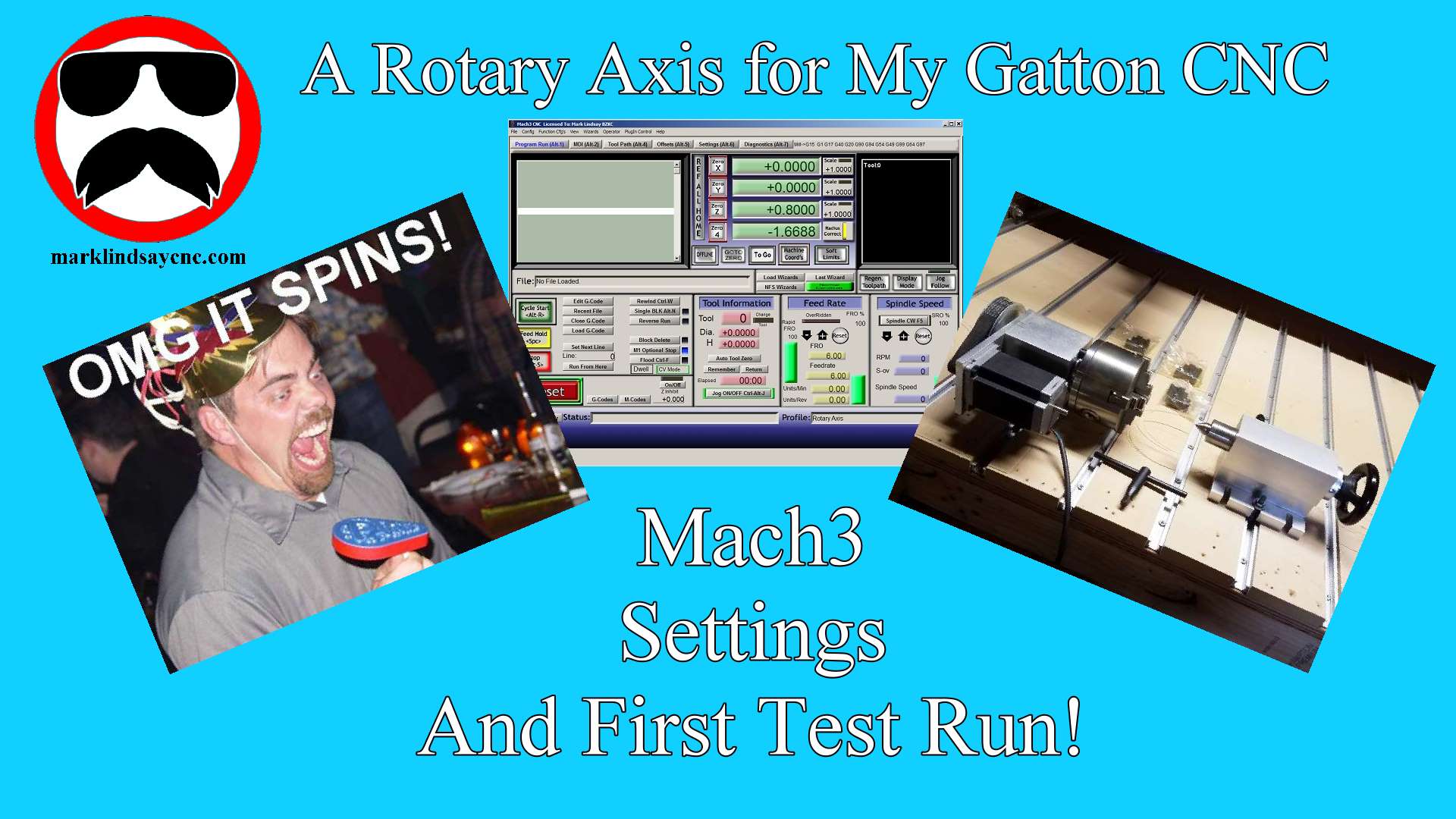
Mach3 Settings for the Rotary Axis
[vc_row][vc_column][vc_column_text] Almost ready! With the rotary axis assembled and ready to go, it’s time to set up Mach3 to work with it. Rather than go through the entire process here, I’ll give you some of the highlights and refer you to the video on my YouTube channel, linked below. I will, however, include screen shots of all of the relevant Mach3 windows that I went through in the video. If you right-click the pictures, then select “Open in New Tab, a full-sized picture will open in a new tab on your browser. Feel free to download and save these pictures for future reference, but please don’t post them online without…
-
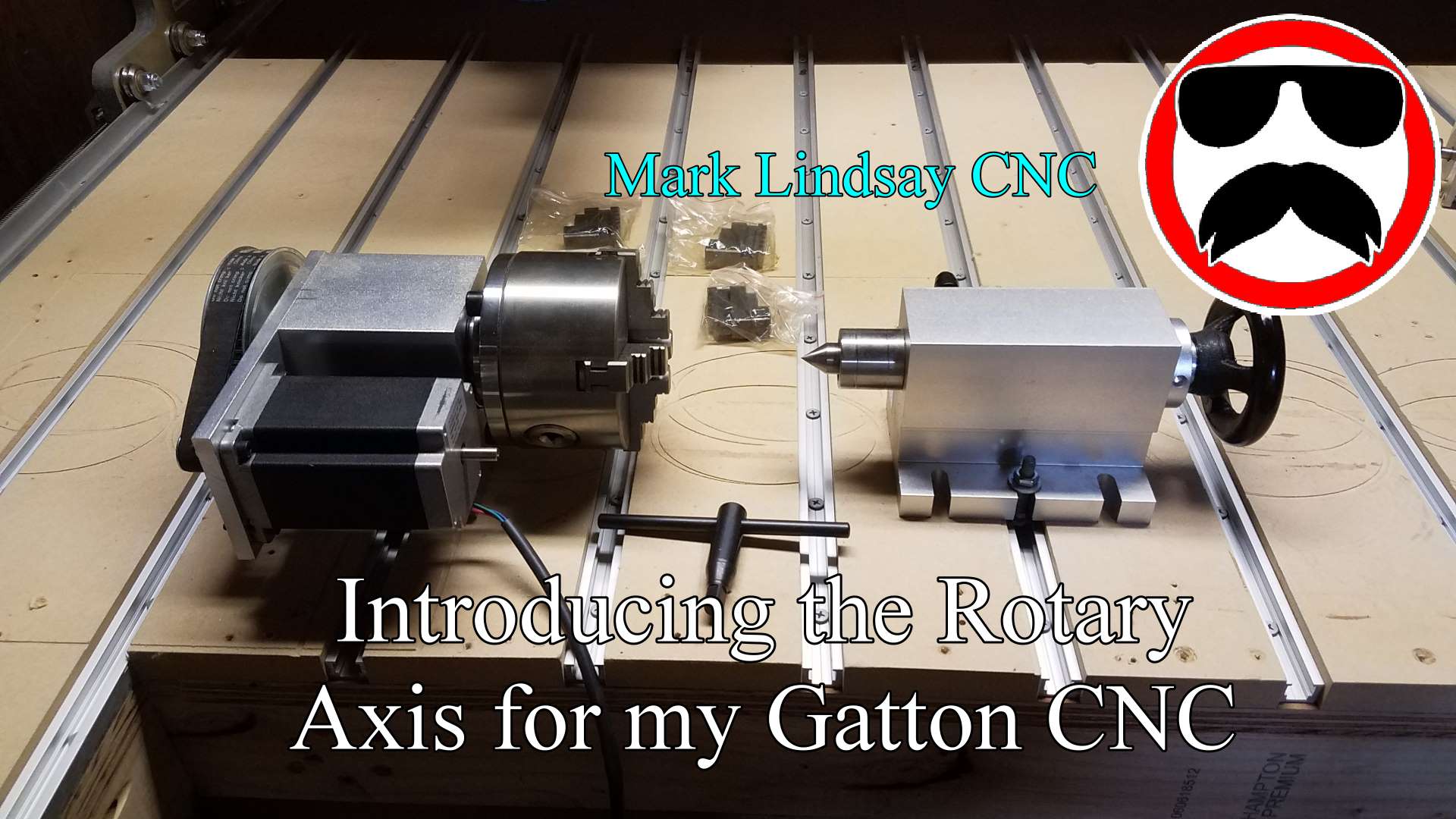
Introducing the Rotary Axis for my Gatton CNC
I’ve wanted to add a rotary axis to my CNC since I built my first Shoestring Budget CNC back in 2015, but they were just too pricey. I looked into a couple of options for a home-built unit, but never found one that I really liked. I downloaded a few sets of free plans. I started looking into building one, getting more and more excited as I did so. I even went ahead and bought a stepper motor to use in the build. Then I immediately got slammed with work, and it had to go on the back burner. When I started my Gatton CNC build back in June of…
-
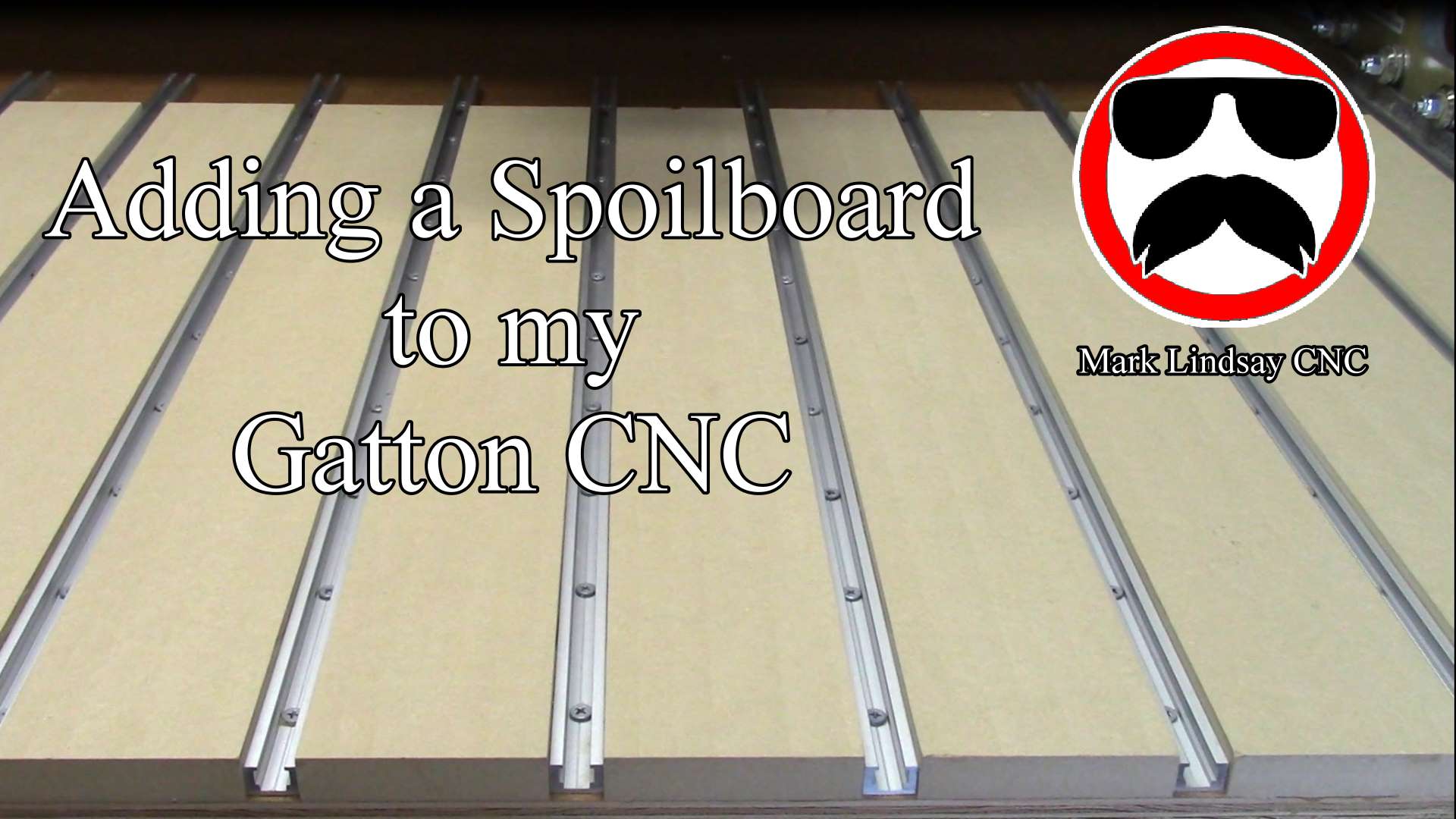
Creating a Spoilboard Surfacing Toolpath in VCarve
Surfacing a spoilboard is the final necessary step, after laying one down on the CNC table. Creating the surfacing toolpath sounds intimidating, but it’s actually pretty simple. You just have to remember a couple of things. [expand title=”Read More”] Why Surface a Spoilboard? The simple answer is that we surface the spoilboard to make sure that it’s flat and smooth. Material to be cut on the CNC is mounted to the spoilboard. We want that material to be as flat as possible to ensure smooth cuts of equal depth along every part of its surface. This is especially important when it comes to v-carving or engraving. If the work piece…