-
Vectric Software for the Absolute Beginner – Part 42
[vc_row][vc_column][vc_column_text] Part 42 – Resizing Multiple Objects [/vc_column_text][/vc_column][/vc_row][vc_row][vc_column][vc_column_text]This article accompanies the forty-second video in a series on my YouTube channel. If you’re not subscribed to my channel, here’s a link. Come on by and check it out. Hopefully you’ll find something you like. In this 42nd video of the series, I’ll show you how to Resize Multiple Objects in Cut2D Desktop, Cut2D Pro, VCarve Desktop, VCarve Pro, and Aspire. I’ll show you how I used Guide Lines to layout some artwork. Then with that artwork created, I’ll show you how to use the Offset tool to resize that artwork to correct an error. We’ll then get into creating a custom…
-
Vectric Software for the Absolute Beginner – Part 41
[vc_row][vc_column][vc_column_text] Part 41 – The Fluting Toolpath [/vc_column_text][/vc_column][/vc_row][vc_row][vc_column][vc_column_text]This article accompanies the forty-first video in a series on my YouTube channel. If you’re not subscribed to my channel, here’s a link. Come on by and check it out. Hopefully you’ll find something you like. In the video, I’ll show you how to use the Fluting Toolpath in VCarve Desktop, VCarve Pro, and Aspire. I’ll show you how I used Guide Lines to layout some artwork, then prepared that artwork for carving. We’ll get into creating some simple vectors, and creating a Linear Array of lines for the Fluting Toolpath to follow. I’ll briefly show you the different types of flutes available…
-
Vectric Software for the Absolute Beginner – Part 40
[vc_row][vc_column][vc_column_text] Part 40 – Carving Open Vectors with a V-Bit [/vc_column_text][/vc_column][/vc_row][vc_row][vc_column][vc_column_text]This article accompanies the fortieth video in a series on my YouTube channel. If you’re not subscribed to my channel, here’s a link. Come on by and check it out. Hopefully you’ll find something you like. In this 40th video of the series, I’ll show you how to carve open vectors with a v-bit in VCarve Desktop, VCarve Pro, and Aspire. Easily the most common problem folks contact me about is closing vectors in preparation for v-carving. In this video, I’ll show you how you can carve open vectors in cases where you don’t need to v-carve. I’ll show you…
-
3D Carving for the Absolute Beginner – Part 9
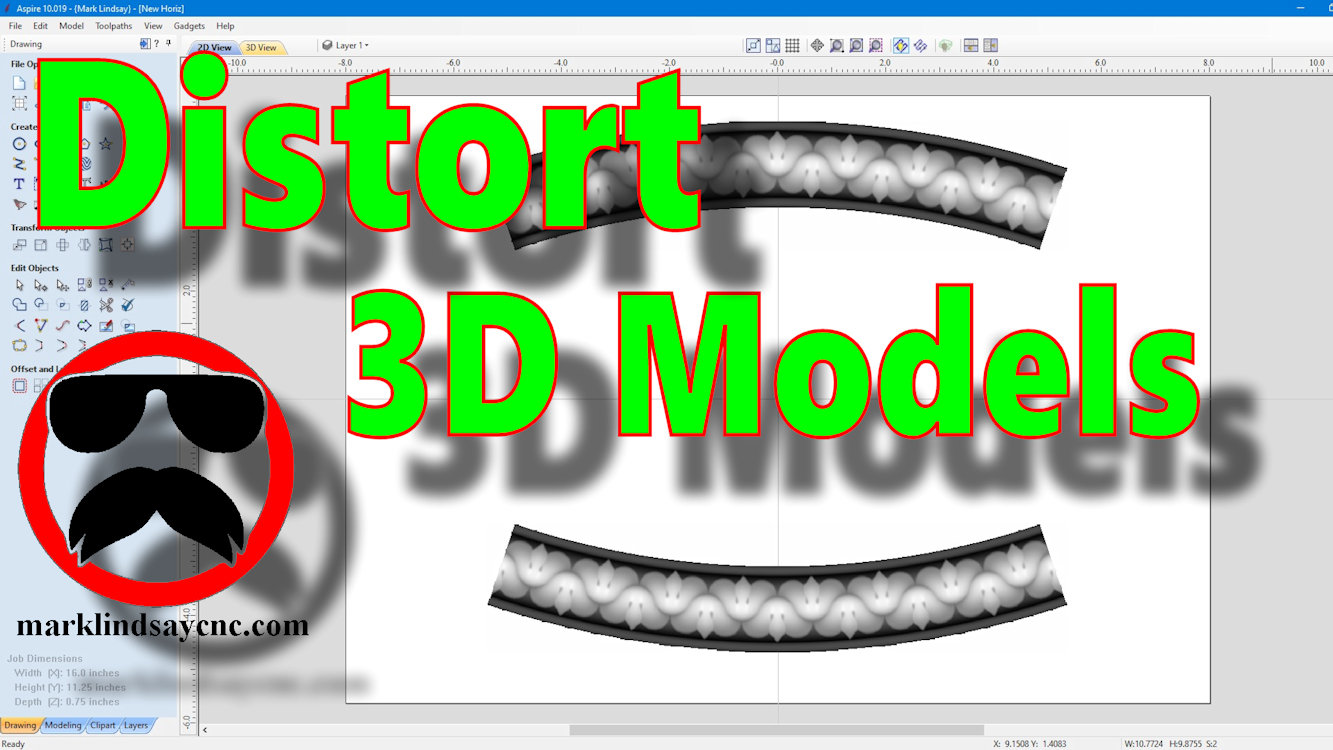
[vc_row][vc_column][vc_column_text] Part 9 – Using The Distort Tool with 3D Models [/vc_column_text][/vc_column][/vc_row][vc_row][vc_column][vc_column_text]This article accompanies the ninth video in a series on my YouTube channel. If you’re not subscribed to my channel, here’s a link. Come on by and check it out. Hopefully you’ll find something you like. In the video, I’ll demonstrate using the Distort tool to modify 3D models in 2 different ways. This is the final installment (for now) of my mini-series on using the Distort Tool in Vectric software. Although the previous videos in this series were compatible with VCarve and Aspire, this final video is applicable only to Aspire. The ability to distort a 3D model…
-
Vectric Software for the Absolute Beginner – Part 39
[vc_row][vc_column][vc_column_text] Part 39 – Using The Distort Tool Bounding Box [/vc_column_text][/vc_column][/vc_row][vc_row][vc_column][vc_column_text]This article accompanies the thirty-ninth video in a series on my YouTube channel. If you’re not subscribed to my channel, here’s a link. Come on by and check it out. Hopefully you’ll find something you like. In this 39th video of the series, I’ll show you how to use the Distort Tool in VCarve Desktop, VCarve Pro, and Aspire by editing the Bounding Box. I introduced the Distort Tool in a previous video, and showed you how to distort vector objects and text using a single curve and between two curves. This time, I’ll show you how to distort vector…
-
Vectric Software for the Absolute Beginner – Part 38
[vc_row][vc_column][vc_column_text] Part 38 – Using The Distort Tool [/vc_column_text][/vc_column][/vc_row][vc_row][vc_column][vc_column_text]This article accompanies the thirty-eighth video in a series on my YouTube channel. If you’re not subscribed to my channel, here’s a link. Come on by and check it out. Hopefully you’ll find something you like. In the video, I’ll introduce the Distort tool and demonstrate its basic use. Folks who have been following me for a long time will no doubt remember my mini-series on Applying Text to a Curve. Although I thought I had completed the series, it wasn’t until I was asked about curving a rectangle that I realized I had left one method out of the series. In…
-
Vectric Software for the Absolute Beginner – Part 37
[vc_row][vc_column][vc_column_text] Part 37 – Adding a Form Tool to the Tool Database Using a Vector [/vc_column_text][/vc_column][/vc_row][vc_row][vc_column][vc_column_text]This article accompanies the thirty-seventh video in a series on my YouTube channel. If you’re not subscribed to my channel, here’s a link. Come on by and check it out. Hopefully you’ll find something you like. In the video, I’ll go through the steps involved in adding a Form tool to the Vectric Tool Database. I’ve had a project in mind for quite a while, and it will involve rounding over some edges and creating some beads in the surface of the material. I got the bit through Amazon, decided that this would be the…
-
X and Y Axis Identification and Rotation
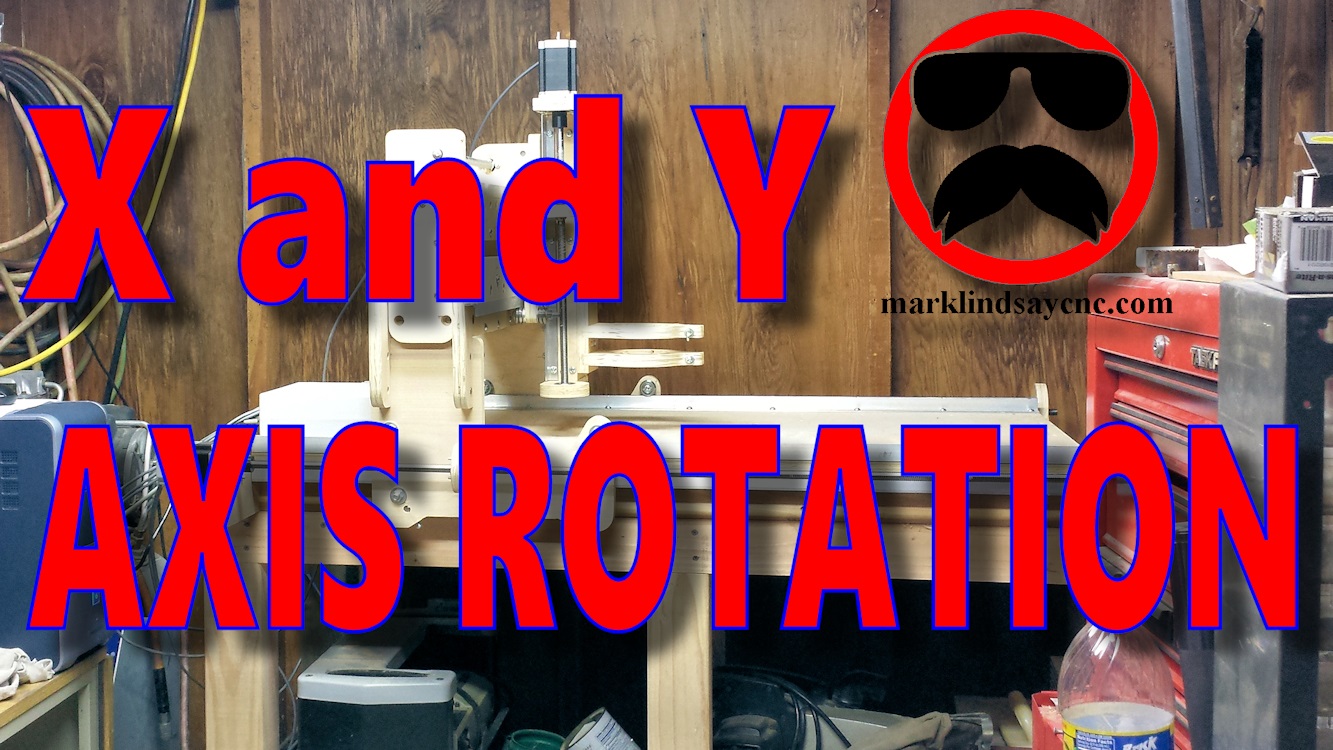
[vc_row][vc_column][vc_column_text] X and Y Axis Identification and Rotation [/vc_column_text][/vc_column][/vc_row][vc_row][vc_column][vc_column_text]Sometimes we take the simplest things for granted. As an example, I started making CNC videos about 1 1/2 years ago, and I thought I was making basic videos for the absolute beginner. Well, it turns out I forgot to include some of the more basic info. I fell into the same trap a lot of other people make, and that is assuming that folks already know what I’m talking about when I use certain words and phrases. I figured that if a person was interested in CNC, they probably already had some basic knowledge of how they worked, and what the…
-
Vectric Software for the Absolute Beginner – Part 36
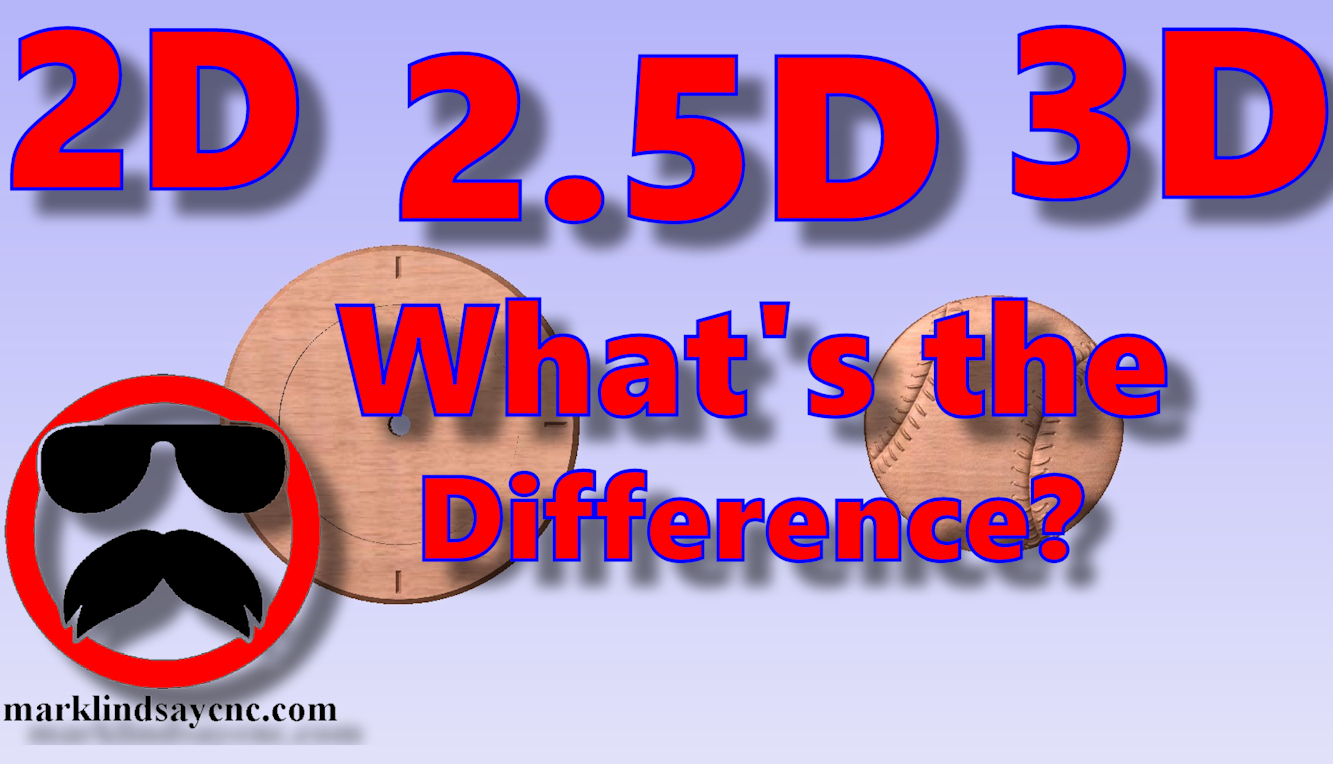
[vc_row][vc_column][vc_column_text] Part 36 – 2D vs 2.5D vs 3D Carving [/vc_column_text][/vc_column][/vc_row][vc_row][vc_column][vc_column_text]This article accompanies the thirty-sixth video in a series on my YouTube channel. If you’re not subscribed to my channel, here’s a link. Come on by and check it out. Hopefully you’ll find something you like. In this 36th video of the series, I’ll take a step back, return to the basics, and demonstrate the differences between 2D, 2.5D, and 3D vectors, models, and most importantly, toolpaths. I’ve been asked several questions on this topic over the last month, and decided that this would be the perfect time to address it. I’ll show you the basic differences between a 2D…
-
Vectric Software for the Absolute Beginner – Part 26
[vc_row][vc_column][vc_column_text] Part 26 – Add and Preview Fonts [/vc_column_text][/vc_column][/vc_row][vc_row][vc_column][vc_column_text]This article accompanies the twenty-sixth video in a series on my YouTube channel. If you’re not subscribed to my channel, here’s a link. Come on by and check it out. Hopefully you’ll find something you like. In the video, I’ll talk about Downloading and Installing new fonts for use in the Vectric software. I’ve received a couple of questions, and have seen several Facebook posts about adding fonts to VCarve and Aspire. I’ll show you how to search for, download, and, most importantly, INSTALL new fonts in your Windows-based system, for use in your Vectric software, or any other program that uses…