• Shop
Mark Lindsay CNC

A hobby CNC enthusiast's blog

  • Home
  • Beginners Series
    • The CNC Process for the Absolute Beginner
    • Vectric for the Absolute Beginner Series
    • V-Carving for the Absolute Beginner Series
  • Posts
  • Shop
  • About Us
  • Home
  • Beginners Series
    • The CNC Process for the Absolute Beginner
    • Vectric for the Absolute Beginner Series
    • V-Carving for the Absolute Beginner Series
  • Posts
  • Shop
  • About Us

About Mark

Hi, I'm Mark Lindsay, a woodworker and CNC YouTube creator. I share CNC projects, tutorials, and downloadable files to help you learn to use your Vectric software and CNC router.

Watch on YouTube

  • Part 39 Website Thumbnail
    Beginner,  Software,  Techniques,  Tutorials

    Vectric Software for the Absolute Beginner – Part 39

    February 9, 2020 /

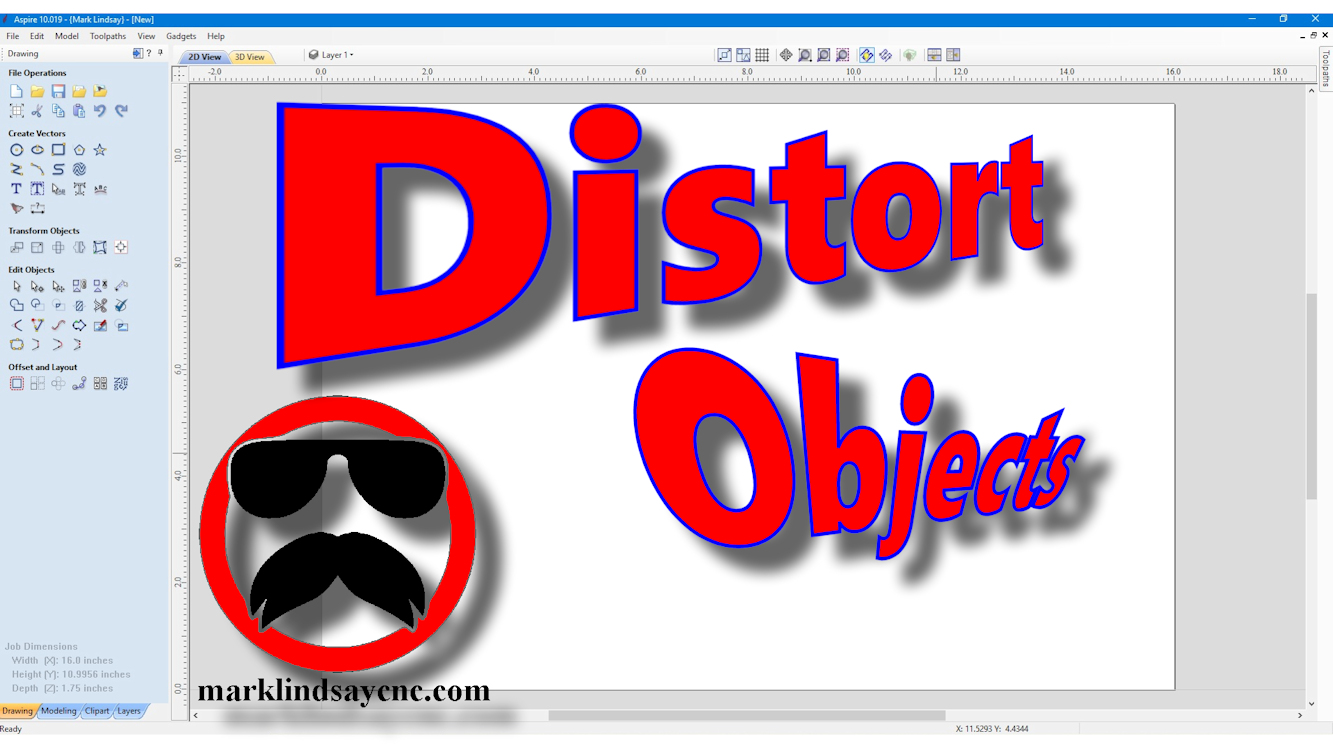
    [vc_row][vc_column][vc_column_text] Part 39 – Using The Distort Tool Bounding Box [/vc_column_text][/vc_column][/vc_row][vc_row][vc_column][vc_column_text]This article accompanies the thirty-ninth video in a series on my YouTube channel. If you’re not subscribed to my channel, here’s a link. Come on by and check it out. Hopefully you’ll find something you like. In this 39th video of the series, I’ll show you how to use the Distort Tool in VCarve Desktop, VCarve Pro, and Aspire by editing the Bounding Box. I introduced the Distort Tool in a previous video, and showed you how to distort vector objects and text using a single curve and between two curves. This time, I’ll show you how to distort vector…

    Read More
    Mark Lindsay

    You May Also Like

    Part 25 Website Thumbnail

    Vectric Software for the Absolute Beginner – Part 25

    June 16, 2019
    YouTube Thumb 16

    Vectric Software for the Absolute Beginner – Part 16

    February 17, 2019
    Thumbnail 1

    Vectric Software for the Absolute Beginner – Part 2

    July 15, 2018
  • Part 38 Website Thumbnail
    Beginner,  Software,  Tutorials

    Vectric Software for the Absolute Beginner – Part 38

    February 2, 2020 /

    [vc_row][vc_column][vc_column_text] Part 38 – Using The Distort Tool [/vc_column_text][/vc_column][/vc_row][vc_row][vc_column][vc_column_text]This article accompanies the thirty-eighth video in a series on my YouTube channel. If you’re not subscribed to my channel, here’s a link. Come on by and check it out. Hopefully you’ll find something you like. In the video, I’ll introduce the Distort tool and demonstrate its basic use. Folks who have been following me for a long time will no doubt remember my mini-series on Applying Text to a Curve. Although I thought I had completed the series, it wasn’t until I was asked about curving a rectangle that I realized I had left one method out of the series. In…

    Read More
    Mark Lindsay

    You May Also Like

    Thumbnail A Axis

    Mach3 Settings for the Rotary Axis

    April 22, 2018
    Part 21 Website Thumb

    Vectric Software For the Absolute Beginner – Part 21

    April 14, 2019
    Part 22 Website Thumb

    Vectric Software for the Absolute Beginner – Part 22

    May 19, 2019
  • Part 37 Website Thumbnail
    Beginner,  Software,  Tools and Supplies

    Vectric Software for the Absolute Beginner – Part 37

    January 26, 2020 /

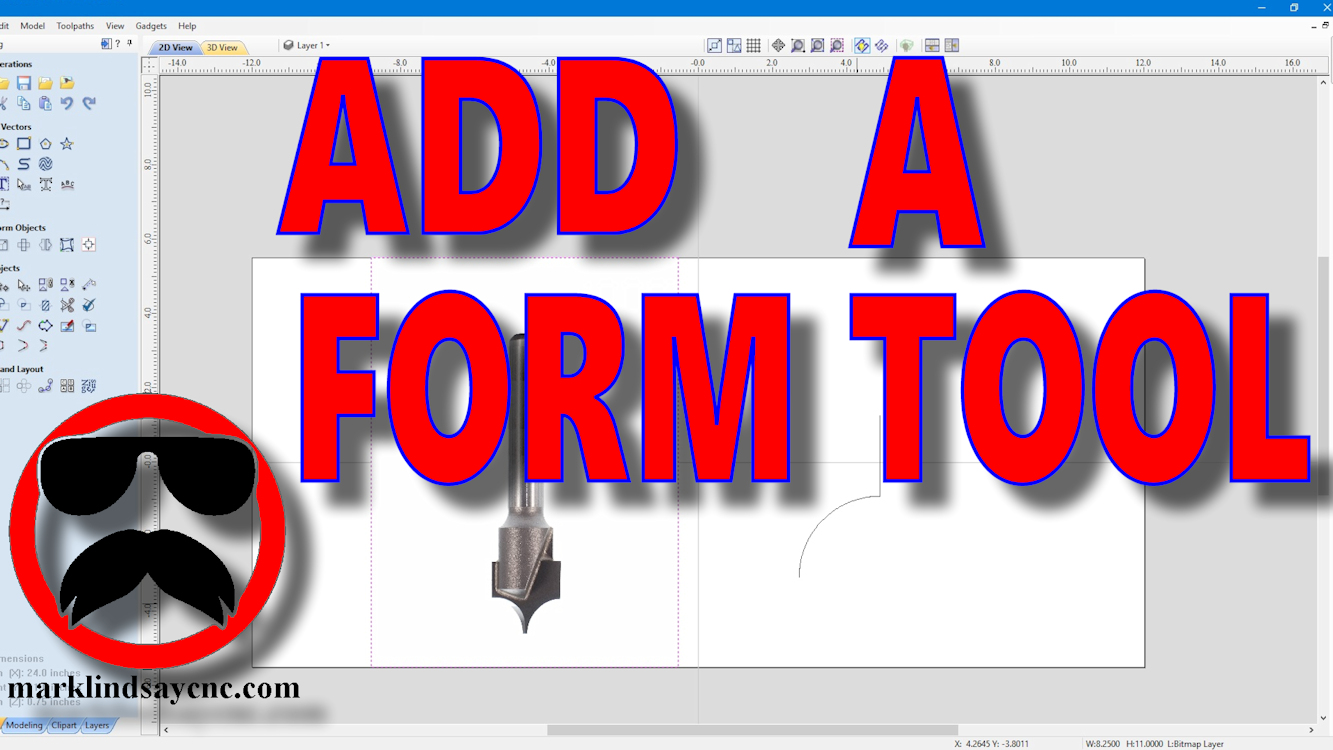
    [vc_row][vc_column][vc_column_text] Part 37 – Adding a Form Tool to the Tool Database Using a Vector [/vc_column_text][/vc_column][/vc_row][vc_row][vc_column][vc_column_text]This article accompanies the thirty-seventh video in a series on my YouTube channel. If you’re not subscribed to my channel, here’s a link. Come on by and check it out. Hopefully you’ll find something you like. In the video, I’ll go through the steps involved in adding a Form tool to the Vectric Tool Database. I’ve had a project in mind for quite a while, and it will involve rounding over some edges and creating some beads in the surface of the material. I got the bit through Amazon, decided that this would be the…

    Read More
    Mark Lindsay

    You May Also Like

    Thumb 10

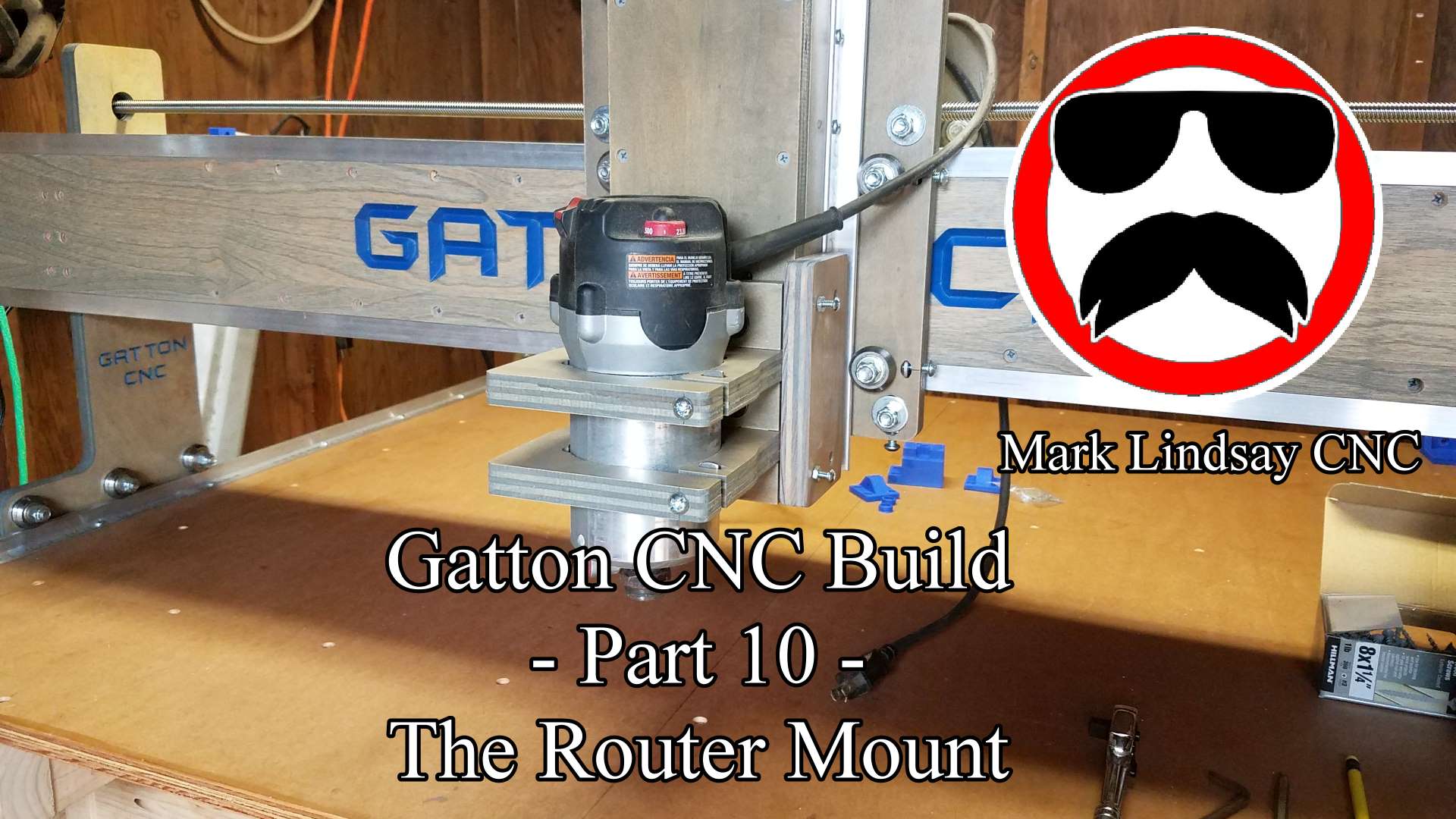
    Gatton CNC Build Part 10 – Router Mount and Tramming Plates

    September 26, 2017
    Part 39 Website Thumbnail

    Vectric Software for the Absolute Beginner – Part 39

    February 9, 2020

    Vectric Software for the Absolute Beginner – Part 1

    July 8, 2018
  • Part 5 Thumbnail
    Beginner,  Software,  Tutorials

    Vectric Software for the Absolute Beginner – Part 5

    August 7, 2018 /

    [vc_row][vc_column][vc_column_text] Part 5 – Importing DXF Files [/vc_column_text][/vc_column][/vc_row][vc_row][vc_column][vc_column_text]This article accompanies the fifth video in a series on my YouTube channel. If you’re not subscribed to my channel, here’s a link. Come on by and check it out. Hopefully you’ll find something you like. FIRST THINGS FIRST While this series might seem like going back to the basics to the seasoned veteran, people who are new to CNC in general, and CAD/CAM software in specific, are joining Facebook groups and message forums every day. I frequent a lot of those forums, administrate a few Facebook groups, and am a member of several others. As a result, I’m seeing a lot of…

    Read More
    Mark Lindsay

    You May Also Like

    Part 25 Website Thumbnail

    Vectric Software for the Absolute Beginner – Part 25

    June 16, 2019
    Part 26 Website Thumbnail

    Vectric Software for the Absolute Beginner – Part 26

    July 21, 2019
    Part 24 Website Thumb

    Vectric Software for the Absolute Beginner – Part 24

    June 9, 2019

Donate

If you’d like to support my website and YouTube channel and help with the making of future videos, you can donate by clicking the DONATE button below. Thank you for your support!


Recent Posts

  • Live Q&A #359 – Open Q&A
  • Live Q&A #358 – Open Q&A
  • Live Q&A #357 – Open Q&A
  • Live Q&A #356 – Open Q&A
  • Live Q&A #355 – Open Q&A

Archives

  • November 2026
  • October 2026
  • September 2026
  • August 2026
  • July 2026
  • June 2026
  • May 2026
  • April 2026
  • March 2026
  • February 2026
  • January 2026
  • December 2025
  • November 2025
  • October 2025
  • September 2025
  • August 2025
  • July 2025
  • June 2025
  • May 2025
  • April 2025
  • March 2025
  • February 2025
  • January 2025
  • December 2024
  • November 2024
  • October 2024
  • September 2024
  • August 2024
  • July 2024
  • May 2024
  • April 2024
  • June 2023
  • March 2020
  • February 2020
  • January 2020
  • July 2019
  • June 2019
  • May 2019
  • April 2019
  • March 2019
  • February 2019
  • January 2019
  • November 2018
  • October 2018
  • August 2018
  • July 2018
  • May 2018
  • April 2018
  • November 2017
  • September 2017
  • August 2017
  • April 2017
  • March 2017
  • February 2017

Categories

  • 3D Model Carving
  • Beginner
  • Channel Update
  • CNC Router
  • Laser
  • Live Q & A
  • Rotary Axis
  • Software
  • Techniques
  • Tools and Supplies
  • Tutorials
  • Uncategorized
Mark Lindsay CNC - Harnealmedia.com - 2026 ©