-
Vectric Software for the Absolute Beginner – Part 36
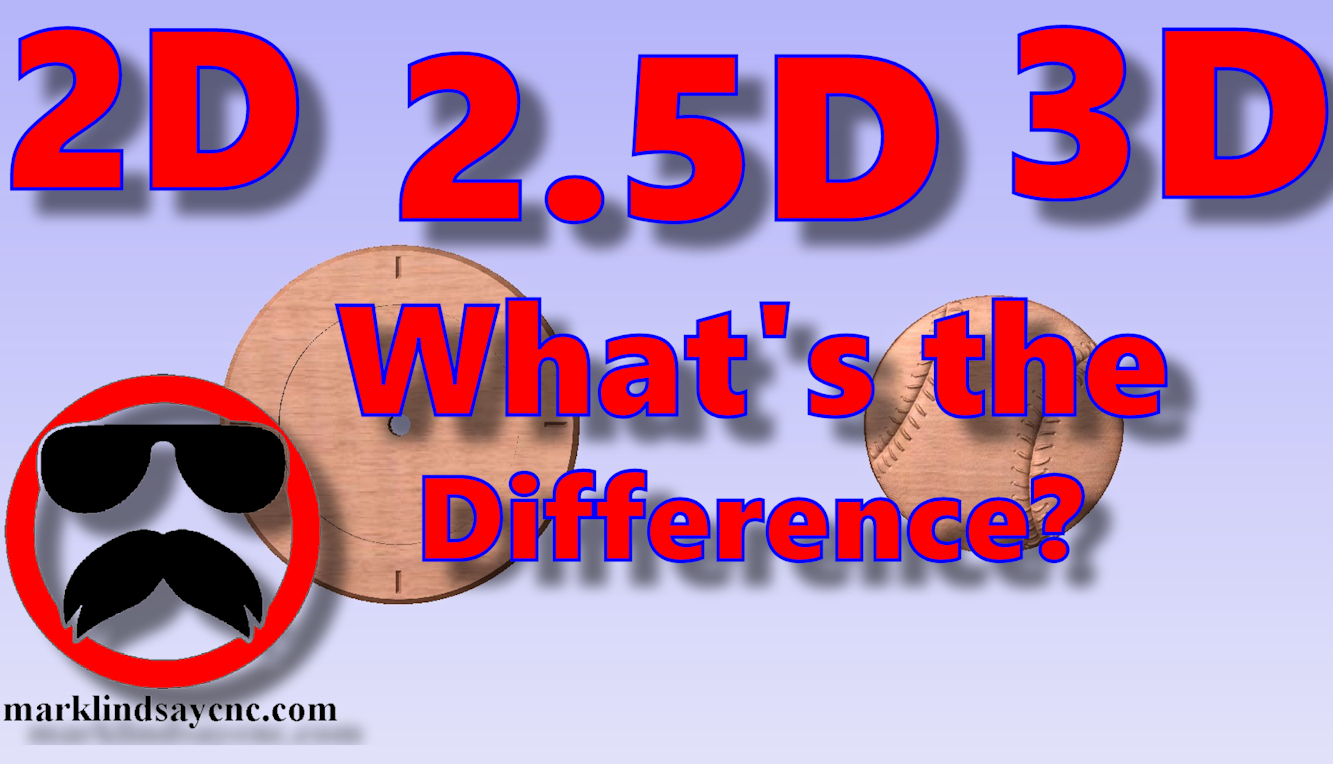
[vc_row][vc_column][vc_column_text] Part 36 – 2D vs 2.5D vs 3D Carving [/vc_column_text][/vc_column][/vc_row][vc_row][vc_column][vc_column_text]This article accompanies the thirty-sixth video in a series on my YouTube channel. If you’re not subscribed to my channel, here’s a link. Come on by and check it out. Hopefully you’ll find something you like. In this 36th video of the series, I’ll take a step back, return to the basics, and demonstrate the differences between 2D, 2.5D, and 3D vectors, models, and most importantly, toolpaths. I’ve been asked several questions on this topic over the last month, and decided that this would be the perfect time to address it. I’ll show you the basic differences between a 2D…
-
Vectric for the Absolute Beginner – Part 19
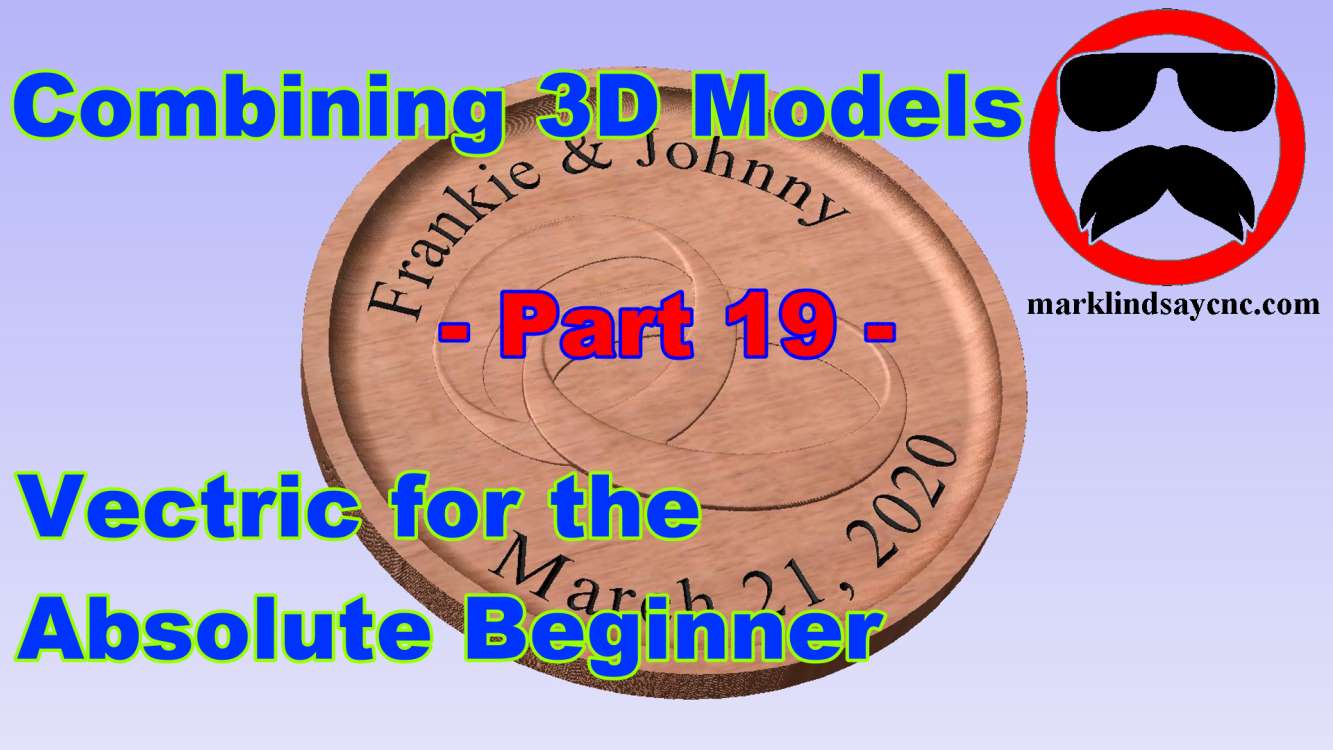
[vc_row][vc_column][vc_column_text] Part 19 – Combining 3D Models [/vc_column_text][/vc_column][/vc_row][vc_row][vc_column][vc_column_text]This article accompanies the nineteenth video in a series on my YouTube channel. If you’re not subscribed to my channel, here’s a link. Come on by and check it out. Hopefully you’ll find something you like. In this 19th video of the series, I’ll get a bit deeper into 3D carving within the Vectric software. We’ll import two 3D models from the Clipart Library that came with VCarve, and I’ll show you how to combine them to create the basis for a wedding plaque. We’ll create a vector around the models, then offset that vector to give us a profile to cut out…
-
Vectric Software for the Absolute Beginner – Part 15
[vc_row][vc_column][vc_column_text] Part 15 – Basic Bitmap Tracing and Node Editing [/vc_column_text][/vc_column][/vc_row][vc_row][vc_column][vc_column_text]This article accompanies the fifteenth video in a series on my YouTube channel. If you’re not subscribed to my channel, here’s a link. Come on by and check it out. Hopefully you’ll find something you like. In this 15th video of the series, I’ll get a bit deeper into Bitmap Tracing within the Vectric software. We’ll import a rather simple color image into VCarve, and I’ll show you how to adjust the number of colors we want to trace in the bitmap. Then we’ll go in and do a little bit of image cleanup using the Node Editing mode. I’ll…
-
Vectric Software for the Absolute Beginner – Part 14
[vc_row][vc_column][vc_column_text] Part 14 – Basic Bitmap Tracing and Node Editing [/vc_column_text][/vc_column][/vc_row][vc_row][vc_column][vc_column_text]This article accompanies the fourteenth video in a series on my YouTube channel. If you’re not subscribed to my channel, here’s a link. Come on by and check it out. Hopefully you’ll find something you like. In this 14th video of the series, I’ll demonstrate the basics of Bitmap Tracing within the Vectric software. I’ll give you my suggestions for what type of photo to use for your first few projects, then show you how to import an image into VCarve. I’ll then show you how to trace the bitmap, then we’ll go in and do a little bit of…
-
Vectric Software for the Absolute Beginner – Part 13
[vc_row][vc_column][vc_column_text] Part 13 – Text Tips and Tricks [/vc_column_text][/vc_column][/vc_row][vc_row][vc_column][vc_column_text]This article accompanies the thirteenth video in a series on my YouTube channel. If you’re not subscribed to my channel, here’s a link. Come on by and check it out. Hopefully you’ll find something you like. In this 13th video of the series, I’ll demonstrate several methods of manipulating text within the Vectric software. I compiled several questions I regularly get on the subject of working with text, and show you a number of solutions to common problems. I’ll show you a few things about vertical text and what the little @ symbol before a font’s name means. Next I’ll show you…
-
Vectric Software for the Absolute Beginner – Part 12
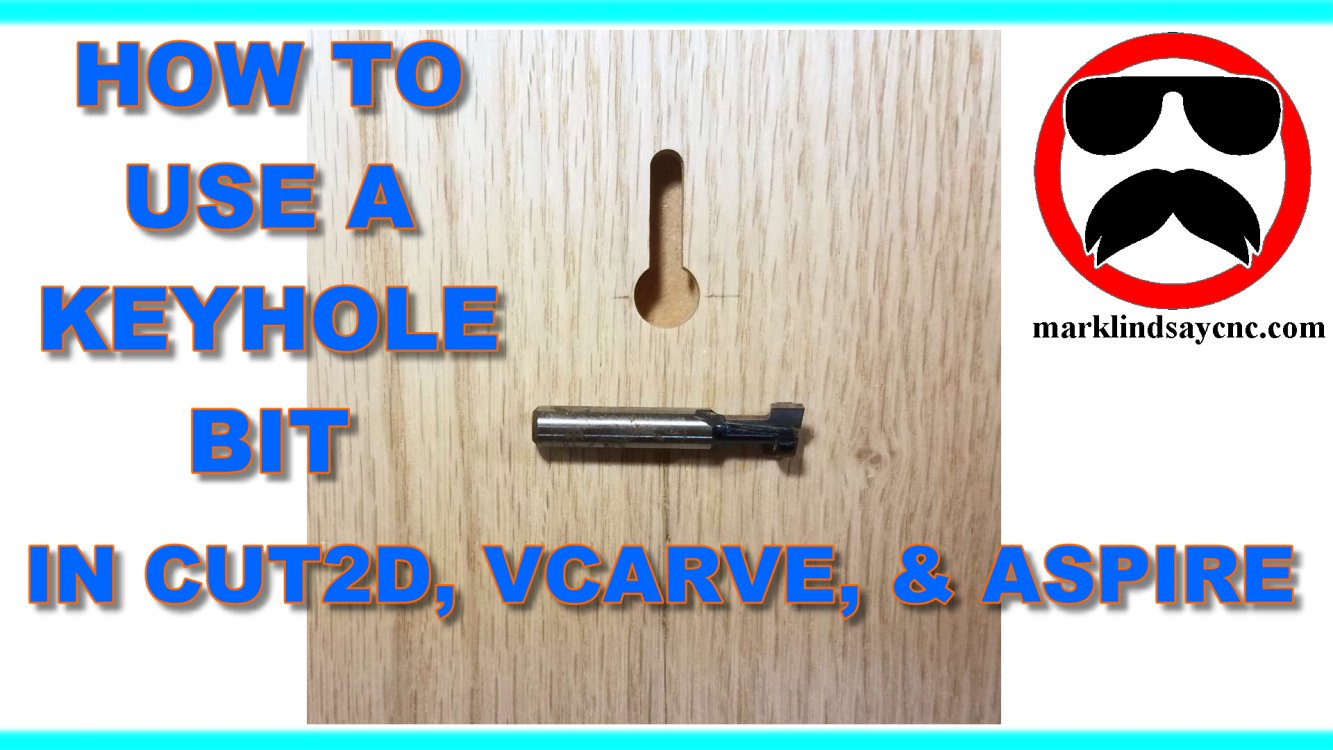
[vc_row][vc_column][vc_column_text] Part 12 – Adding and Using a Keyhole Bit [/vc_column_text][/vc_column][/vc_row][vc_row][vc_column][vc_column_text] This article accompanies the twelfth video in a series on my YouTube channel. If you’re not subscribed to my channel, here’s a link. Come on by and check it out. Hopefully you’ll find something you like. In this 12th video of the series, by request, we’ll get into using a Keyhole Bit in the Vectric software. I’ll show you the information about the bit that I needed to get, then how to enter that info into the tool database. Next I’ll show you how I created the geometry I needed to create a 3/4” long vertical keyhole slot for…
-
Vectric Software for the Absolute Beginner – Part 11
[vc_row][vc_column][vc_column_text] Part 11 – Join Vectors Using Layers [/vc_column_text][/vc_column][/vc_row][vc_row][vc_column][vc_column_text]This article accompanies the eleventh video in a series on my YouTube channel. If you’re not subscribed to my channel, here’s a link. Come on by and check it out. Hopefully you’ll find something you like. While this series might seem like going back to the basics to the seasoned veteran, people who are new to CNC and woodworking in general, and CAD/CAM software in specific, are joining Facebook groups and message forums every day. I frequent a lot of those forums, administrate a few Facebook groups, and am a member of several others. As a result, I’m seeing a lot of…
-
Vectric Software for the Absolute Beginner – Part 10
[vc_row][vc_column][vc_column_text] Part 10 – Backing Up and Merging the Tool Database [/vc_column_text][/vc_column][/vc_row][vc_row][vc_column][vc_column_text]This article accompanies the tenth video in a series on my YouTube channel. If you’re not subscribed to my channel, here’s a link. Come on by and check it out. Hopefully you’ll find something you like. While this series might seem like going back to the basics to the seasoned veteran, people who are new to CNC and woodworking in general, and CAD/CAM software in specific, are joining Facebook groups and message forums every day. I frequent a lot of those forums, administrate a few Facebook groups, and am a member of several others. As a result, I’m seeing…
-
Vectric Software for the Absolute Beginner – Part 9
[vc_row][vc_column][vc_column_text] Part 9 – The Tool Database [/vc_column_text][/vc_column][/vc_row][vc_row][vc_column][vc_column_text]This article accompanies the ninth video in a series on my YouTube channel. If you’re not subscribed to my channel, here’s a link. Come on by and check it out. Hopefully you’ll find something you like. While this series might seem like going back to the basics to the seasoned veteran, people who are new to CNC and woodworking in general, and CAD/CAM software in specific, are joining Facebook groups and message forums every day. I frequent a lot of those forums, administrate a few Facebook groups, and am a member of several others. As a result, I’m seeing a lot of posts…
-
Vectric Software for the Absolute Beginner – Part 8
[vc_row][vc_column][vc_column_text] Part 8 – Climb Cut vs Conventional Cut [/vc_column_text][/vc_column][/vc_row][vc_row][vc_column][vc_column_text]This article accompanies the eighth video in a series on my YouTube channel. If you’re not subscribed to my channel, here’s a link. Come on by and check it out. Hopefully you’ll find something you like. While this series might seem like going back to the basics to the seasoned veteran, people who are new to CNC and woodworking in general, and CAD/CAM software in specific, are joining Facebook groups and message forums every day. I frequent a lot of those forums, administrate a few Facebook groups, and am a member of several others. As a result, I’m seeing a lot…