-
Vectric Software for the Absolute Beginner – Part 42
[vc_row][vc_column][vc_column_text] Part 42 – Resizing Multiple Objects [/vc_column_text][/vc_column][/vc_row][vc_row][vc_column][vc_column_text]This article accompanies the forty-second video in a series on my YouTube channel. If you’re not subscribed to my channel, here’s a link. Come on by and check it out. Hopefully you’ll find something you like. In this 42nd video of the series, I’ll show you how to Resize Multiple Objects in Cut2D Desktop, Cut2D Pro, VCarve Desktop, VCarve Pro, and Aspire. I’ll show you how I used Guide Lines to layout some artwork. Then with that artwork created, I’ll show you how to use the Offset tool to resize that artwork to correct an error. We’ll then get into creating a custom…
-
Vectric Software for the Absolute Beginner – Part 41
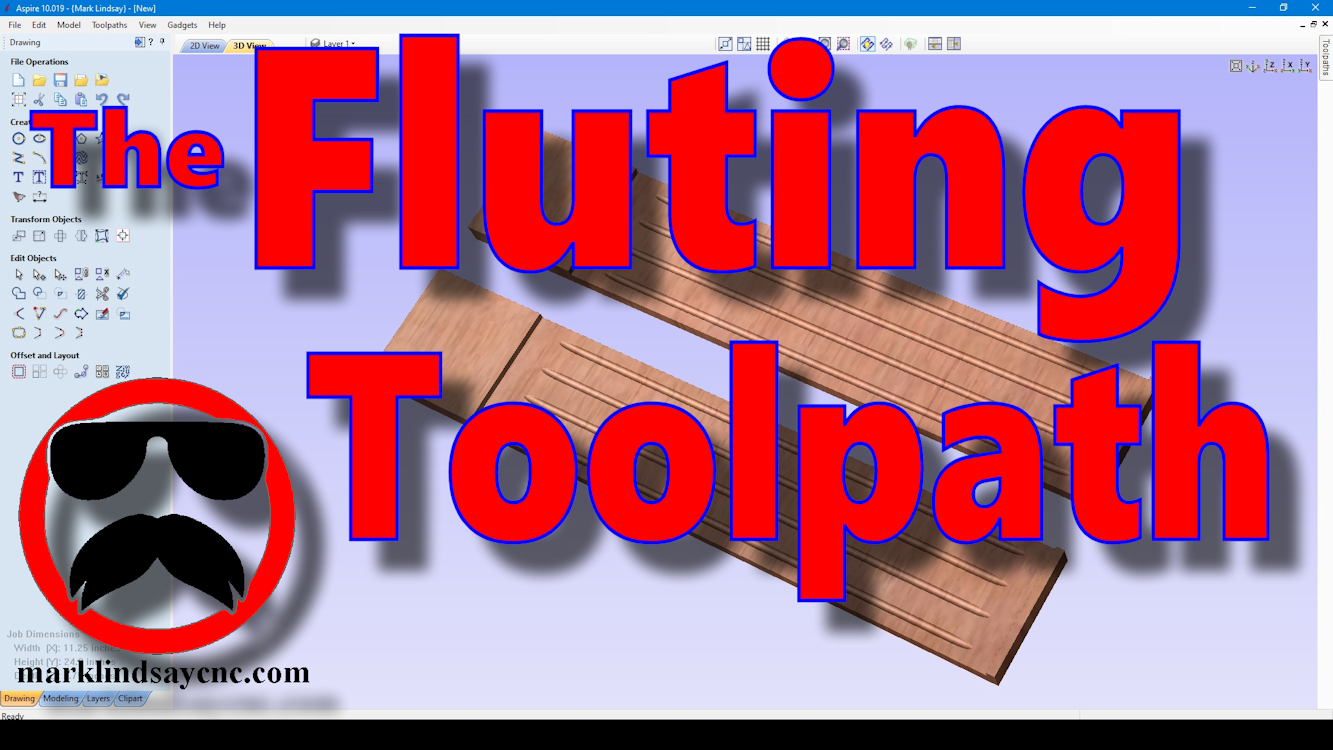
[vc_row][vc_column][vc_column_text] Part 41 – The Fluting Toolpath [/vc_column_text][/vc_column][/vc_row][vc_row][vc_column][vc_column_text]This article accompanies the forty-first video in a series on my YouTube channel. If you’re not subscribed to my channel, here’s a link. Come on by and check it out. Hopefully you’ll find something you like. In the video, I’ll show you how to use the Fluting Toolpath in VCarve Desktop, VCarve Pro, and Aspire. I’ll show you how I used Guide Lines to layout some artwork, then prepared that artwork for carving. We’ll get into creating some simple vectors, and creating a Linear Array of lines for the Fluting Toolpath to follow. I’ll briefly show you the different types of flutes available…
-
Vectric Software for the Absolute Beginner – Part 40
[vc_row][vc_column][vc_column_text] Part 40 – Carving Open Vectors with a V-Bit [/vc_column_text][/vc_column][/vc_row][vc_row][vc_column][vc_column_text]This article accompanies the fortieth video in a series on my YouTube channel. If you’re not subscribed to my channel, here’s a link. Come on by and check it out. Hopefully you’ll find something you like. In this 40th video of the series, I’ll show you how to carve open vectors with a v-bit in VCarve Desktop, VCarve Pro, and Aspire. Easily the most common problem folks contact me about is closing vectors in preparation for v-carving. In this video, I’ll show you how you can carve open vectors in cases where you don’t need to v-carve. I’ll show you…