-
Vectric Software for the Absolute Beginner – Part 39
[vc_row][vc_column][vc_column_text] Part 39 – Using The Distort Tool Bounding Box [/vc_column_text][/vc_column][/vc_row][vc_row][vc_column][vc_column_text]This article accompanies the thirty-ninth video in a series on my YouTube channel. If you’re not subscribed to my channel, here’s a link. Come on by and check it out. Hopefully you’ll find something you like. In this 39th video of the series, I’ll show you how to use the Distort Tool in VCarve Desktop, VCarve Pro, and Aspire by editing the Bounding Box. I introduced the Distort Tool in a previous video, and showed you how to distort vector objects and text using a single curve and between two curves. This time, I’ll show you how to distort vector…
-
Vectric Software for the Absolute Beginner – Part 38
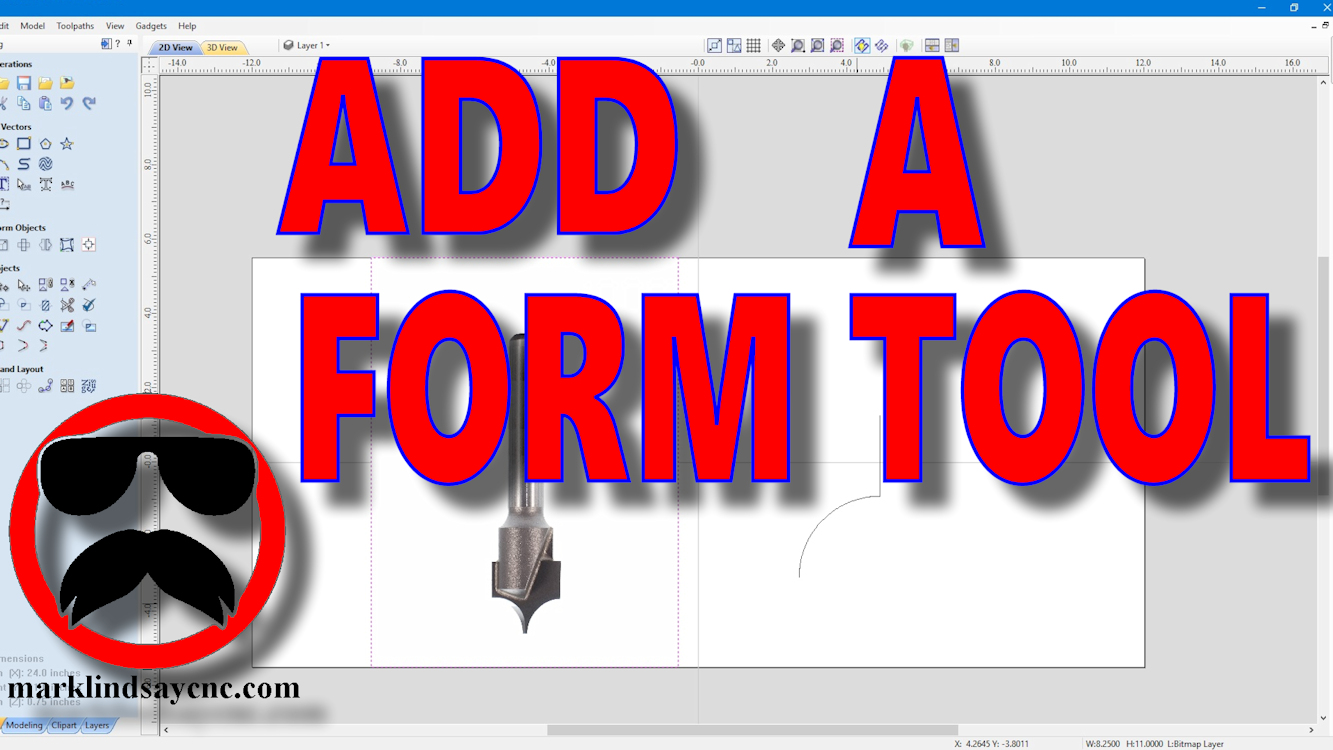
[vc_row][vc_column][vc_column_text] Part 38 – Using The Distort Tool [/vc_column_text][/vc_column][/vc_row][vc_row][vc_column][vc_column_text]This article accompanies the thirty-eighth video in a series on my YouTube channel. If you’re not subscribed to my channel, here’s a link. Come on by and check it out. Hopefully you’ll find something you like. In the video, I’ll introduce the Distort tool and demonstrate its basic use. Folks who have been following me for a long time will no doubt remember my mini-series on Applying Text to a Curve. Although I thought I had completed the series, it wasn’t until I was asked about curving a rectangle that I realized I had left one method out of the series. In…
-
Vectric Software for the Absolute Beginner – Part 25
[vc_row][vc_column][vc_column_text] Part 25 – Node Editing Text [/vc_column_text][/vc_column][/vc_row][vc_row][vc_column][vc_column_text]This article accompanies the twenty-fifth video in a series on my YouTube channel. If you’re not subscribed to my channel, here’s a link. Come on by and check it out. Hopefully you’ll find something you like. In this 25th video of the series, I’ll talk about converting text to curves and editing it in Node Editing mode before v-carving it. I’ve received several questions about modifying text lately, and most of it concerning how to modify a font in Node Editing mode. I’ll show you how to convert the text to curves, edit it in Node Editing mode, then calculate toolpaths. We’ll also…
-
Vectric Software for the Absolute Beginner – Part 17
[vc_row][vc_column][vc_column_text] Part 17 – Mirror Vectors [/vc_column_text][/vc_column][/vc_row][vc_row][vc_column][vc_column_text]This article accompanies the seventeenth video in a series on my YouTube channel. If you’re not subscribed to my channel, here’s a link. Come on by and check it out. Hopefully you’ll find something you like. In this video, I’ll address a subject inspired by a comment by a sharp-eyed viewer named Robert. (Thank you, Robert!) We’ll get into Mirroring Vectors in VCarve, and I’ll demonstrate on a couple of different files. Then I’ll directly answer Robert’s comment: How do you make sure both sides of a design are exactly the same?[/vc_column_text][/vc_column][/vc_row][vc_row][vc_column][vc_raw_html]JTNDc2NyaXB0JTIwYXN5bmMlMjBzcmMlM0QlMjIlMkYlMkZwYWdlYWQyLmdvb2dsZXN5bmRpY2F0aW9uLmNvbSUyRnBhZ2VhZCUyRmpzJTJGYWRzYnlnb29nbGUuanMlMjIlM0UlM0MlMkZzY3JpcHQlM0UlMEElM0NpbnMlMjBjbGFzcyUzRCUyMmFkc2J5Z29vZ2xlJTIyJTIwc3R5bGUlM0QlMjJkaXNwbGF5JTNBJTIwYmxvY2slM0IlMjB0ZXh0LWFsaWduJTNBJTIwY2VudGVyJTNCJTIyJTIwZGF0YS1hZC1sYXlvdXQlM0QlMjJpbi1hcnRpY2xlJTIyJTIwZGF0YS1hZC1mb3JtYXQlM0QlMjJmbHVpZCUyMiUyMGRhdGEtYWQtY2xpZW50JTNEJTIyY2EtcHViLTM2ODMxNTU4MjUyMjM3ODklMjIlMjBkYXRhLWFkLXNsb3QlM0QlMjIxMTk3OTIwODE1JTIyJTNFJTNDJTJGaW5zJTNFJTBBJTNDc2NyaXB0JTNFJTBBJTI4YWRzYnlnb29nbGUlMjAlM0QlMjB3aW5kb3cuYWRzYnlnb29nbGUlMjAlN0MlN0MlMjAlNUIlNUQlMjkucHVzaCUyOCU3QiU3RCUyOSUzQiUwQSUzQyUyRnNjcmlwdCUzRQ==[/vc_raw_html][/vc_column][/vc_row][vc_row][vc_column][vc_column_text] FOR THE ABSOLUTE CNC BEGINNER Don’t stress over any of this. It’s…
-
Vectric Software for the Absolute Beginner – Part 16
[vc_row][vc_column][vc_column_text] Polylines and Smart Snapping This article accompanies the sixteenth video in a series on my YouTube channel. If you’re not subscribed to my channel, here’s a link. Come on by and check it out. Hopefully you’ll find something you like. In this 16th video of the series, I’ll take a bit of a step back. A sharp-eyed viewer informed me that I had never covered drawing straight lines or polylines within the Vectric software in any of my videos. Well, after looking them over, I have to admit he was right. So in this video, I’ll do exactly that – and more. It’s impossible to discuss lines and polylines…
-
Vectric Software for the Absolute Beginner – Part 15
[vc_row][vc_column][vc_column_text] Part 15 – Basic Bitmap Tracing and Node Editing [/vc_column_text][/vc_column][/vc_row][vc_row][vc_column][vc_column_text]This article accompanies the fifteenth video in a series on my YouTube channel. If you’re not subscribed to my channel, here’s a link. Come on by and check it out. Hopefully you’ll find something you like. In this 15th video of the series, I’ll get a bit deeper into Bitmap Tracing within the Vectric software. We’ll import a rather simple color image into VCarve, and I’ll show you how to adjust the number of colors we want to trace in the bitmap. Then we’ll go in and do a little bit of image cleanup using the Node Editing mode. I’ll…
-
Vectric Software for the Absolute Beginner – Part 14
[vc_row][vc_column][vc_column_text] Part 14 – Basic Bitmap Tracing and Node Editing [/vc_column_text][/vc_column][/vc_row][vc_row][vc_column][vc_column_text]This article accompanies the fourteenth video in a series on my YouTube channel. If you’re not subscribed to my channel, here’s a link. Come on by and check it out. Hopefully you’ll find something you like. In this 14th video of the series, I’ll demonstrate the basics of Bitmap Tracing within the Vectric software. I’ll give you my suggestions for what type of photo to use for your first few projects, then show you how to import an image into VCarve. I’ll then show you how to trace the bitmap, then we’ll go in and do a little bit of…
-
Vectric Software for the Absolute Beginner – Part 11
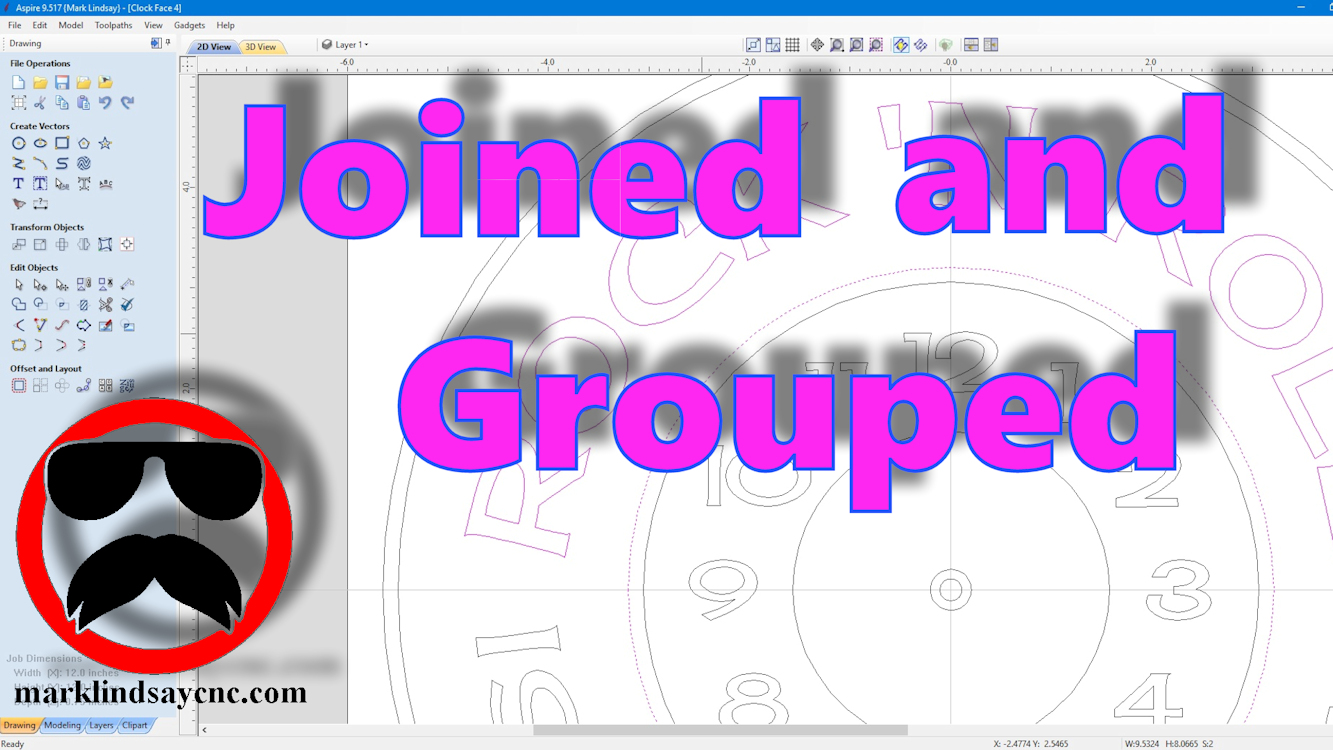
[vc_row][vc_column][vc_column_text] Part 11 – Join Vectors Using Layers [/vc_column_text][/vc_column][/vc_row][vc_row][vc_column][vc_column_text]This article accompanies the eleventh video in a series on my YouTube channel. If you’re not subscribed to my channel, here’s a link. Come on by and check it out. Hopefully you’ll find something you like. While this series might seem like going back to the basics to the seasoned veteran, people who are new to CNC and woodworking in general, and CAD/CAM software in specific, are joining Facebook groups and message forums every day. I frequent a lot of those forums, administrate a few Facebook groups, and am a member of several others. As a result, I’m seeing a lot of…
-
Vectric Software for the Absolute Beginner – Part 5
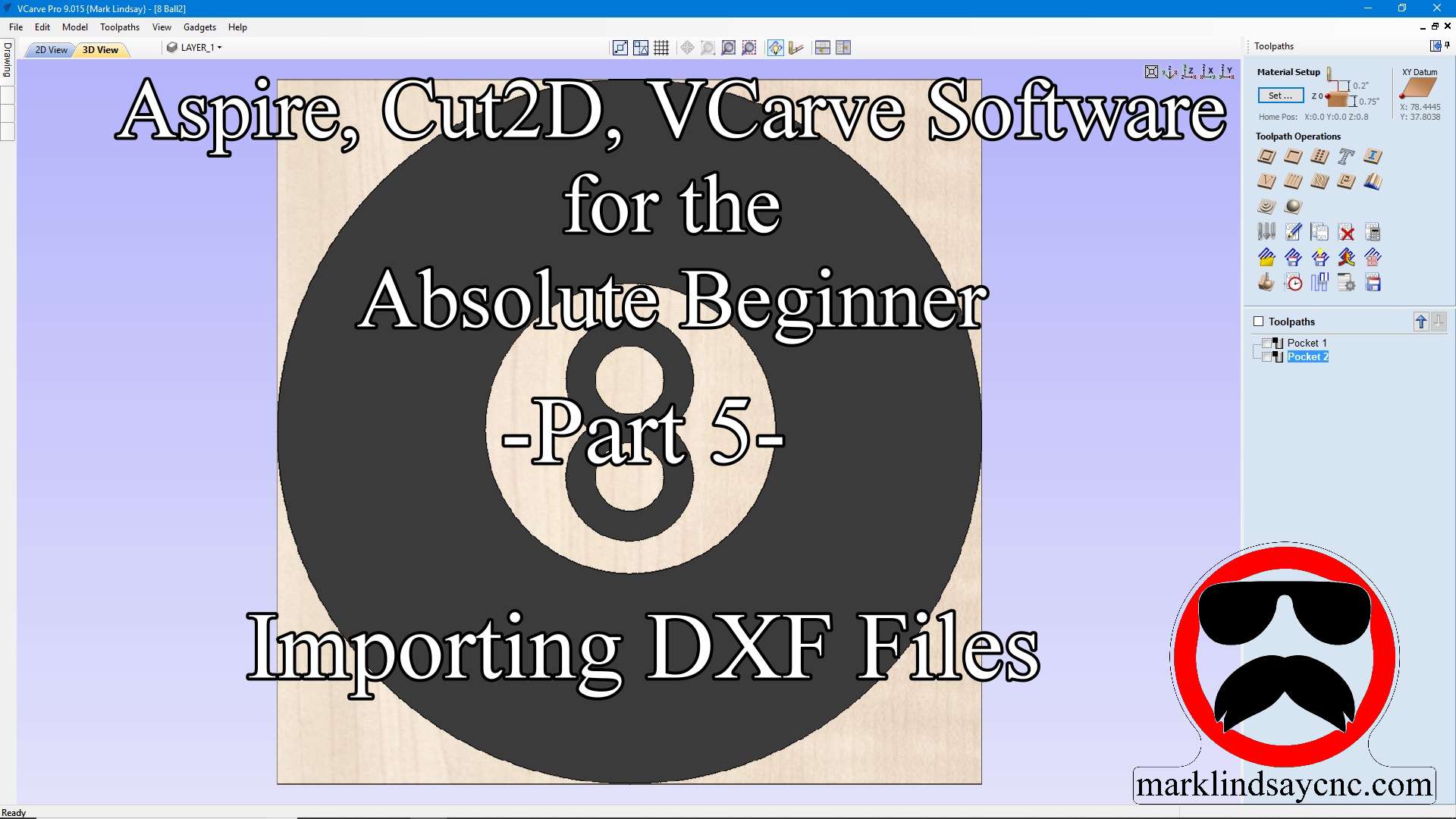
[vc_row][vc_column][vc_column_text] Part 5 – Importing DXF Files [/vc_column_text][/vc_column][/vc_row][vc_row][vc_column][vc_column_text]This article accompanies the fifth video in a series on my YouTube channel. If you’re not subscribed to my channel, here’s a link. Come on by and check it out. Hopefully you’ll find something you like. FIRST THINGS FIRST While this series might seem like going back to the basics to the seasoned veteran, people who are new to CNC in general, and CAD/CAM software in specific, are joining Facebook groups and message forums every day. I frequent a lot of those forums, administrate a few Facebook groups, and am a member of several others. As a result, I’m seeing a lot of…