-
Adding a Spoilboard to my Gatton CNC
One of the final steps I needed to take before putting my Gatton CNC into service was laying down a spoilboard. [expand title=”Read More”] What is a Spoilboard? A spoilboard is a sacrificial piece of material that’s mounted to the table. Material to be cut on the CNC is mounted to the spoilboard, rather than to the table itself, in order to keep from cutting into the table. A spoilboard can be as simple or as complex as you want to make it. It can be as simple as a sheet of material clamped or screwed down to the CNC table. It can be made more complex by adding t-track,…
-
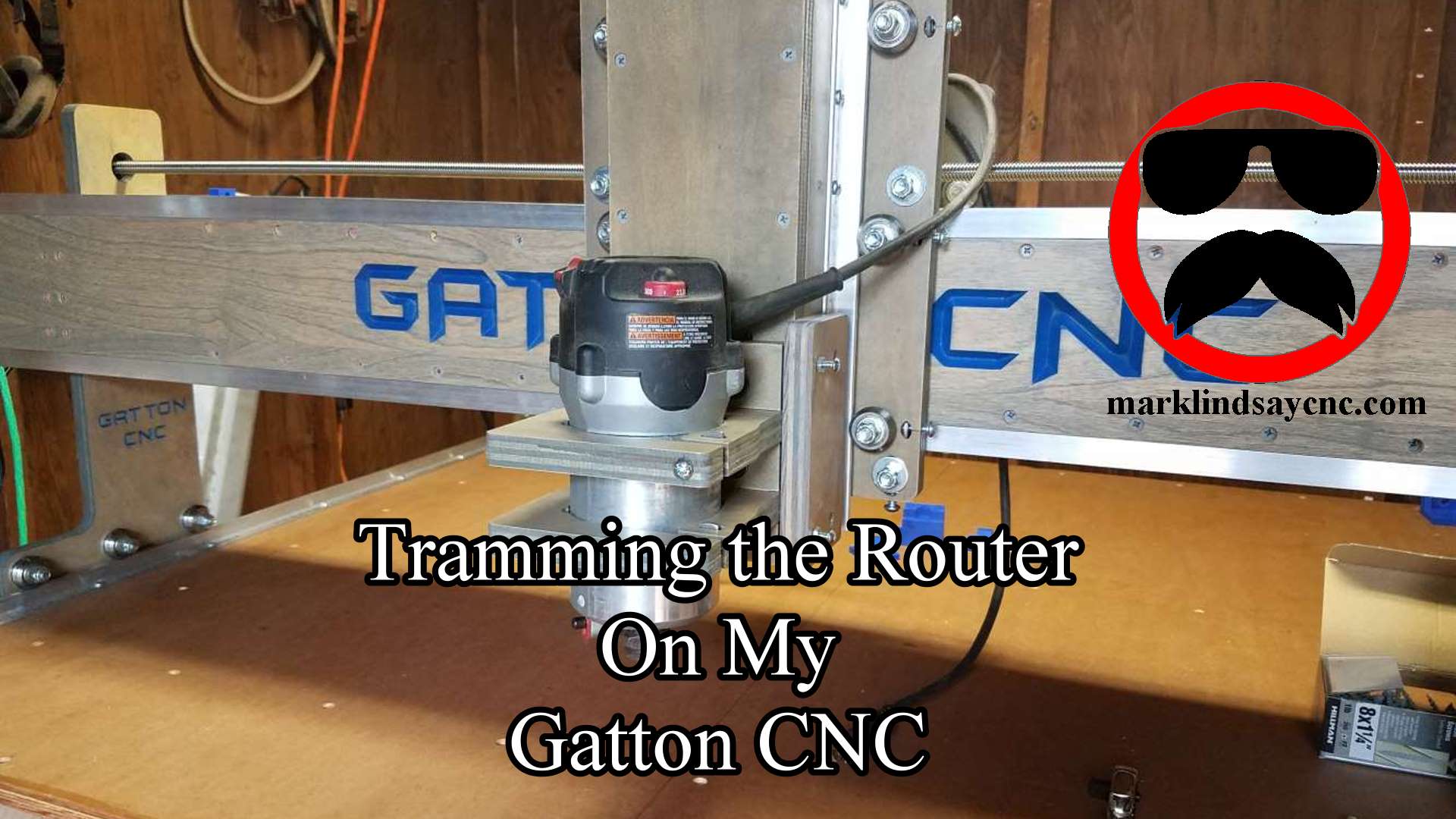
Tramming the Router on my Gatton CNC
What Is Tramming and Why Would You Do It? Tramming the router means adjusting the router mount to get the router as close to perfectly perpendicular to the spoilboard in the X and Y direction as possible. A router that’s not adjusted properly will cut deeper on one edge than it does on the other, leaving ridges and grooves on flat surfaces. This phenomenon is less noticeable when using smaller diameter bits. When you get into using larger diameter bits, however, it can become very apparent. [expand title=”Read More”] In the picture below, you can see an exaggerated demonstration of what I’m talking about. The bit on the left is…
-
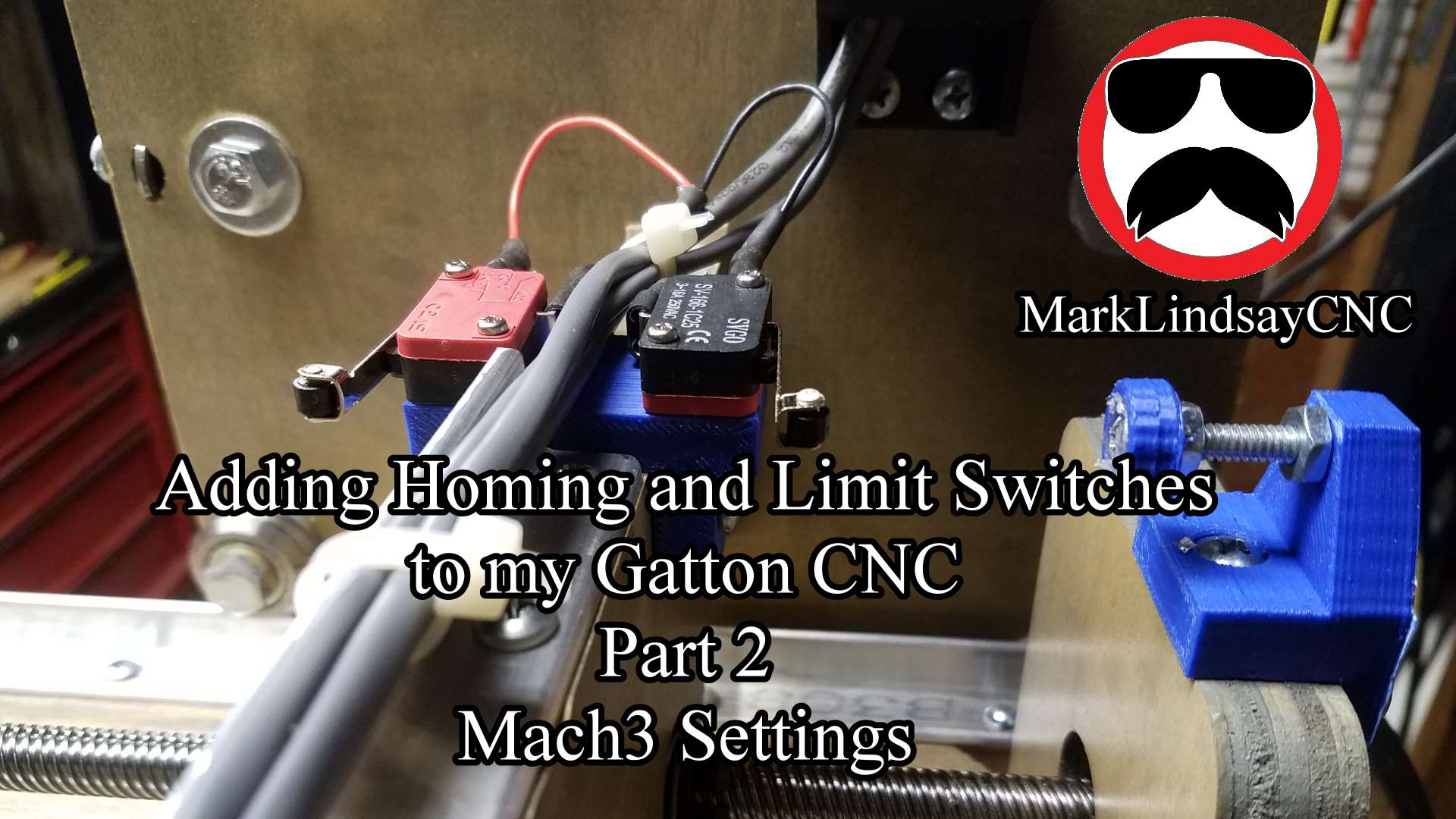
Adding Homing and Limit Switches to My Gatton CNC
Adding homing and limit switches to my Gatton CNC wasn’t as difficult as I thought it would be, but there are some things to watch out for. [expand title=”Read More”] Let me explain the sentence above. I’m not an electronics person – I’m a wood guy. My interests run toward the mechanical – not the electronic. It’s not that I don’t think I could learn electronics. I just don’t have any desire to learn it. That’s worked to my disadvantage a few times, and it’s been a limiting factor on occasion, but I’m fine with that. I’m not a total dunce to all things electrical or electronic. I can run wire…
-
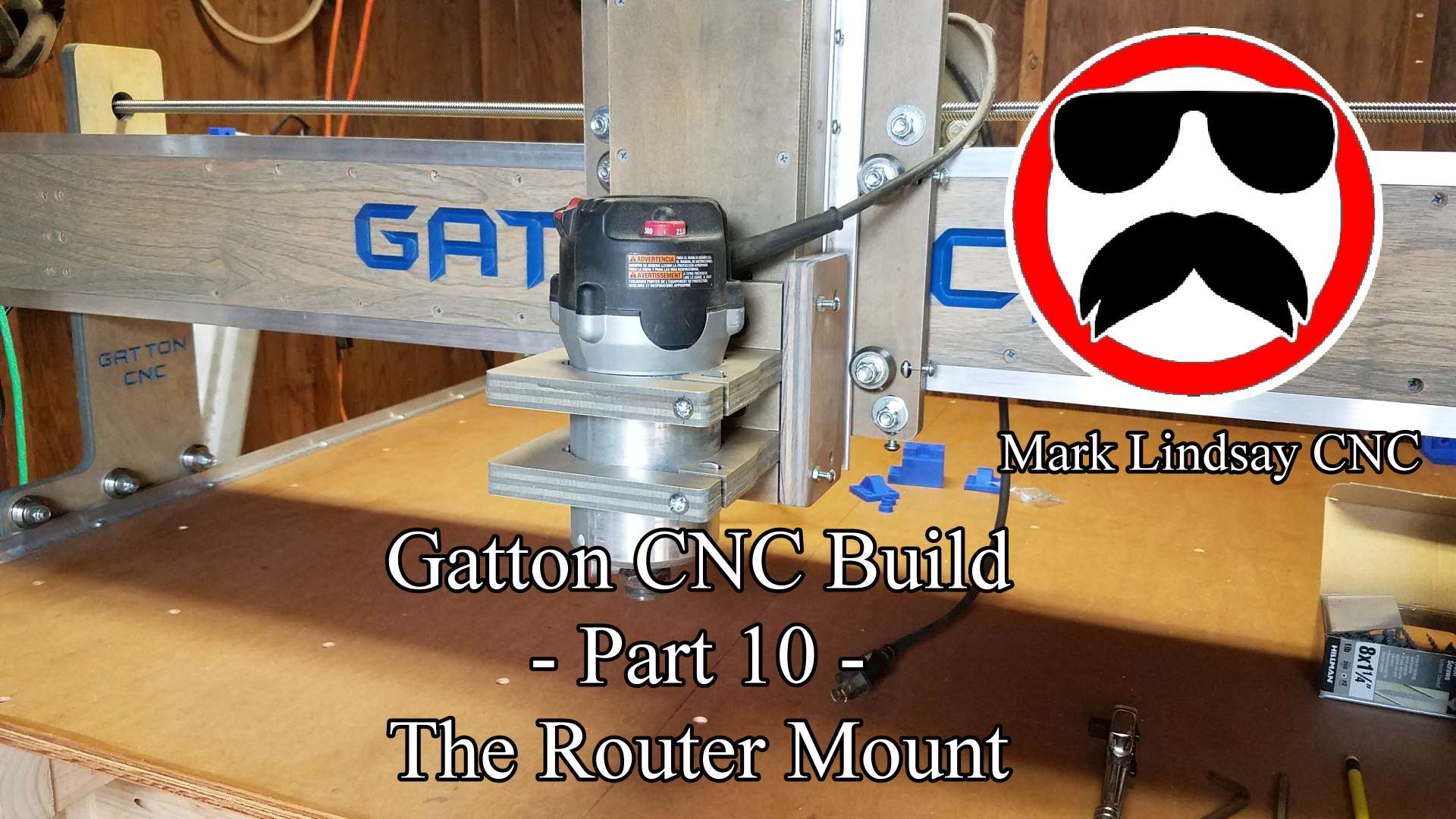
Gatton CNC Build Part 10 – Router Mount and Tramming Plates
-
Uncategorized
Gatton CNC Build – Progress Report 1
As I type this on September 12th, 2017, my Gatton CNC is basically finished. I can plug in the drive box and use it at any time. I’m struggling to refrain from doing so, however, because there are still a few things to be done. Chief among them is cable management.[expand title=”Read More”] On my old Shoestring Budget CNC, my cable management system boiled down to an, “It looks good hanging right about there,” approach. On the Gatton CNC, however, that’s just not going to cut it. Or maybe it will. Let me explain. The Shoestring Budget CNC was pretty small, as I explained in Episode 2 of my…
-
Uncategorized
My Gatton CNC Build!
After keeping it under wraps for over 6 months, I finally revealed the secret lurking in The Magic Box on the final episode of The CNC with Dave Show at the end of July, 2017. That secret was that I’m building a Gatton CNC.[expand title = “Read More”] The project was kept under wraps for a couple of reasons. One reason was because a lot of work had to be done before I could even start the build. I’ve made it no secret that I basically work out of an over-glorified garden shed. My shop/shed is 8’ wide and 12’ long on the outside. Every tool I owned was piled…
-
Uncategorized
Joining Problem Vectors using Layers in VCarve and Aspire
There are times when you need to join vectors to create a profile toolpath, but in doing so, you’ll also have to trim away vectors or sections of vectors that you can’t eliminate. What I mean by that is that if you trim a vector, you lose that vector’s shape, or you lose some detail you’re trying to save. Take the picture below for example.[expand title= “Read More”] Obviously, it’s a representation of the state of Michigan. The author of the file* wanted to join the Upper Peninsula to the main body of the state using two arcs to connect them. To compound the issue, he also added the…
-
Using the Triple Edge Finder from The Maker’s Guide with the Xylotex Drive Box Part 3
Putting the Triple Edge Finder to Work Easily, the most popular question I get is how I hooked up my Triple Edge Finder (TEF) to my Xylotex Drive Box for use with my Shoestring Budget CNC Router. This article is part 3 of a series in which I’ll explain what I needed to buy, how I hooked everything up, what settings I used in Mach3, and how I use it in normal day to day operations. This article is meant to accompany my video tutorial, which can be viewed on my YouTube channel right here. With everything installed, configured, assembled and connected, it’s time to test and put the…
-
Using the Triple Edge Finder from The Maker’s Guide with the Xylotex Drive Box Part 2
Connection and Configuration Easily, the most popular question I get is how I hooked up my Triple Edge Finder to my Xylotex Drive Box for use with my Shoestring Budget CNC Router. This article is part 2 of a series in which I’ll explain what I needed to buy, how I hooked everything up, what settings I used in Mach3, and how I use it in normal day to day operations. This article is meant to accompany my video tutorial, which can be viewed on my YouTube channel right here. With all of the parts ordered, and hopefully received by now, it’s time to start assembling everything. First, we’ll…
-
Uncategorized
Using the Triple Edge Finder from The Maker’s Guide with the Xylotex Drive Box Part 1
The Breakout Board and Mach3 Toolsetter Screen Set This is a companion article that goes with my YouTube video, posted here. Easily, the most popular question I get is how I hooked up my Triple Edge Finder to my Xylotex Drive Box for use with my Shoestring Budget CNC Router. This article is part 1 of a series in which I’ll explain what I needed to buy, how I hooked everything up, what settings I used in Mach3, and how I use it in normal day to day operations. [expand title=”Read More”] To get started, we’ll need to get the Triple Edge Finder itself, obviously. You can get yours over at…