-
Vectric Software for the Absolute Beginner – Part 25
[vc_row][vc_column][vc_column_text] Part 25 – Node Editing Text [/vc_column_text][/vc_column][/vc_row][vc_row][vc_column][vc_column_text]This article accompanies the twenty-fifth video in a series on my YouTube channel. If you’re not subscribed to my channel, here’s a link. Come on by and check it out. Hopefully you’ll find something you like. In this 25th video of the series, I’ll talk about converting text to curves and editing it in Node Editing mode before v-carving it. I’ve received several questions about modifying text lately, and most of it concerning how to modify a font in Node Editing mode. I’ll show you how to convert the text to curves, edit it in Node Editing mode, then calculate toolpaths. We’ll also…
-
Vectric Software for the Absolute Beginner – Part 24
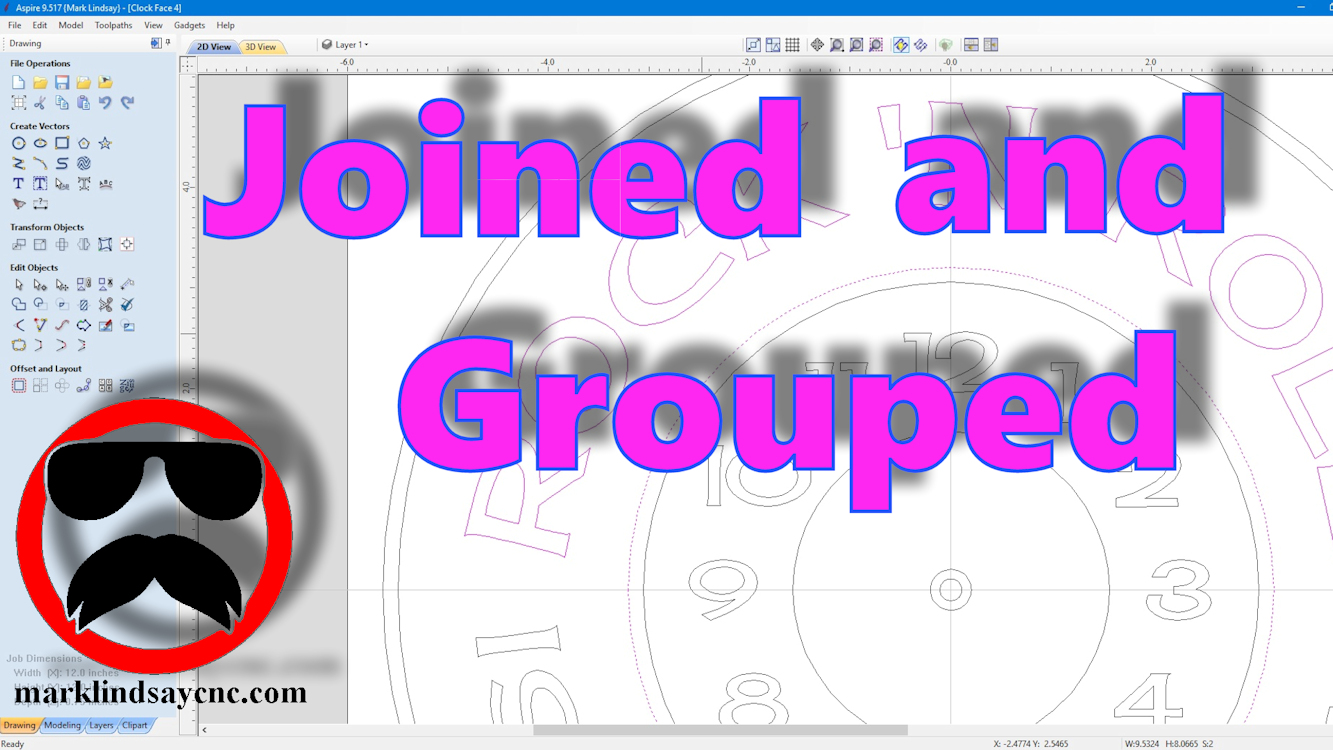
[vc_row][vc_column][vc_column_text] Part 24 – Join and Group Vectors [/vc_column_text][/vc_column][/vc_row][vc_row][vc_column][vc_column_text]This article accompanies the twenty-fourth video in a series on my YouTube channel. If you’re not subscribed to my channel, here’s a link. Come on by and check it out. Hopefully you’ll find something you like. In this video, I’ll talk about the difference between joining vectors and grouping them, in preparation for calculating a pocket toolpath, or v-carving them. I’ve received several questions about open vectors, and grouped vectors lately. There appears to be a bit of confusion concerning the difference between the two. The file used to demonstrate in this video is not available. I will, however, link all of…
-
Vectric Software for the Absolute Beginner – Part 23
[vc_row][vc_column][vc_column_text] Part 23 – Closing Open Vectors [/vc_column_text][/vc_column][/vc_row][vc_row][vc_column][vc_column_text]This article accompanies the twenty-third video in a series on my YouTube channel. If you’re not subscribed to my channel, here’s a link. Come on by and check it out. Hopefully you’ll find something you like. In this video, I’ll demonstrate two different ways of closing vectors in preparation for v-carving them. A lot of us have had problems closing stubborn vectors, or just wrapping our heads around joining vectors that either don’t want to join, or trying to use the same vector in 2 separate vector objects. An example of such a thing is creating two objects that are side by side,…
-
Vectric Software for the Absolute Beginner – Part 22
[vc_row][vc_column][vc_column_text] Part 22 – Importing CRV Files From Other Sources [/vc_column_text][/vc_column][/vc_row][vc_row][vc_column][vc_column_text]This article accompanies the twenty-second video in a series on my YouTube channel. If you’re not subscribed to my channel, here’s a link. Come on by and check it out. Hopefully you’ll find something you like. In this video, I’ll demonstrate importing CRV files into the Vectric Software that have come from other sources. The files I used in making this project came directly from the Vectric Labs Blog. Here’s a link to the project file used in this video: https://bit.ly/2E98MH1 A lot of us have either downloaded files for VCarve or Aspire that we didn’t create, or have had…
-
Vectric Software For the Absolute Beginner – Part 21
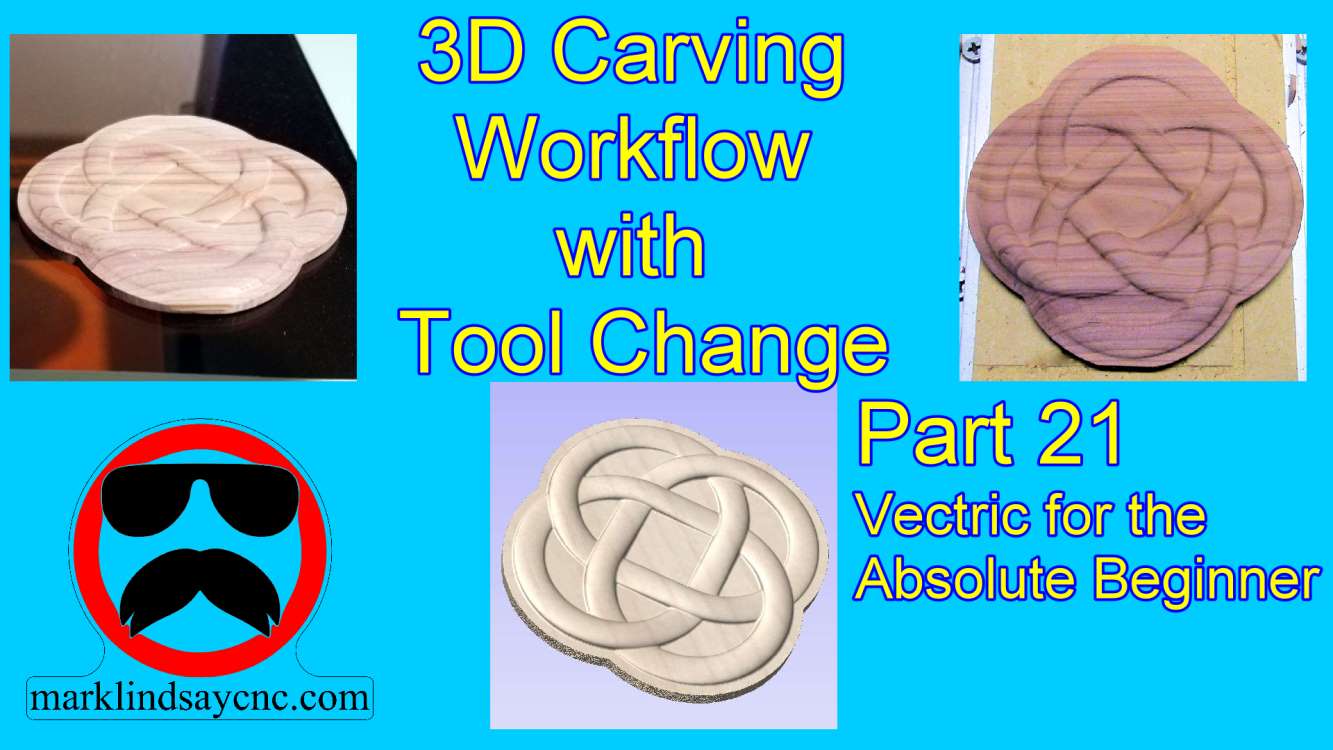
[vc_row][vc_column][vc_column_text] Part 21 – 3D Carving Workflow with Tool Change [/vc_column_text][/vc_column][/vc_row][vc_row][vc_column][vc_column_text]This article accompanies the twenty first video in a series on my YouTube channel. If you’re not subscribed to my channel, here’s a link. Come on by and check it out. Hopefully you’ll find something you like. In this 21st video of the series, I’ll wrap up my journey into 3D Carving in Vectric Software by giving you a walk through my workflow from start to finish. First we’ll design the 3D project in VCarve Pro, calculate toolpaths, then save g-code. From there we’ll go out into the shop and transfer the g-code files onto the CNC computer. I’ll load…
-
Vectric Software for the Absolute Beginner – Part 20
[vc_row][vc_column][vc_column_text] Part 20 – Importing STL Files [/vc_column_text][/vc_column][/vc_row][vc_row][vc_column][vc_column_text]This article accompanies the twentieth video in a series on my YouTube channel. If you’re not subscribed to my channel, here’s a link. Come on by and check it out. Hopefully you’ll find something you like. In this video, I’ll continue the journey into 3D carving in Vectric Software. We’ll get into importing STL files into the software. First we’ll import the STL file, and I’ll walk you through the 3D Model Orientation screen. From there we’ll create a vector around the model, then start calculating toolpaths. In the 3D roughing toolpath, I’ll show you the difference between using a Z Level strategy…
-
Vectric for the Absolute Beginner – Part 19
[vc_row][vc_column][vc_column_text] Part 19 – Combining 3D Models [/vc_column_text][/vc_column][/vc_row][vc_row][vc_column][vc_column_text]This article accompanies the nineteenth video in a series on my YouTube channel. If you’re not subscribed to my channel, here’s a link. Come on by and check it out. Hopefully you’ll find something you like. In this 19th video of the series, I’ll get a bit deeper into 3D carving within the Vectric software. We’ll import two 3D models from the Clipart Library that came with VCarve, and I’ll show you how to combine them to create the basis for a wedding plaque. We’ll create a vector around the models, then offset that vector to give us a profile to cut out…
-
Vectric Software for the Absolute Beginner – Part 18
[vc_row][vc_column][vc_column_text] Part 18 – Intro to 3D Carving This article accompanies the eighteenth video in a series on my YouTube channel. If you’re not subscribed to my channel, here’s a link. Come on by and check it out. Hopefully you’ll find something you like. In this video, I’ll slowly wade into the topic of 3D carving in Vectric Software. We’ll get into Modeling Resolution in Job Setup, and I’ll show you how to set that. Then I’ll import a 3D model from the Clipart that comes with the Vectric software when you purchase it. From there we’ll get into the Modeling Tab and convert a dome to a dish, add…
-
Vectric Software for the Absolute Beginner – Part 17
[vc_row][vc_column][vc_column_text] Part 17 – Mirror Vectors [/vc_column_text][/vc_column][/vc_row][vc_row][vc_column][vc_column_text]This article accompanies the seventeenth video in a series on my YouTube channel. If you’re not subscribed to my channel, here’s a link. Come on by and check it out. Hopefully you’ll find something you like. In this video, I’ll address a subject inspired by a comment by a sharp-eyed viewer named Robert. (Thank you, Robert!) We’ll get into Mirroring Vectors in VCarve, and I’ll demonstrate on a couple of different files. Then I’ll directly answer Robert’s comment: How do you make sure both sides of a design are exactly the same?[/vc_column_text][/vc_column][/vc_row][vc_row][vc_column][vc_raw_html]JTNDc2NyaXB0JTIwYXN5bmMlMjBzcmMlM0QlMjIlMkYlMkZwYWdlYWQyLmdvb2dsZXN5bmRpY2F0aW9uLmNvbSUyRnBhZ2VhZCUyRmpzJTJGYWRzYnlnb29nbGUuanMlMjIlM0UlM0MlMkZzY3JpcHQlM0UlMEElM0NpbnMlMjBjbGFzcyUzRCUyMmFkc2J5Z29vZ2xlJTIyJTIwc3R5bGUlM0QlMjJkaXNwbGF5JTNBJTIwYmxvY2slM0IlMjB0ZXh0LWFsaWduJTNBJTIwY2VudGVyJTNCJTIyJTIwZGF0YS1hZC1sYXlvdXQlM0QlMjJpbi1hcnRpY2xlJTIyJTIwZGF0YS1hZC1mb3JtYXQlM0QlMjJmbHVpZCUyMiUyMGRhdGEtYWQtY2xpZW50JTNEJTIyY2EtcHViLTM2ODMxNTU4MjUyMjM3ODklMjIlMjBkYXRhLWFkLXNsb3QlM0QlMjIxMTk3OTIwODE1JTIyJTNFJTNDJTJGaW5zJTNFJTBBJTNDc2NyaXB0JTNFJTBBJTI4YWRzYnlnb29nbGUlMjAlM0QlMjB3aW5kb3cuYWRzYnlnb29nbGUlMjAlN0MlN0MlMjAlNUIlNUQlMjkucHVzaCUyOCU3QiU3RCUyOSUzQiUwQSUzQyUyRnNjcmlwdCUzRQ==[/vc_raw_html][/vc_column][/vc_row][vc_row][vc_column][vc_column_text] FOR THE ABSOLUTE CNC BEGINNER Don’t stress over any of this. It’s…
-
Vectric Software for the Absolute Beginner – Part 16
[vc_row][vc_column][vc_column_text] Polylines and Smart Snapping This article accompanies the sixteenth video in a series on my YouTube channel. If you’re not subscribed to my channel, here’s a link. Come on by and check it out. Hopefully you’ll find something you like. In this 16th video of the series, I’ll take a bit of a step back. A sharp-eyed viewer informed me that I had never covered drawing straight lines or polylines within the Vectric software in any of my videos. Well, after looking them over, I have to admit he was right. So in this video, I’ll do exactly that – and more. It’s impossible to discuss lines and polylines…