• Shop

Mark Lindsay CNC

A hobby CNC enthusiast's blog

  • Main Page
  • Beginners Series
    • The CNC Process for the Absolute Beginner
    • Vectric for the Absolute Beginner Video Series
    • V-Carving for the Absolute Beginner
  • Links
  • Posts
  • Shop
  • About Us
  • Main Page
  • Beginners Series
    • The CNC Process for the Absolute Beginner
    • Vectric for the Absolute Beginner Video Series
    • V-Carving for the Absolute Beginner
  • Links
  • Posts
  • Shop
  • About Us

No Widgets found in the Sidebar Alt!

Beginner, Laser, Tools and Supplies

K40 Laser Unboxing

read more
March 10, 2019
Beginner, Software, Techniques

Vectric Software for the Absolute Beginner – Part 18

read more
March 17, 2019
Beginner, Software, Tutorials

Vectric Software for the Absolute Beginner – Part 6

read more
August 24, 2018
  • Live Q & A

    Live Q&A #258 – Vectric V12+ for the Absolute Beginner – Part 6

    September 1, 2024 /

    In this live stream I’ll answer your questions regarding Part 6 of this series, and any other question you may have about Vectric Version 12. This will be in addition to our regular Open Live Q&A, where I’ll answer your general CNC or Vectric Software questions. Link to Vectric V12+ for the Absolute Beginner – Part 6 – Move, Transform, and Copy Vectors:    • Vectric V12+ for the Absolute Beginne…   Remember that I host these Live Q&A discussions every Sunday at Noon Pacific Time, 3 pm Eastern Time, so SUBSCRIBE to my channel to stay up to date!  

    Read More
    Mark Lindsay

    You May Also Like

    Part 38 Website Thumbnail

    Vectric Software for the Absolute Beginner – Part 38

    February 2, 2020
    Axis Rotation Website Thumb 2

    X and Y Axis Identification and Rotation

    January 19, 2020
    K40 Thumb 1

    K40 Laser Unboxing

    March 10, 2019
  • Beginner,  Tutorials

    Vectric V12+ for the Absolute Beginner – Part 6 – Move, Transform, and Copy Vectors

    September 1, 2024 /

    This is the sixth in a series of videos geared toward the person who has never worked with CAD or CAM software before. In this video, we’ll get into Moving, Transforming, and Copying vectors in Vectric software for the absolute beginner. I’ll show you how to Create a Circle, then go into Move and Transform Mode to first move, then change the size or shape of that circle. I’ll then demonstrate moving the vector to a specific point in the design using an Absolute Move, then move it again using a Relative Move. I’ll demonstrate how to Rotate a vector, then change the Rotation Center to rotate around various points…

    Read More
    Mark Lindsay

    You May Also Like

    Alignment Jig Website Thumbnail

    Making My CNC Table Alignment Jig

    May 12, 2019
    Part 3 Thumb 1

    Vectric Software for the Absolute Beginner – Part 3

    July 22, 2018
    Thumb 14

    Adding Homing and Limit Switches to My Gatton CNC

    November 6, 2017
  • Live Q & A

    Live Q&A #257 – Vectric V12+ for the Absolute Beginner – Part 5

    August 25, 2024 /

    In this live stream I’ll answer your questions regarding Part 5 of this series, and any other question you may have about Vectric Version 12. This will be in addition to our regular Open Live Q&A, where I’ll answer your general CNC or Vectric Software questions. Link to Vectric V12+ for the Absolute Beginner – Part 5 – Importing Vectors:    • Vectric V12+ for the Absolute Beginne…   Remember that I host these Live Q&A discussions every Sunday at Noon Pacific Time, 3 pm Eastern Time, so SUBSCRIBE to my channel to stay up to date!  Thanks for watching!

    Read More
    Mark Lindsay

    You May Also Like

    Part-41-Website-Thumbnail

    Vectric Software for the Absolute Beginner – Part 41

    March 1, 2020
    Flashback Thumb 1

    Flashback Express Screen Capture Software Overview

    February 24, 2019
    Part 37 Website Thumbnail

    Vectric Software for the Absolute Beginner – Part 37

    January 26, 2020
  • Beginner,  Tutorials

    Vectric V12+ for the Absolute Beginner – Part 5 – Importing Vectors

    August 25, 2024 /

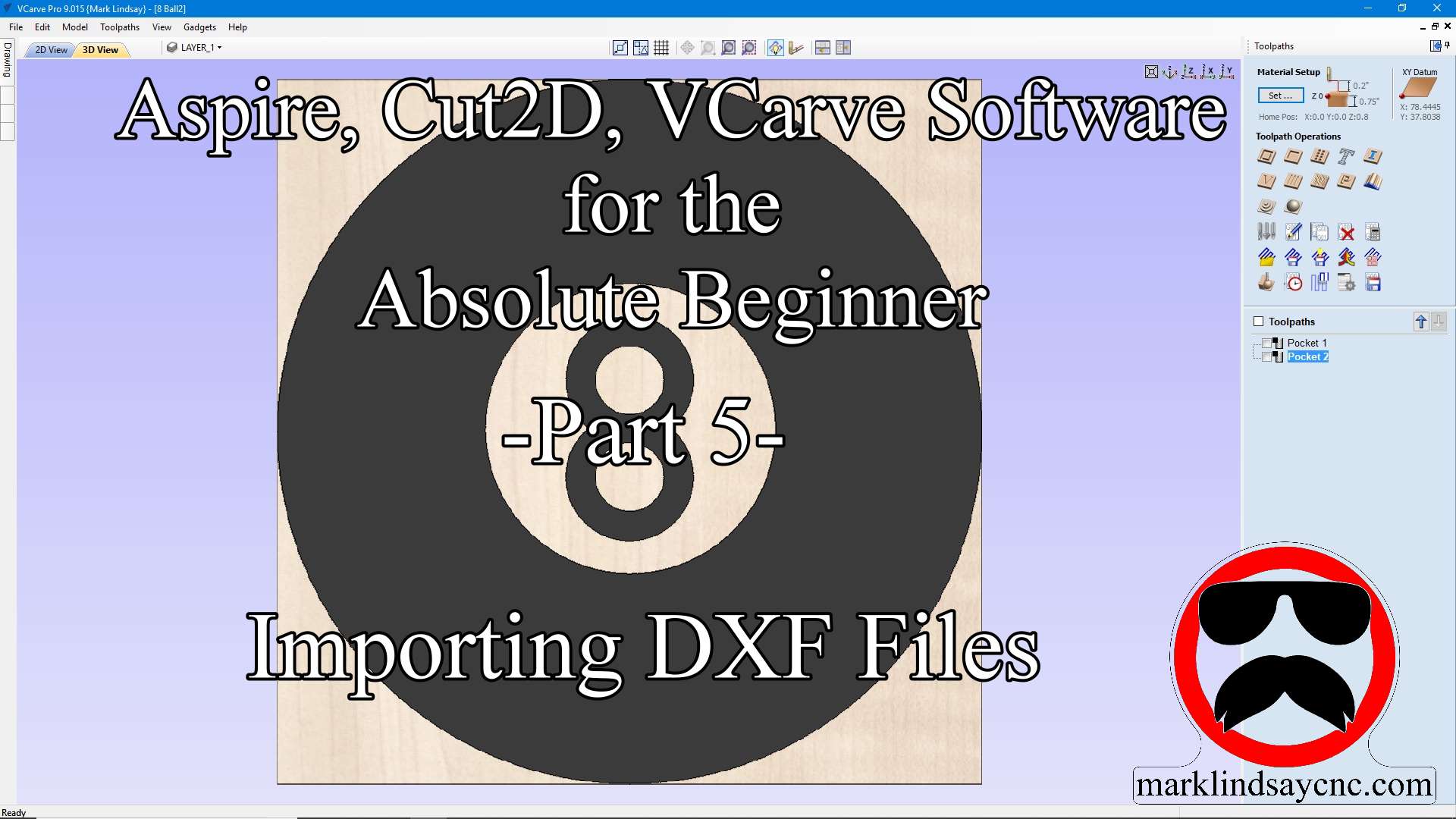
    This is the fifth in a series of videos geared toward the person who has never worked with CAD or CAM software before. In this video, we’ll get into importing vectors into VCarve Pro for the absolute beginner. I’ll show you how to Import an SVG file into VCarve Pro. I’ll then demonstrate Centering and Resizing the vectors. I’ll demonstrate how not all SVG files are suitable for use in CAD/CAM software with the help of Affinity Designer. Then we’ll get into importing a DXF file, and I’ll demonstrate some of the issues to look for with those file formats.  Thanks for watching! On Sunday, August 25th, I’ll be hosting…

    Read More
    Mark Lindsay

    You May Also Like

    Part 26 Website Thumbnail

    Vectric Software for the Absolute Beginner – Part 26

    July 21, 2019
    Part 42 Website Thumbnail

    Vectric Software for the Absolute Beginner – Part 42

    March 8, 2020
    Closed Vectors Web Thumb

    Vectric Software for the Absolute Beginner – Part 23

    June 2, 2019
  • Live Q & A

    Live Q&A #256 – Vectric V12+ for the Absolute Beginner – Part 4

    August 18, 2024 /

    In this live stream I’ll answer your questions regarding Part 4 of this series, and any other question you may have about Vectric Version 12. This will be in addition to our regular Open Live Q&A, where I’ll answer your general CNC or Vectric Software questions. Link to Vectric V12+ for the Absolute Beginner – Part 4 – Tabs, G-Code, Separate Last Pass:    • Vectric V12+ for the Absolute Beginne…   Remember that I host these Live Q&A discussions every Sunday at Noon Pacific Time, 3 pm Eastern Time, so SUBSCRIBE to my channel to stay up to date!  Thanks for watching!

    Read More
    Mark Lindsay

    You May Also Like

    Closed Vectors Web Thumb

    Vectric Software for the Absolute Beginner – Part 23

    June 2, 2019
    Rotary Axis Thumb

    Introducing the Rotary Axis for my Gatton CNC

    April 15, 2018
    Finish It Web Thumbnail

    Painting and Finishing a V-Carved Project

    May 26, 2019
  • Beginner,  Tutorials

    Vectric V12+ for the Absolute Beginner – Part 4 – Tabs, G-Code, Separate Last Pass

    August 18, 2024 /

    This is the fourth in a series of videos geared toward the person who has never worked with CAD or CAM software before. In this video, we’ll get into some of the features within the Pocket toolpath, and the Profile toolpath for the absolute beginner. I’ll go back into the Pocket toolpath and explain Ramping Plunge Moves, and the Pocket Allowance. I’ll then go into the Profile toolpath, and I’ll demonstrate Do a Separate Last Pass in conjunction with Adding Ramps. I’ll demonstrate how to add, move, and delete Tabs within the Profile toolpath. Then we’ll get into Saving the G-Code needed to actually run the file on the CNC…

    Read More
    Mark Lindsay

    You May Also Like

    Part 12 Thumb

    Vectric Software for the Absolute Beginner – Part 12

    January 13, 2019
    K40 Thumb 1

    K40 Laser Unboxing

    March 10, 2019
    Rotary Run Thumb

    The Mount and First Run of the Rotary Axis on My Gatton CNC

    May 6, 2018
  • Live Q & A

    Live Q&A #255 – Vectric V12+ for the Absolute Beginner – Part 3

    August 11, 2024 /

    n this live stream I’ll be talking about the new Vectric V12+ for the Absolute Beginner video series. I’ll answer your questions regarding Part 3 of this series, my plans for this series, and any other question you may have about Vectric Version 12. This will be in addition to our regular Open Live Q&A, where I’ll answer your general CNC or Vectric Software questions. Link to Vectric V12+ for the Absolute Beginner – Part 3 – Simple Clock Face, and the Pocket Toolpath:    • Vectric V12+ for the Absolute Beginne…   Remember that I host these Live Q&A discussions every Sunday at Noon Pacific Time, 3 pm Eastern Time, so SUBSCRIBE to my channel to stay…

    Read More
    Mark Lindsay

    You May Also Like

    Part 42 Website Thumbnail

    Vectric Software for the Absolute Beginner – Part 42

    March 8, 2020
    Part 13 Thumb

    Vectric Software for the Absolute Beginner – Part 13

    January 23, 2019
    K40 Thumb 1

    K40 Laser Unboxing

    March 10, 2019
  • Beginner,  Tutorials

    Vectric V12+ for the Absolute Beginner – Part 3 – Simple Clock Face, and the Pocket Toolpath

    August 11, 2024 /

    This is the third in a series of videos geared toward the person who has never worked with CAD or CAM software before. In this video, we’ll get into creating a simple design by Drawing Vectors, Creating a Circular Array, and introducing the Pocket toolpath, for the absolute beginner. I’ll show you some of the steps involved in drawing circles and rectangles, we’ll go through creating several copies of and object into a circular pattern, and I’ll highlight resizing selected objects. Then we’ll get into the Toolpath Tab, and I’ll demonstrate the Pocket toolpath and Preview Window. As usual, if you have any comments or questions, please put ‘em in…

    Read More
    Mark Lindsay

    You May Also Like

    Part 26 Website Thumbnail

    Vectric Software for the Absolute Beginner – Part 26

    July 21, 2019
    Thumb 14

    Adding Homing and Limit Switches to My Gatton CNC

    November 6, 2017
    Part 22 Website Thumb

    Vectric Software for the Absolute Beginner – Part 22

    May 19, 2019
  • Beginner,  Tutorials

    Vectric V12+ for the Absolute Beginner – Part 2 – Zoom, Toolbars, and the Profile Toolpath

    August 4, 2024 /

    This is the second in a series of videos geared toward the person who has never worked with CAD or CAM software before. In this video, we’ll get into Zooming, some of the Toolbars, and the Profile toolpath, for the absolute beginner. I’ll show you more navigation in the Vectric CAD/CAM software family, we’ll go through a few ways to zoom in and out of a file, and I’ll highlight some of the other toolbars in the 2D view. Then we’ll get into the Toolpath Tab, and I’ll demonstrate the Profile toolpath. As usual, if you have any comments or questions, please put ‘em in the comment section below. Thanks…

    Read More
    Mark Lindsay

    You May Also Like

    Thumb 14

    Adding Homing and Limit Switches to My Gatton CNC

    November 6, 2017
    Part 25 Website Thumbnail

    Vectric Software for the Absolute Beginner – Part 25

    June 16, 2019
    Part 37 Website Thumbnail

    Vectric Software for the Absolute Beginner – Part 37

    January 26, 2020
  • Beginner,  Tutorials

    Vectric V12+ for the Absolute Beginner – Part 1 – Job Setup and Vector Selection

    July 28, 2024 /

    This is the first in a series of videos geared toward the person who has never worked with CAD or CAM software before. In this video, we start at the absolute beginning, for the absolute beginner. I’ll show you the layout of Version 12 and newer of the Vectric CAD/CAM software family. First, we’ll go through the Job Setup screen when we create a new file, and I’ll demonstrate basic navigation, and selecting vectors and objects. As usual, if you have any comments or questions, please put ‘em in the comment section below. Thanks for watching! On Sunday, July 28th, I’ll be hosting a LIVE Q&A session, where you can…
    Read More
    Mark Lindsay

    You May Also Like

    Part 3 Thumb 1

    Vectric Software for the Absolute Beginner – Part 3

    July 22, 2018
    Part 11 Website Thumb

    Vectric Software for the Absolute Beginner – Part 11

    November 18, 2018
    Part 9 Website Thumbnail

    Vectric Software for the Absolute Beginner – Part 9

    November 6, 2018
7891011

Donate

If you’d like to support my website and YouTube channel and help with the making of future videos, you can donate by clicking the DONATE button below. Thank you for your support!


Recent Posts

  • Live Q&A #332 – Open Q&A
  • Live Q&A #331 – Open Q&A
  • Live Q&A #330 – Working with Text: Kerning and Spacing – Open Q&A
  • Live Q&A #329 – Open Q&A
  • Live Q&A #328 – Open Q&A Mark Lindsay CNC 53.6K subscribers

Archives

  • April 2026
  • March 2026
  • February 2026
  • January 2026
  • December 2025
  • November 2025
  • October 2025
  • September 2025
  • August 2025
  • July 2025
  • June 2025
  • May 2025
  • April 2025
  • March 2025
  • February 2025
  • January 2025
  • December 2024
  • November 2024
  • October 2024
  • September 2024
  • August 2024
  • July 2024
  • May 2024
  • April 2024
  • June 2023
  • March 2020
  • February 2020
  • January 2020
  • July 2019
  • June 2019
  • May 2019
  • April 2019
  • March 2019
  • February 2019
  • January 2019
  • November 2018
  • October 2018
  • August 2018
  • July 2018
  • May 2018
  • April 2018
  • November 2017
  • September 2017
  • August 2017
  • April 2017
  • March 2017
  • February 2017

Categories

  • 3D Model Carving
  • Beginner
  • Channel Update
  • CNC Router
  • Gatton CNC
  • Laser
  • Live Q & A
  • Rotary Axis
  • Software
  • Techniques
  • Tools and Supplies
  • Tutorials
  • Uncategorized
Mark Lindsay CNC - Harnealmedia.com - 2026 ©