• Shop

Mark Lindsay CNC

A hobby CNC enthusiast's blog

  • Main Page
  • Beginners Series
    • The CNC Process for the Absolute Beginner
    • Vectric for the Absolute Beginner Video Series
    • V-Carving for the Absolute Beginner
  • Links
  • Posts
  • Shop
  • About Us
  • Main Page
  • Beginners Series
    • The CNC Process for the Absolute Beginner
    • Vectric for the Absolute Beginner Video Series
    • V-Carving for the Absolute Beginner
  • Links
  • Posts
  • Shop
  • About Us

No Widgets found in the Sidebar Alt!

Beginner, Software, Tutorials

Vectric Software for the Absolute Beginner – Part 24

read more
June 9, 2019
CNC Router, Gatton CNC

Adding a Spoilboard to my Gatton CNC

One of the final steps I needed to take before putting my Gatton CNC into service was laying down a spoilboard. [expand title=”Read More”] What is a Spoilboard? A spoilboard…

read more
November 15, 2017
Beginner, Software, Tutorials

Vectric Software for the Absolute Beginner – Part 14

read more
January 27, 2019
  • Live Q & A

    Live Q&A #289 – Vectric V12+ for the Absolute Beginner – Part 12

    April 27, 2025 /

    In this live stream I’ll answer your questions regarding Part 12 of this series, and any other question you may have about Vectric Version 12. This will be in addition to our regular Open Live Q&A, where I’ll answer your general CNC or Vectric Software questions. Vectric V12+ for the Absolute Beginner – Part 12 – Rotating Objects: https://youtu.be/I1teY9ndEJU Remember that I host these Live Q&A discussions every Sunday at Noon Pacific Time, 3 pm Eastern Time, so SUBSCRIBE to my channel to stay up to date! Thanks for watching!
    Read More
    Mark Lindsay

    You May Also Like

    Part 18 - Website Thumb

    Vectric Software for the Absolute Beginner – Part 18

    March 17, 2019
    5K Giveaway

    5K Giveaway My Way

    February 10, 2019
    Part 37 Website Thumbnail

    Vectric Software for the Absolute Beginner – Part 37

    January 26, 2020
  • Beginner

    Vectric V12+ for the Absolute Beginner – Part 12 – Rotating Objects

    April 27, 2025 /

    This is the twelfth in a series of videos geared toward the person who has never worked with CAD or CAM software before.  In this video, we’ll get into Rotating 2D Vectors, 2D Vector Objects, and 3D Components in the 2D View of Vectric software for the absolute beginner.  We’ll start in the row of icons under the Transform Vectors section of the Design tab. We’ll focus on the third icon; Rotate Selected Objects. In this video, we’ll be working exclusively in the 2D view.  Thanks for watching!  On Sunday, April 27th, I’ll be hosting a LIVE Q&A session, where you can ask your questions pertaining to anything I’ve covered…

    Read More
    Mark Lindsay

    You May Also Like

    Thumb 17

    Creating a Spoilboard Surfacing Toolpath in VCarve

    November 19, 2017
    Part 12 Thumb

    Vectric Software for the Absolute Beginner – Part 12

    January 13, 2019
    Part 3 Thumb 1

    Vectric Software for the Absolute Beginner – Part 3

    July 22, 2018
  • Live Q & A

    Live Q&A #288 – Open Q&A

    April 13, 2025 /

    In this live stream I’ll be answering your general CNC or Vectric Software questions. Remember that I host these Live Q&A discussions every Sunday at Noon Pacific Time, 3 pm Eastern Time, so SUBSCRIBE to my channel to stay up to date! Thanks for watching!
    Read More
    Mark Lindsay

    You May Also Like

    Closed Vectors Web Thumb

    Vectric Software for the Absolute Beginner – Part 23

    June 2, 2019
    Part 12 Thumb

    Vectric Software for the Absolute Beginner – Part 12

    January 13, 2019
    Part 24 Website Thumb

    Vectric Software for the Absolute Beginner – Part 24

    June 9, 2019
  • Live Q & A

    Live Q&A #287 – Open Q&A

    April 6, 2025 /

    In this live stream I’ll be answering your general CNC or Vectric Software questions. Remember that I host these Live Q&A discussions every Sunday at Noon Pacific Time, 3 pm Eastern Time, so SUBSCRIBE to my channel to stay up to date! Thanks for watching!
    Read More
    Mark Lindsay

    You May Also Like

    Part 12 Thumb

    Vectric Software for the Absolute Beginner – Part 12

    January 13, 2019
    Part 13 Thumb

    Vectric Software for the Absolute Beginner – Part 13

    January 23, 2019
    Alignment Jig Website Thumbnail

    Making My CNC Table Alignment Jig

    May 12, 2019
  • Live Q & A

    Live Q&A #286 – Open Q&A

    March 30, 2025 /

    In this live stream I’ll be answering your general CNC or Vectric Software questions. Remember that I host these Live Q&A discussions every Sunday at Noon Pacific Time, 3 pm Eastern Time, so SUBSCRIBE to my channel to stay up to date! Thanks for watching!
    Read More
    Mark Lindsay

    You May Also Like

    YouTube Thumb 16

    Vectric Software for the Absolute Beginner – Part 16

    February 17, 2019
    Part 39 Website Thumbnail

    Vectric Software for the Absolute Beginner – Part 39

    February 9, 2020
    Alignment Jig Website Thumbnail

    Making My CNC Table Alignment Jig

    May 12, 2019
  • Live Q & A

    Live Q&A #285 – Vectric V12+ for the Absolute Beginner – Part 11

    March 23, 2025 /

    n this live stream I’ll answer your questions regarding Part 11 of this series, and any other question you may have about Vectric Version 12. This will be in addition to our regular Open Live Q&A, where I’ll answer your general CNC or Vectric Software questions. Vectric V12+ for the Absolute Beginner – Part 11 – Sizing and Placing Vectors:    • Vectric V12+ for the Absolute Beginne…   Remember that I host these Live Q&A discussions every Sunday at Noon Pacific Time, 3 pm Eastern Time, so SUBSCRIBE to my channel to stay up to date! Thanks for watching!
    Read More
    Mark Lindsay

    You May Also Like

    Rotary Axis Thumb

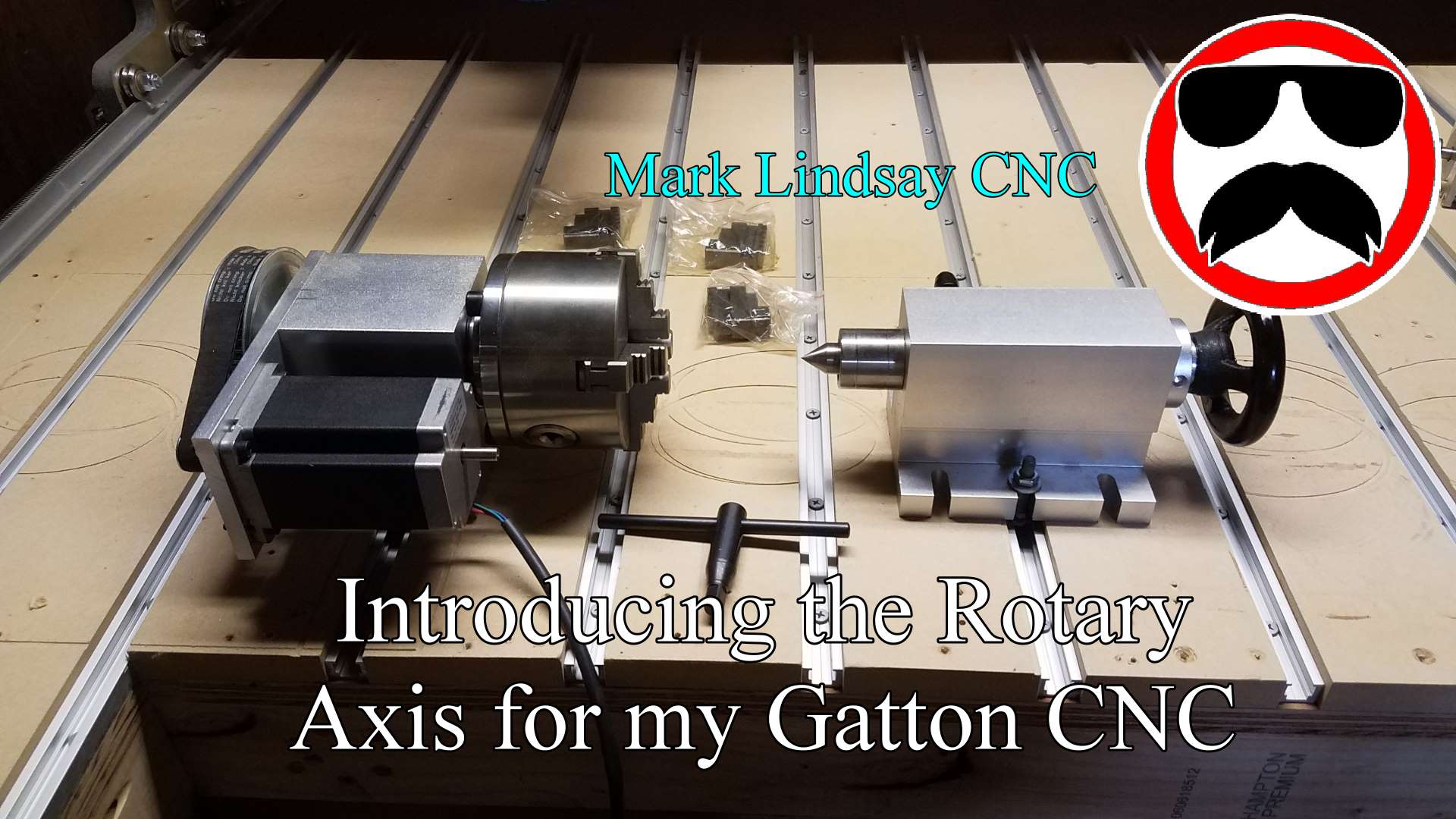
    Introducing the Rotary Axis for my Gatton CNC

    April 15, 2018
    K40 Thumb 1

    K40 Laser Unboxing

    March 10, 2019
    Part 36 Website Thumbnail

    Vectric Software for the Absolute Beginner – Part 36

    January 12, 2020
  • Beginner

    Vectric V12+ for the Absolute Beginner – Part 11 – Sizing and Placing Vectors

    March 22, 2025 /

    This is the eleventh in a series of videos geared toward the person who has never worked with CAD or CAM software before.  In this video, we’ll get into Resizing and Moving/Placing Open and Closed Vectors in Vectric software for the absolute beginner.  We’ll start in the row of icons under the Transform Vectors section of the Design tab. We’ll focus on the first two icons; Move Selected Objects, and Set Selected Objects Size.   Thanks for watching!   Link to the Vectric Version 12+ for the Absolute Beginner playlist:    • Vectric V12+ for the Absolute Beginner  

    Read More
    Mark Lindsay

    You May Also Like

    YouTube Thumb 16

    Vectric Software for the Absolute Beginner – Part 16

    February 17, 2019
    Part 40 Website Thumbnail

    Vectric Software for the Absolute Beginner – Part 40

    February 23, 2020
    Part 22 Website Thumb

    Vectric Software for the Absolute Beginner – Part 22

    May 19, 2019
  • Live Q & A

    Live Q&A #284 – Open Q&A

    March 16, 2025 /

    n this live stream I’ll be answering your general CNC or Vectric Software questions. Remember that I host these Live Q&A discussions every Sunday at Noon Pacific Time, 3 pm Eastern Time, so SUBSCRIBE to my channel to stay up to date! Thanks for watching!
    Read More
    Mark Lindsay

    You May Also Like

    Part 6 Thumb

    Vectric Software for the Absolute Beginner – Part 6

    August 24, 2018
    Part 25 Website Thumbnail

    Vectric Software for the Absolute Beginner – Part 25

    June 16, 2019
    Part 13 Thumb

    Vectric Software for the Absolute Beginner – Part 13

    January 23, 2019
  • Live Q & A

    Live Q&A #283 – Open Q&A

    March 9, 2025 /

    In this live stream I’ll be answering your general CNC or Vectric Software questions. Remember that I host these Live Q&A discussions every Sunday at Noon Pacific Time, 3 pm Eastern Time, so SUBSCRIBE to my channel to stay up to date! Thanks for watching!
    Read More
    Mark Lindsay

    You May Also Like

    Thumb 10

    Gatton CNC Build Part 10 – Router Mount and Tramming Plates

    September 26, 2017
    Part 15 Website Thumb

    Vectric Software for the Absolute Beginner – Part 15

    February 3, 2019
    Part 5 Thumbnail

    Vectric Software for the Absolute Beginner – Part 5

    August 7, 2018
  • Live Q & A

    Live Q&A #282 – Open Q&A

    February 23, 2025 /

    In this live stream I’ll be answering your general CNC or Vectric Software questions. Remember that I host these Live Q&A discussions every Sunday at Noon Pacific Time, 3 pm Eastern Time, so SUBSCRIBE to my channel to stay up to date! Thanks for watching!
    Read More
    Mark Lindsay

    You May Also Like

    Flashback Thumb 1

    Flashback Express Screen Capture Software Overview

    February 24, 2019
    Part 7 Thumb

    Vectric Software for the Absolute Beginner Part – 7

    August 26, 2018
    Part 8 Website Thumb

    Vectric Software for the Absolute Beginner – Part 8

    October 14, 2018
34567

Donate

If you’d like to support my website and YouTube channel and help with the making of future videos, you can donate by clicking the DONATE button below. Thank you for your support!


Recent Posts

  • Live Q&A #328 – Open Q&A Mark Lindsay CNC 53.6K subscribers
  • Live Q&A #327 – Open Q&A
  • Live Q&A #326 – Import SketchUp Files in VCarve and Aspire – Open Q&A
  • Live Q&A #325 – Import STL Files in VCarve and Aspire – Open Q&A
  • Live Q&A #324 – Open Q&A

Archives

  • March 2026
  • February 2026
  • January 2026
  • December 2025
  • November 2025
  • October 2025
  • September 2025
  • August 2025
  • July 2025
  • June 2025
  • May 2025
  • April 2025
  • March 2025
  • February 2025
  • January 2025
  • December 2024
  • November 2024
  • October 2024
  • September 2024
  • August 2024
  • July 2024
  • May 2024
  • April 2024
  • June 2023
  • March 2020
  • February 2020
  • January 2020
  • July 2019
  • June 2019
  • May 2019
  • April 2019
  • March 2019
  • February 2019
  • January 2019
  • November 2018
  • October 2018
  • August 2018
  • July 2018
  • May 2018
  • April 2018
  • November 2017
  • September 2017
  • August 2017
  • April 2017
  • March 2017
  • February 2017

Categories

  • 3D Model Carving
  • Beginner
  • Channel Update
  • CNC Router
  • Gatton CNC
  • Laser
  • Live Q & A
  • Rotary Axis
  • Software
  • Techniques
  • Tools and Supplies
  • Tutorials
  • Uncategorized
Mark Lindsay CNC - Harnealmedia.com - 2026 ©