-
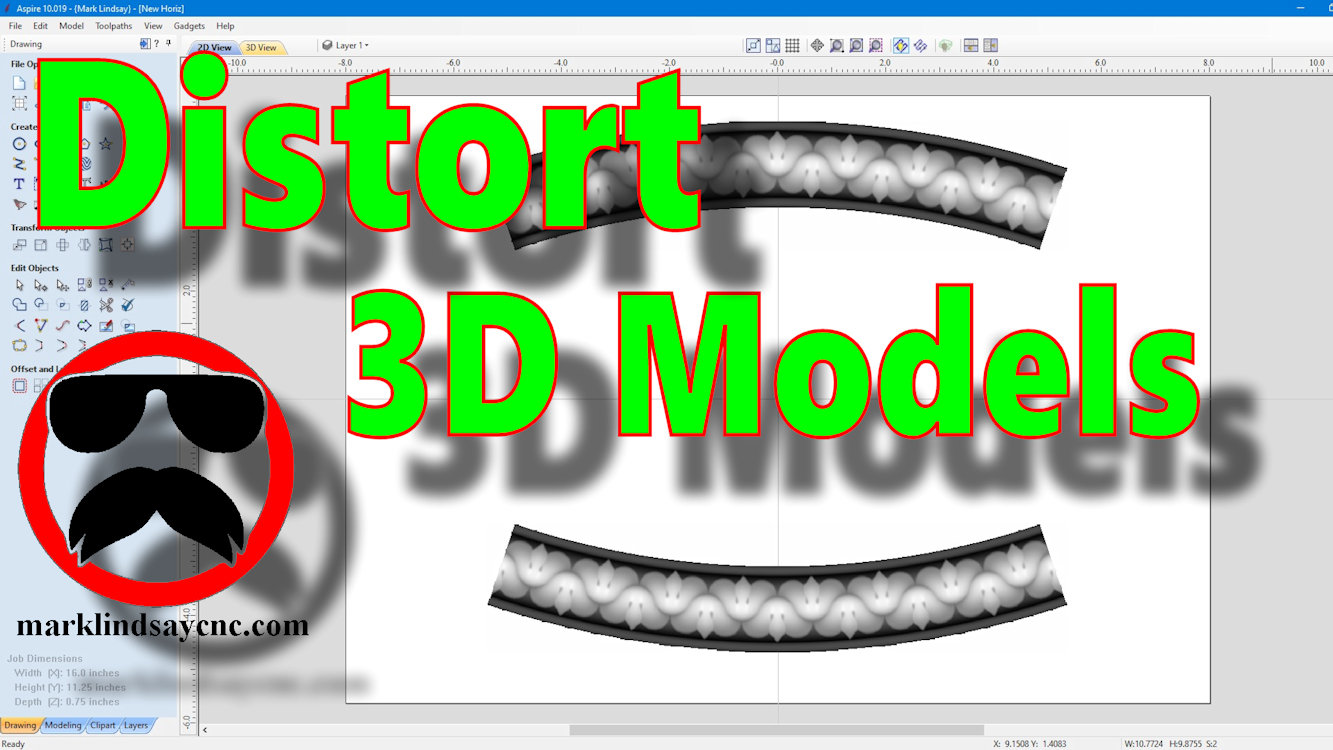
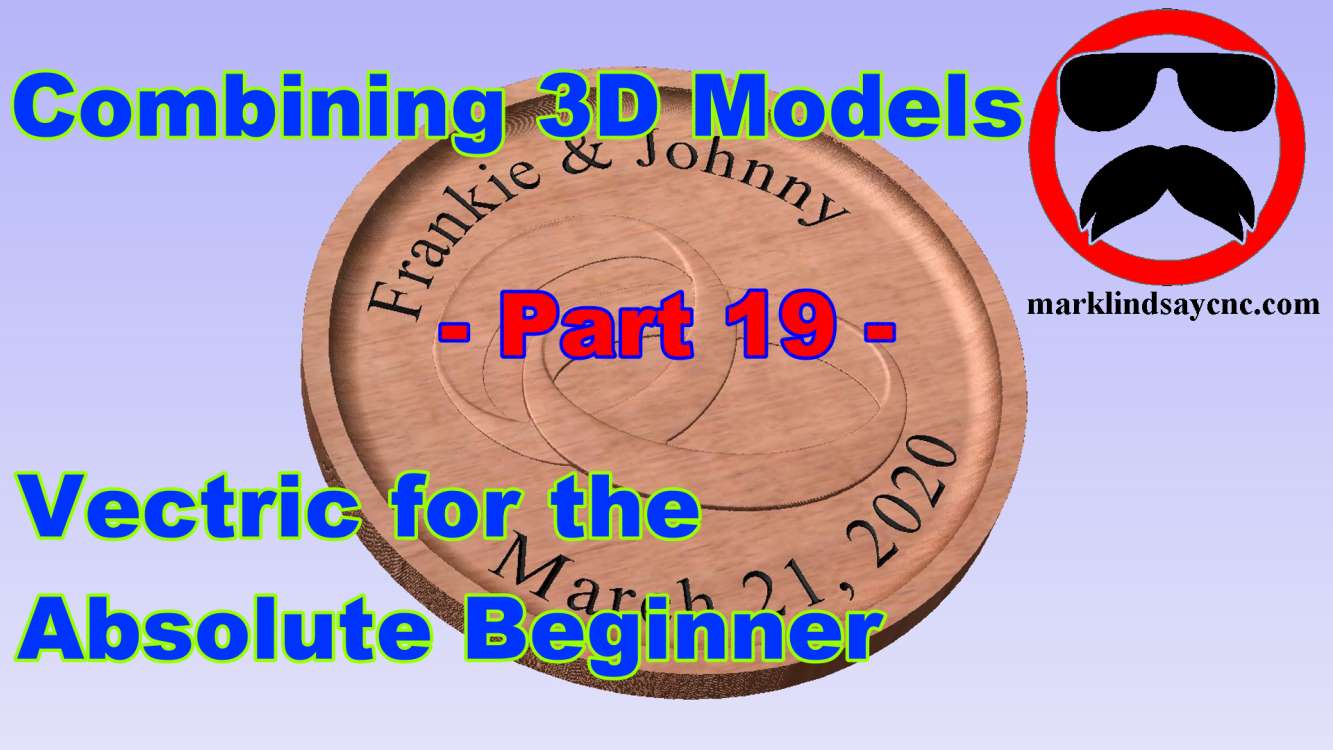
3D Carving for the Absolute Beginner – Part 9
[vc_row][vc_column][vc_column_text] Part 9 – Using The Distort Tool with 3D Models [/vc_column_text][/vc_column][/vc_row][vc_row][vc_column][vc_column_text]This article accompanies the ninth video in a series on my YouTube channel. If you’re not subscribed to my channel, here’s a link. Come on by and check it out. Hopefully you’ll find something you like. In the video, I’ll demonstrate using the Distort tool to modify 3D models in 2 different ways. This is the final installment (for now) of my mini-series on using the Distort Tool in Vectric software. Although the previous videos in this series were compatible with VCarve and Aspire, this final video is applicable only to Aspire. The ability to distort a 3D model…
-
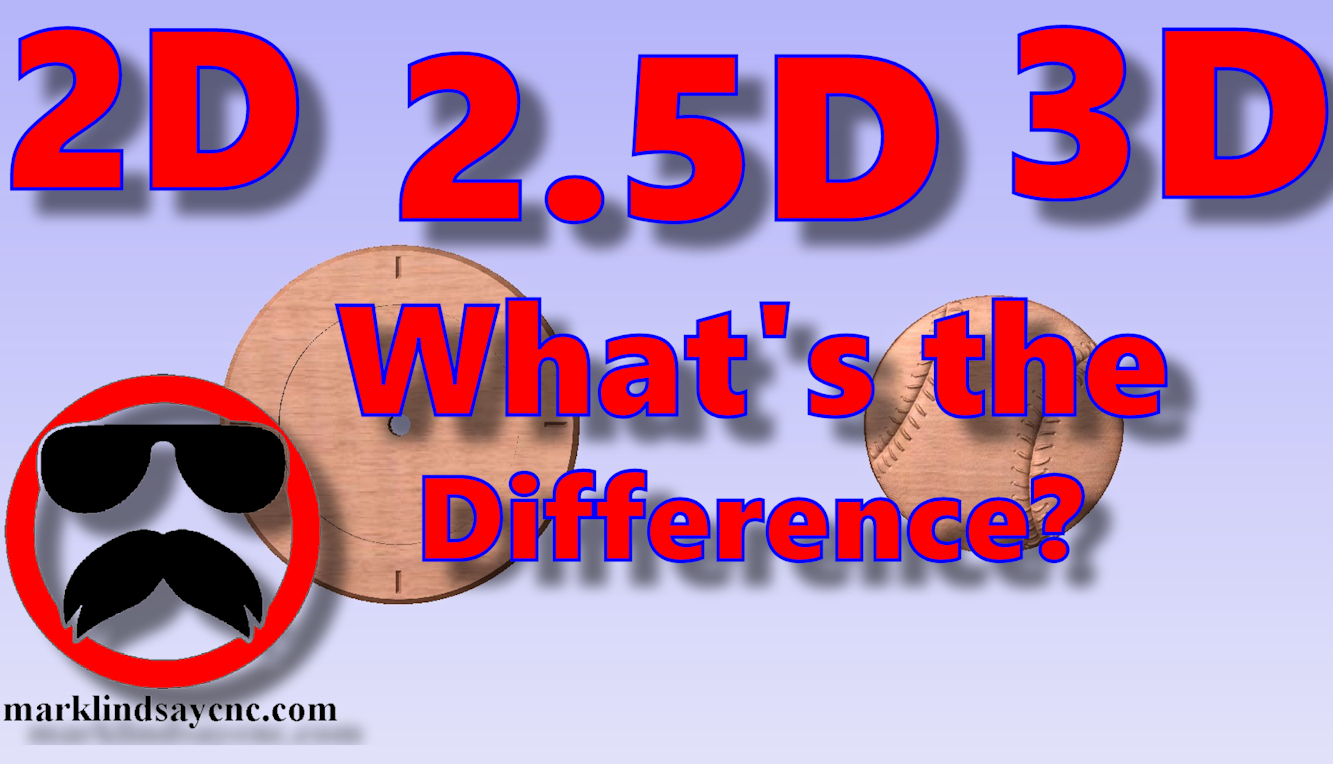
Vectric Software for the Absolute Beginner – Part 36
[vc_row][vc_column][vc_column_text] Part 36 – 2D vs 2.5D vs 3D Carving [/vc_column_text][/vc_column][/vc_row][vc_row][vc_column][vc_column_text]This article accompanies the thirty-sixth video in a series on my YouTube channel. If you’re not subscribed to my channel, here’s a link. Come on by and check it out. Hopefully you’ll find something you like. In this 36th video of the series, I’ll take a step back, return to the basics, and demonstrate the differences between 2D, 2.5D, and 3D vectors, models, and most importantly, toolpaths. I’ve been asked several questions on this topic over the last month, and decided that this would be the perfect time to address it. I’ll show you the basic differences between a 2D…
-
Vectric Software for the Absolute Beginner – Part 26
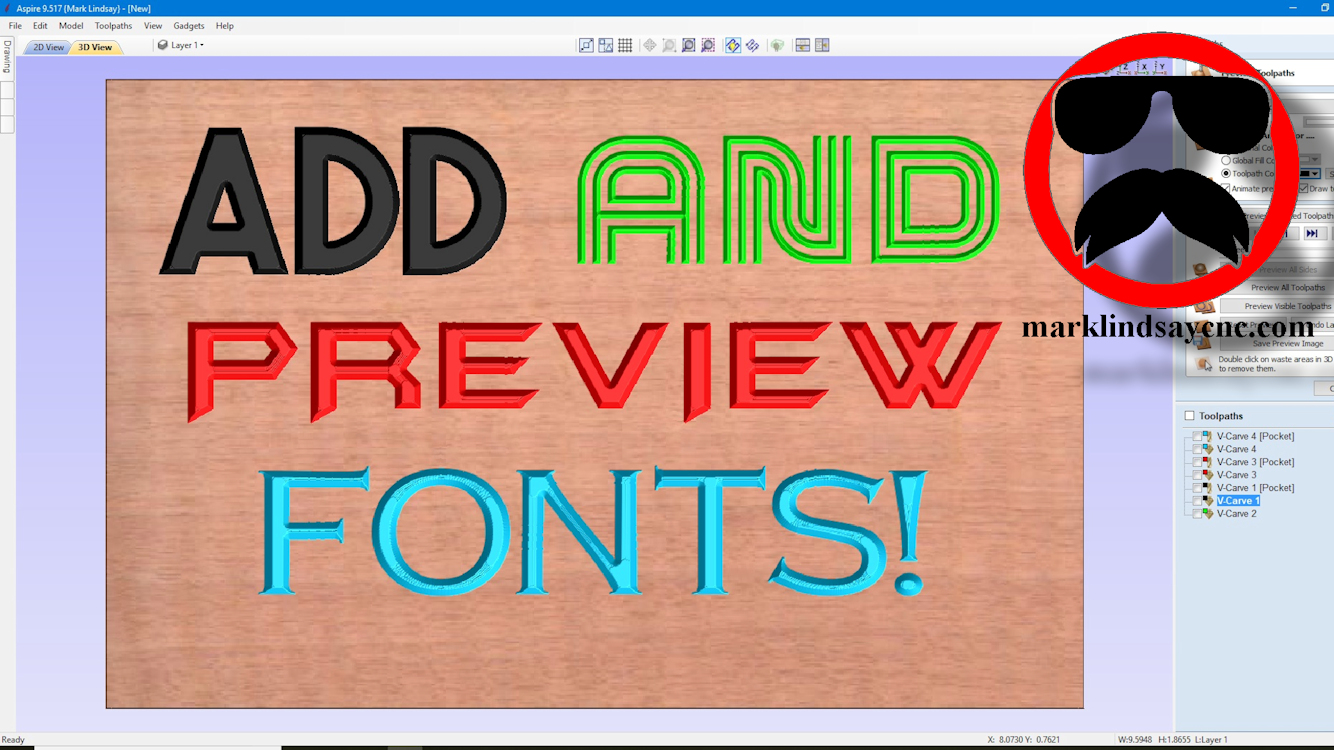
[vc_row][vc_column][vc_column_text] Part 26 – Add and Preview Fonts [/vc_column_text][/vc_column][/vc_row][vc_row][vc_column][vc_column_text]This article accompanies the twenty-sixth video in a series on my YouTube channel. If you’re not subscribed to my channel, here’s a link. Come on by and check it out. Hopefully you’ll find something you like. In the video, I’ll talk about Downloading and Installing new fonts for use in the Vectric software. I’ve received a couple of questions, and have seen several Facebook posts about adding fonts to VCarve and Aspire. I’ll show you how to search for, download, and, most importantly, INSTALL new fonts in your Windows-based system, for use in your Vectric software, or any other program that uses…
-
Vectric Software for the Absolute Beginner – Part 25
[vc_row][vc_column][vc_column_text] Part 25 – Node Editing Text [/vc_column_text][/vc_column][/vc_row][vc_row][vc_column][vc_column_text]This article accompanies the twenty-fifth video in a series on my YouTube channel. If you’re not subscribed to my channel, here’s a link. Come on by and check it out. Hopefully you’ll find something you like. In this 25th video of the series, I’ll talk about converting text to curves and editing it in Node Editing mode before v-carving it. I’ve received several questions about modifying text lately, and most of it concerning how to modify a font in Node Editing mode. I’ll show you how to convert the text to curves, edit it in Node Editing mode, then calculate toolpaths. We’ll also…
-
Vectric Software for the Absolute Beginner – Part 24
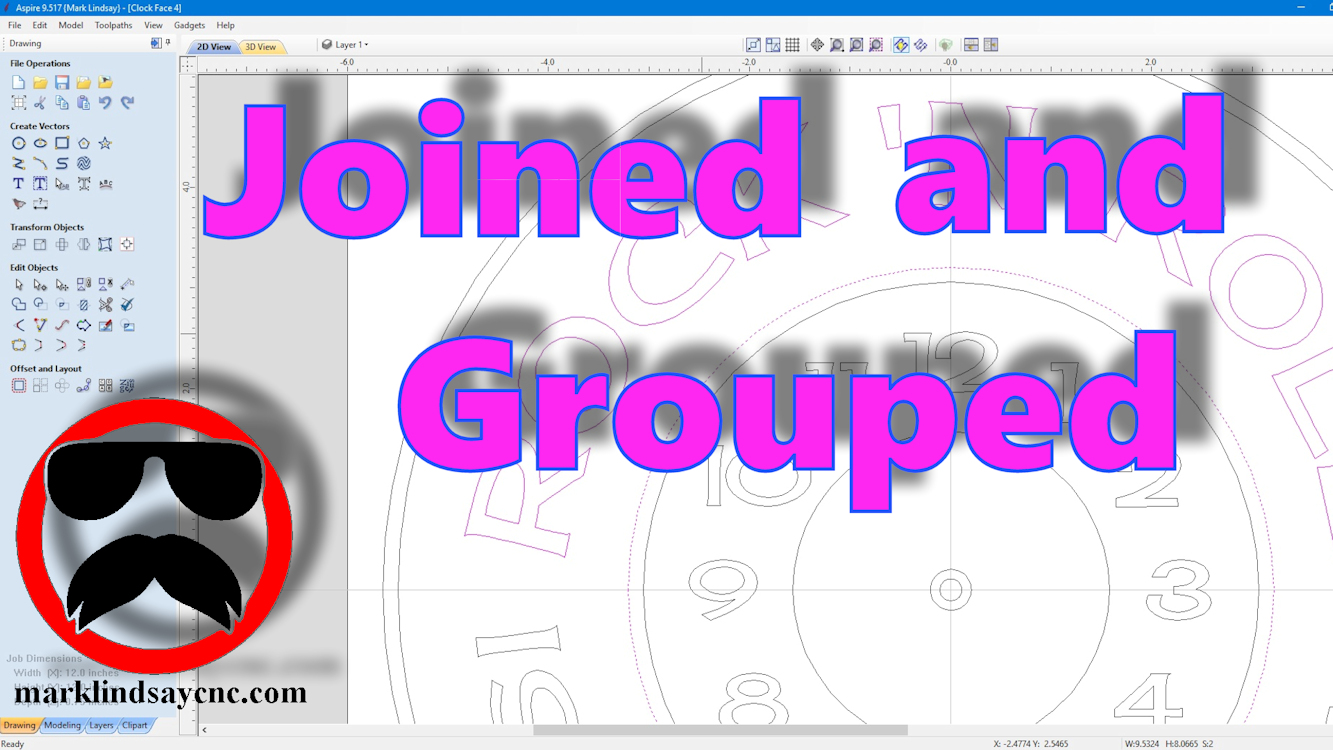
[vc_row][vc_column][vc_column_text] Part 24 – Join and Group Vectors [/vc_column_text][/vc_column][/vc_row][vc_row][vc_column][vc_column_text]This article accompanies the twenty-fourth video in a series on my YouTube channel. If you’re not subscribed to my channel, here’s a link. Come on by and check it out. Hopefully you’ll find something you like. In this video, I’ll talk about the difference between joining vectors and grouping them, in preparation for calculating a pocket toolpath, or v-carving them. I’ve received several questions about open vectors, and grouped vectors lately. There appears to be a bit of confusion concerning the difference between the two. The file used to demonstrate in this video is not available. I will, however, link all of…
-
Vectric Software for the Absolute Beginner – Part 23
[vc_row][vc_column][vc_column_text] Part 23 – Closing Open Vectors [/vc_column_text][/vc_column][/vc_row][vc_row][vc_column][vc_column_text]This article accompanies the twenty-third video in a series on my YouTube channel. If you’re not subscribed to my channel, here’s a link. Come on by and check it out. Hopefully you’ll find something you like. In this video, I’ll demonstrate two different ways of closing vectors in preparation for v-carving them. A lot of us have had problems closing stubborn vectors, or just wrapping our heads around joining vectors that either don’t want to join, or trying to use the same vector in 2 separate vector objects. An example of such a thing is creating two objects that are side by side,…
-
Painting and Finishing a V-Carved Project
[vc_row][vc_column][vc_column_text] Painting and Finishing a V-Carved Project [/vc_column_text][/vc_column][/vc_row][vc_row][vc_column][vc_column_text]This article accompanies a video I posted on my YouTube channel. If you’re not subscribed to my channel, here’s a link. Come on by and check it out. Hopefully you’ll find something you like. In this video, I’ll demonstrate how I paint and finish a v-carved project. I made this sign out of cherry, and it’s one of my favorite woods. As such, we decided not to stain it, as we both like the natural color of cherry – especially as it darkens with age. After looking at a few other examples of this particular file, my wife suggested I not paint the…
-
Vectric Software for the Absolute Beginner – Part 22
[vc_row][vc_column][vc_column_text] Part 22 – Importing CRV Files From Other Sources [/vc_column_text][/vc_column][/vc_row][vc_row][vc_column][vc_column_text]This article accompanies the twenty-second video in a series on my YouTube channel. If you’re not subscribed to my channel, here’s a link. Come on by and check it out. Hopefully you’ll find something you like. In this video, I’ll demonstrate importing CRV files into the Vectric Software that have come from other sources. The files I used in making this project came directly from the Vectric Labs Blog. Here’s a link to the project file used in this video: https://bit.ly/2E98MH1 A lot of us have either downloaded files for VCarve or Aspire that we didn’t create, or have had…
-
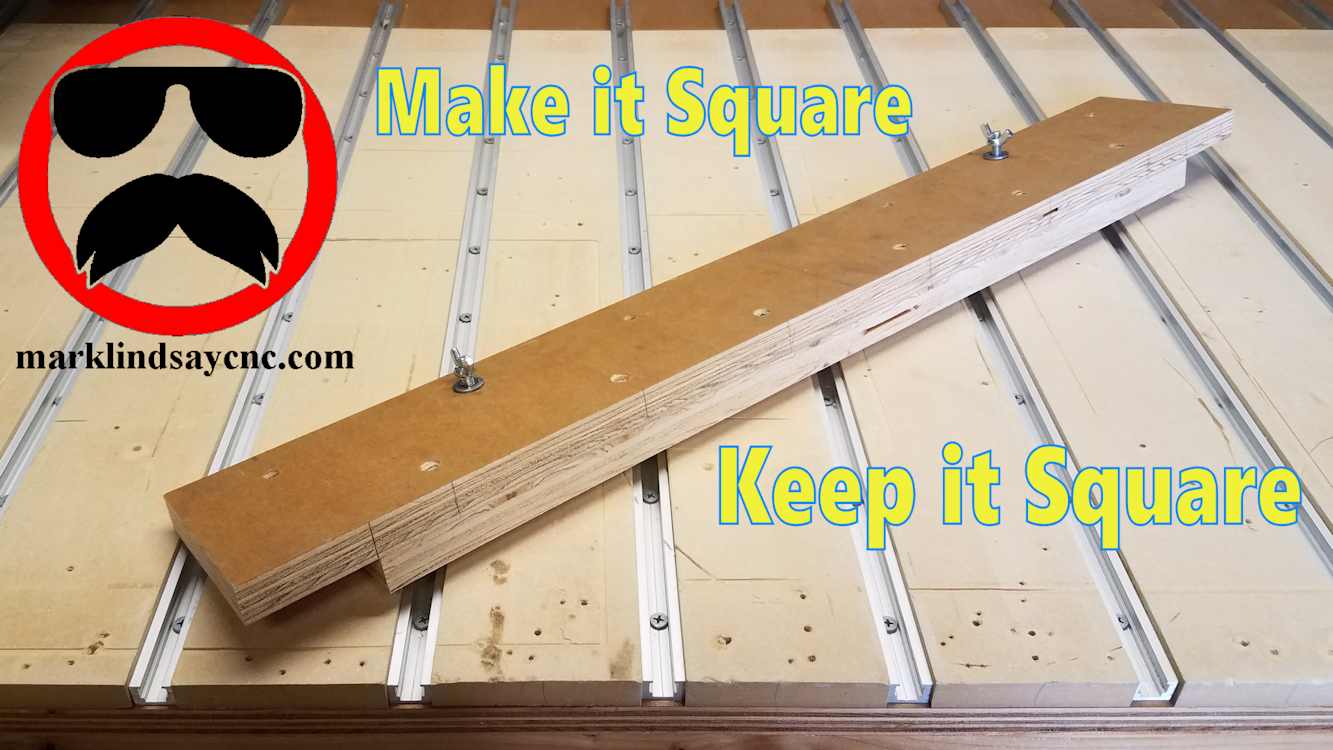
Making My CNC Table Alignment Jig
[vc_row][vc_column][/vc_column][/vc_row][vc_row][vc_column][vc_column_text]This article accompanies a video on my YouTube channel. If you’re not subscribed to my channel, here’s a link. Come on by and check it out. Hopefully you’ll find something you like. In this video, I’ll show you how I made a jig to help me align and square up materials on my CNC table.[/vc_column_text][/vc_column][/vc_row][vc_row][vc_column][vc_raw_html]JTNDc2NyaXB0JTIwYXN5bmMlMjBzcmMlM0QlMjIlMkYlMkZwYWdlYWQyLmdvb2dsZXN5bmRpY2F0aW9uLmNvbSUyRnBhZ2VhZCUyRmpzJTJGYWRzYnlnb29nbGUuanMlMjIlM0UlM0MlMkZzY3JpcHQlM0UlMEElM0NpbnMlMjBjbGFzcyUzRCUyMmFkc2J5Z29vZ2xlJTIyJTIwc3R5bGUlM0QlMjJkaXNwbGF5JTNBJTIwYmxvY2slM0IlMjB0ZXh0LWFsaWduJTNBJTIwY2VudGVyJTNCJTIyJTIwZGF0YS1hZC1sYXlvdXQlM0QlMjJpbi1hcnRpY2xlJTIyJTIwZGF0YS1hZC1mb3JtYXQlM0QlMjJmbHVpZCUyMiUyMGRhdGEtYWQtY2xpZW50JTNEJTIyY2EtcHViLTM2ODMxNTU4MjUyMjM3ODklMjIlMjBkYXRhLWFkLXNsb3QlM0QlMjIxMTk3OTIwODE1JTIyJTNFJTNDJTJGaW5zJTNFJTBBJTNDc2NyaXB0JTNFJTBBJTI4YWRzYnlnb29nbGUlMjAlM0QlMjB3aW5kb3cuYWRzYnlnb29nbGUlMjAlN0MlN0MlMjAlNUIlNUQlMjkucHVzaCUyOCU3QiU3RCUyOSUzQiUwQSUzQyUyRnNjcmlwdCUzRQ==[/vc_raw_html][/vc_column][/vc_row][vc_row][vc_column][vc_column_text]I get a lot of questions about how I align a piece of material on my CNC table to make sure it’s square to the table. Use of this simple jig guarantees the material I mount will stay aligned to the table, and more importantly, aligned with the CNC router’s X axis travel. There are no…
-
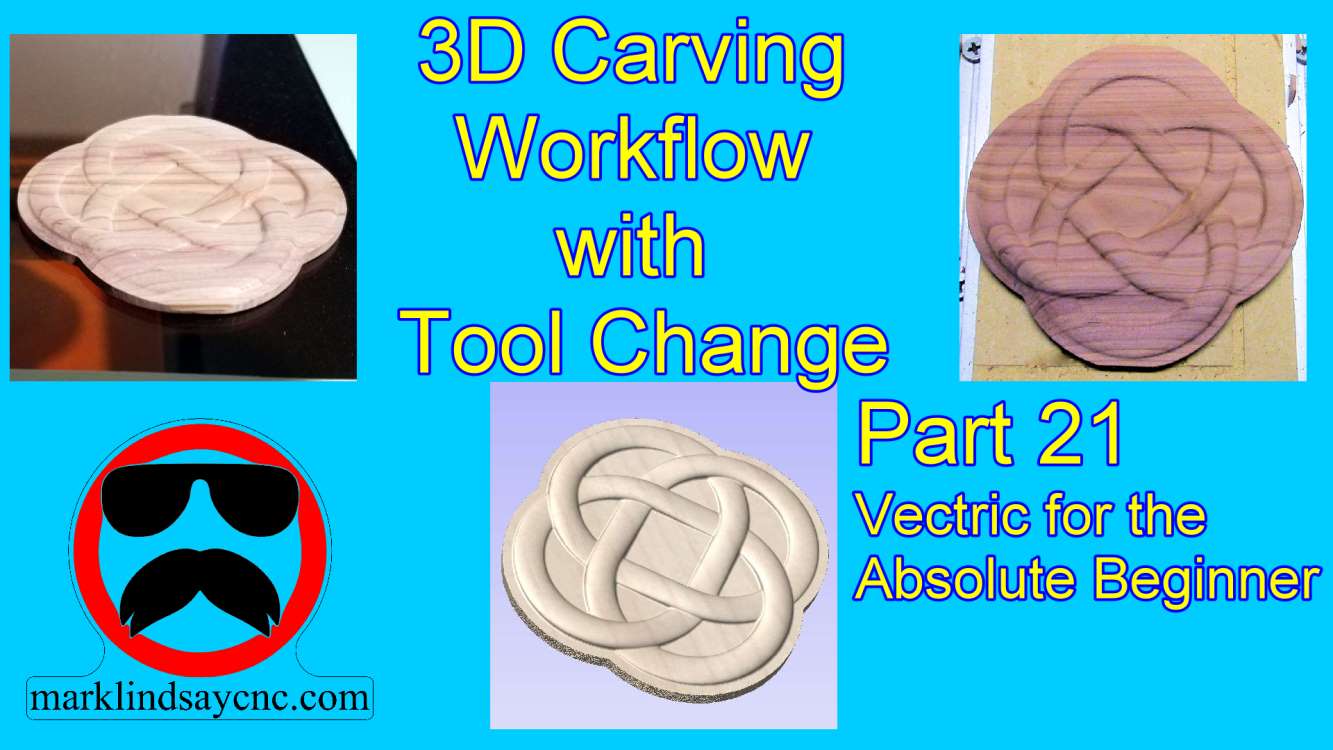
Vectric Software For the Absolute Beginner – Part 21
[vc_row][vc_column][vc_column_text] Part 21 – 3D Carving Workflow with Tool Change [/vc_column_text][/vc_column][/vc_row][vc_row][vc_column][vc_column_text]This article accompanies the twenty first video in a series on my YouTube channel. If you’re not subscribed to my channel, here’s a link. Come on by and check it out. Hopefully you’ll find something you like. In this 21st video of the series, I’ll wrap up my journey into 3D Carving in Vectric Software by giving you a walk through my workflow from start to finish. First we’ll design the 3D project in VCarve Pro, calculate toolpaths, then save g-code. From there we’ll go out into the shop and transfer the g-code files onto the CNC computer. I’ll load…