-
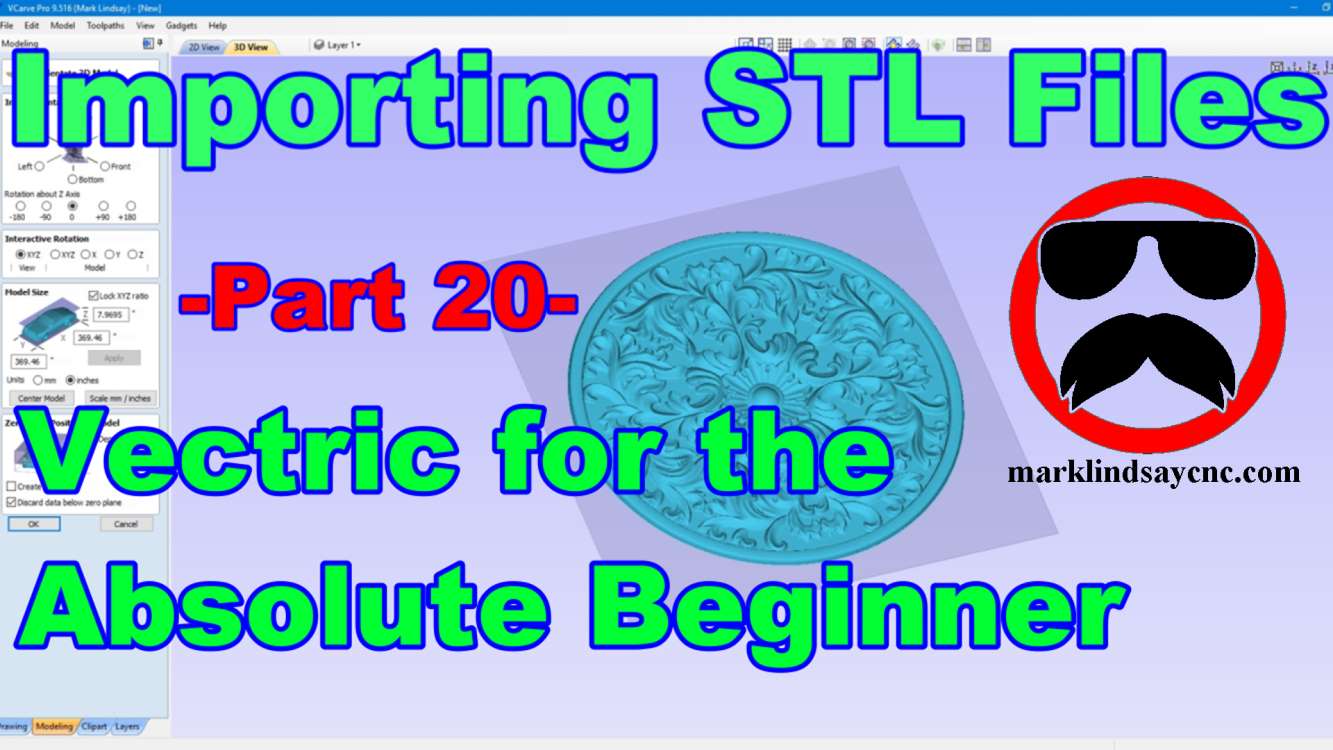
Vectric Software for the Absolute Beginner – Part 20
[vc_row][vc_column][vc_column_text] Part 20 – Importing STL Files [/vc_column_text][/vc_column][/vc_row][vc_row][vc_column][vc_column_text]This article accompanies the twentieth video in a series on my YouTube channel. If you’re not subscribed to my channel, here’s a link. Come on by and check it out. Hopefully you’ll find something you like. In this video, I’ll continue the journey into 3D carving in Vectric Software. We’ll get into importing STL files into the software. First we’ll import the STL file, and I’ll walk you through the 3D Model Orientation screen. From there we’ll create a vector around the model, then start calculating toolpaths. In the 3D roughing toolpath, I’ll show you the difference between using a Z Level strategy…
-
Vectric Software for the Absolute Beginner – Part 18
[vc_row][vc_column][vc_column_text] Part 18 – Intro to 3D Carving This article accompanies the eighteenth video in a series on my YouTube channel. If you’re not subscribed to my channel, here’s a link. Come on by and check it out. Hopefully you’ll find something you like. In this video, I’ll slowly wade into the topic of 3D carving in Vectric Software. We’ll get into Modeling Resolution in Job Setup, and I’ll show you how to set that. Then I’ll import a 3D model from the Clipart that comes with the Vectric software when you purchase it. From there we’ll get into the Modeling Tab and convert a dome to a dish, add…