-
Vectric Software for the Absolute Beginner – Part 12
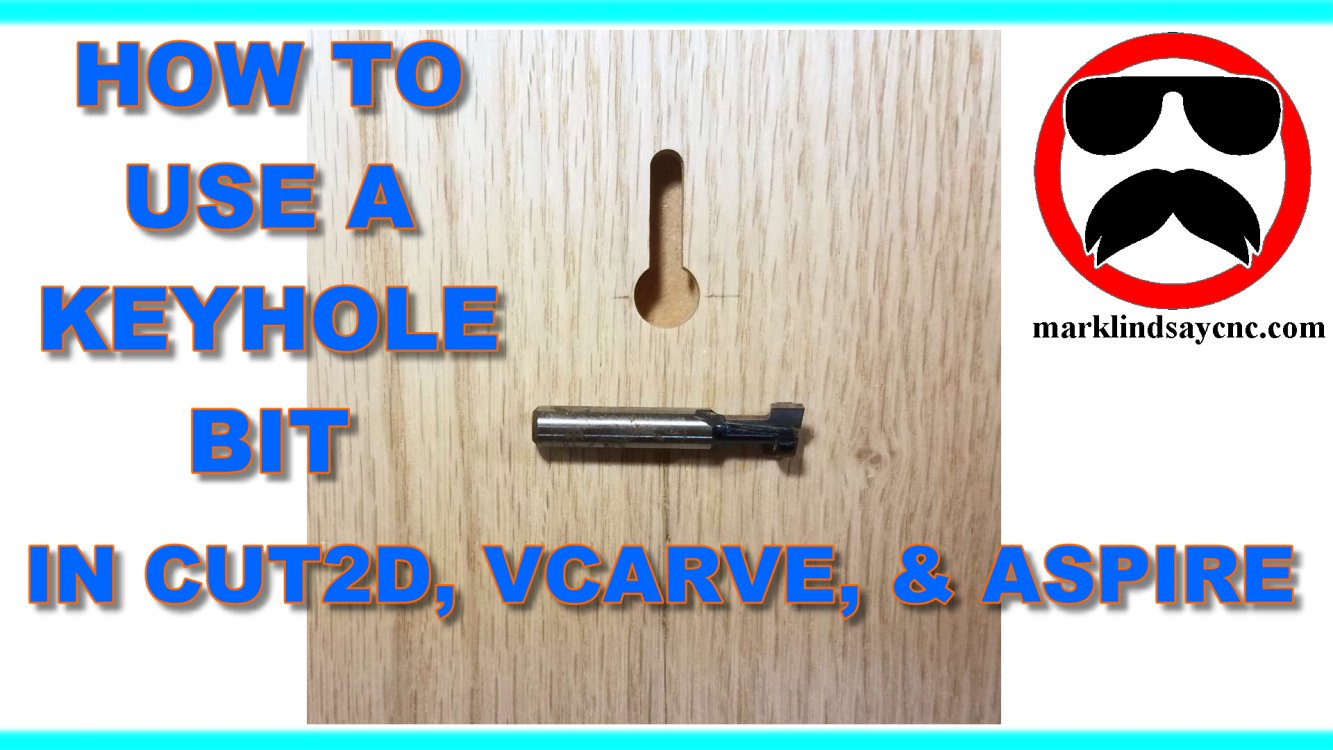
[vc_row][vc_column][vc_column_text] Part 12 – Adding and Using a Keyhole Bit [/vc_column_text][/vc_column][/vc_row][vc_row][vc_column][vc_column_text] This article accompanies the twelfth video in a series on my YouTube channel. If you’re not subscribed to my channel, here’s a link. Come on by and check it out. Hopefully you’ll find something you like. In this 12th video of the series, by request, we’ll get into using a Keyhole Bit in the Vectric software. I’ll show you the information about the bit that I needed to get, then how to enter that info into the tool database. Next I’ll show you how I created the geometry I needed to create a 3/4” long vertical keyhole slot for…
-
The Mount and First Run of the Rotary Axis on My Gatton CNC
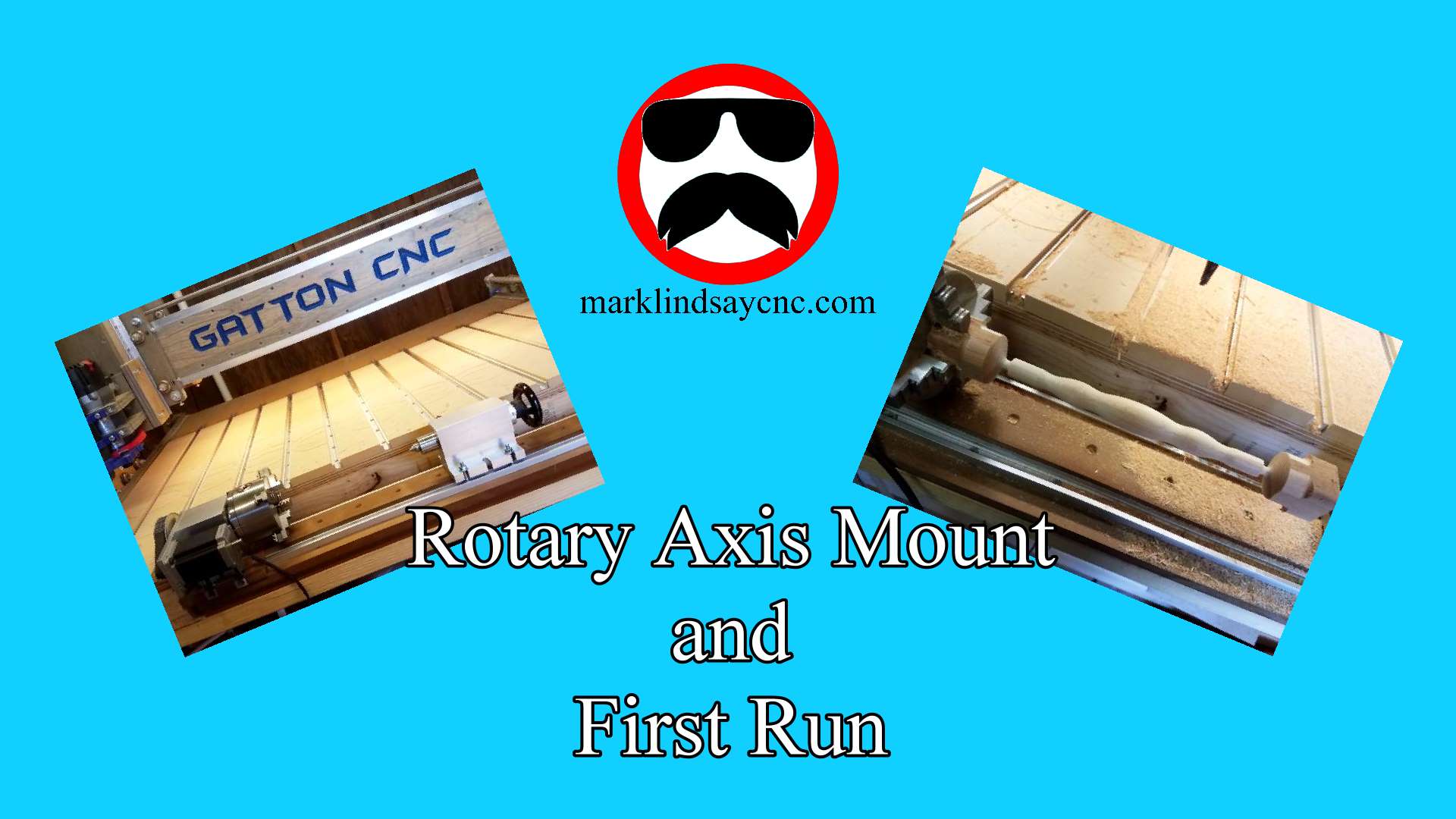
[vc_row][vc_column][vc_column_text] THE MOUNT BASE With the rotary axis set up and tested, it’s time to mount it on my Gatton CNC. When I built the table for my CNC, I included a cutout up front specifically for this project. If I made one mistake, it was in not making the cutout wider. I do regret that now. But, it’s okay – I’ll work with what I got. In the video below, I describe how I screwed a 48” long piece of kiln dried 2×6 to the bottom of my table frame. I then cut 2 pieces of MDF to sit on top of that 2×6. I sealed the bottom and…
-
Mach3 Settings for the Rotary Axis
[vc_row][vc_column][vc_column_text] Almost ready! With the rotary axis assembled and ready to go, it’s time to set up Mach3 to work with it. Rather than go through the entire process here, I’ll give you some of the highlights and refer you to the video on my YouTube channel, linked below. I will, however, include screen shots of all of the relevant Mach3 windows that I went through in the video. If you right-click the pictures, then select “Open in New Tab, a full-sized picture will open in a new tab on your browser. Feel free to download and save these pictures for future reference, but please don’t post them online without…